


Gamma AI vs Google Slides: which is better?

Gamma AI vs Google Slides: which is better?
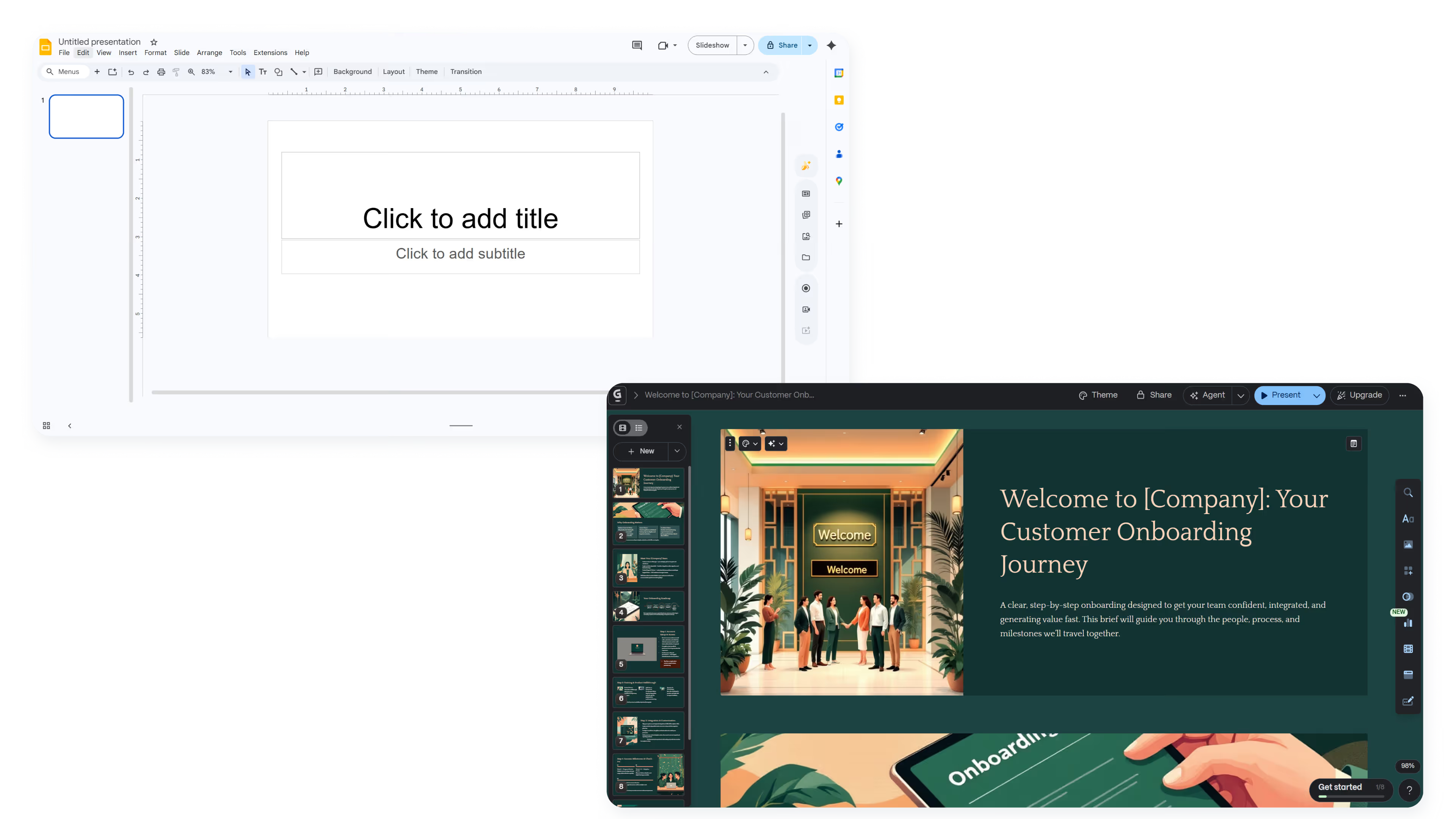
Deciding between Gamma AI and Google Slides comes down to AI presentation generation versus a familiar interface with manual control.
Gamma AI is built for rapid content creation from prompts. It generates presentations from text input, handling layouts automatically. Google Slides takes a traditional approach with broad accessibility and deep Workspace integration. It remains the default for teams already in the ecosystem.
This guide breaks down the key differences across features, pricing, and ideal use cases to help you choose the right tool.
Tool overviews
What is Gamma?
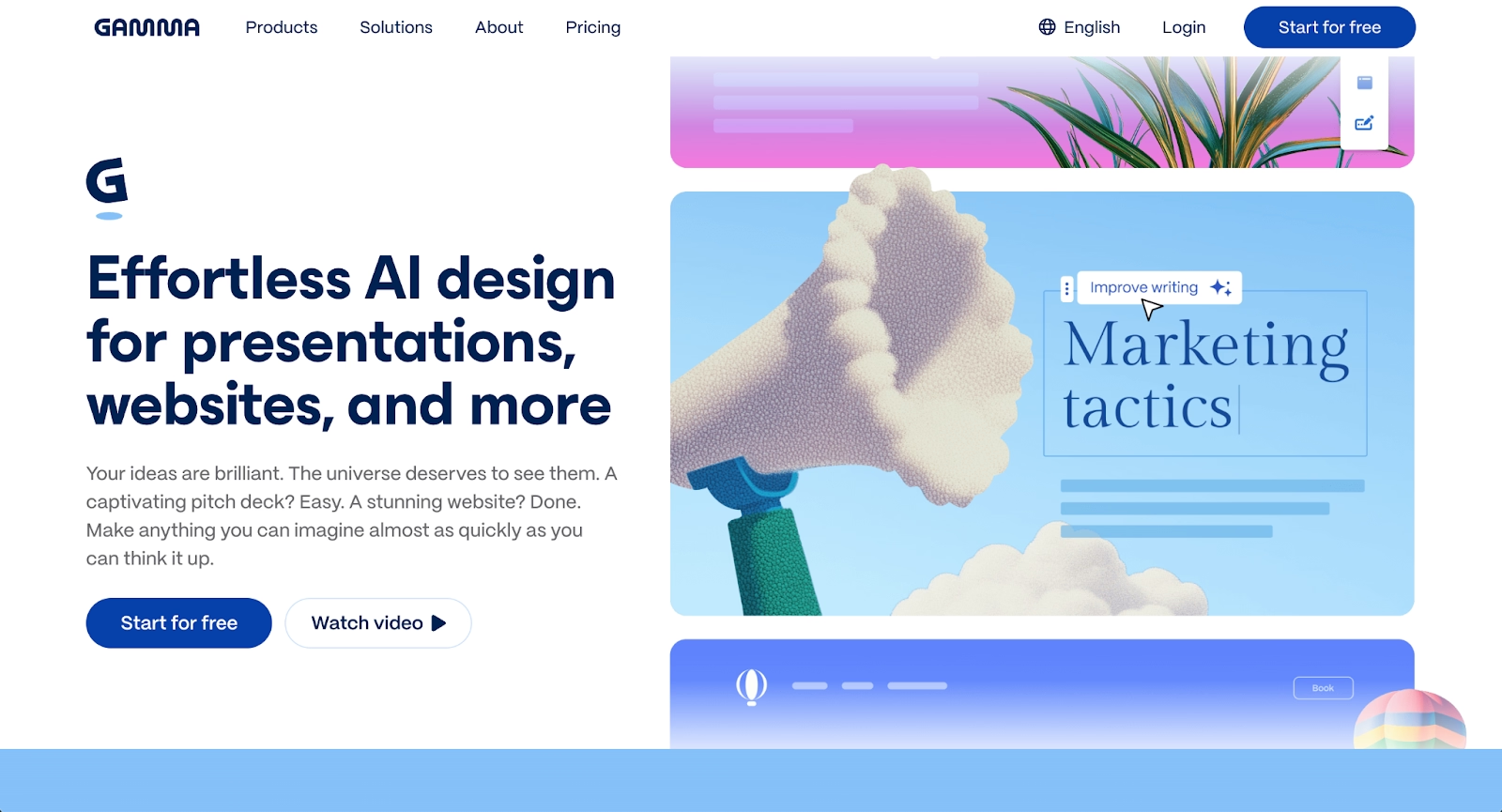
Gamma.app is an AI-powered presentation platform that generates slide decks, documents, and web pages from text prompts. Built for speed, it appeals to startup founders and marketers who want to skip the blank page and get a structured deck in seconds.
According to Sketchbubble's analysis, Gamma uses a card-based, web-native format similar to Tome and other AI presentation tools. Users generate slide decks from a prompt, then refine with AI assistance. The platform supports embedded content and interactive elements for async sharing.
What is Google Slides?
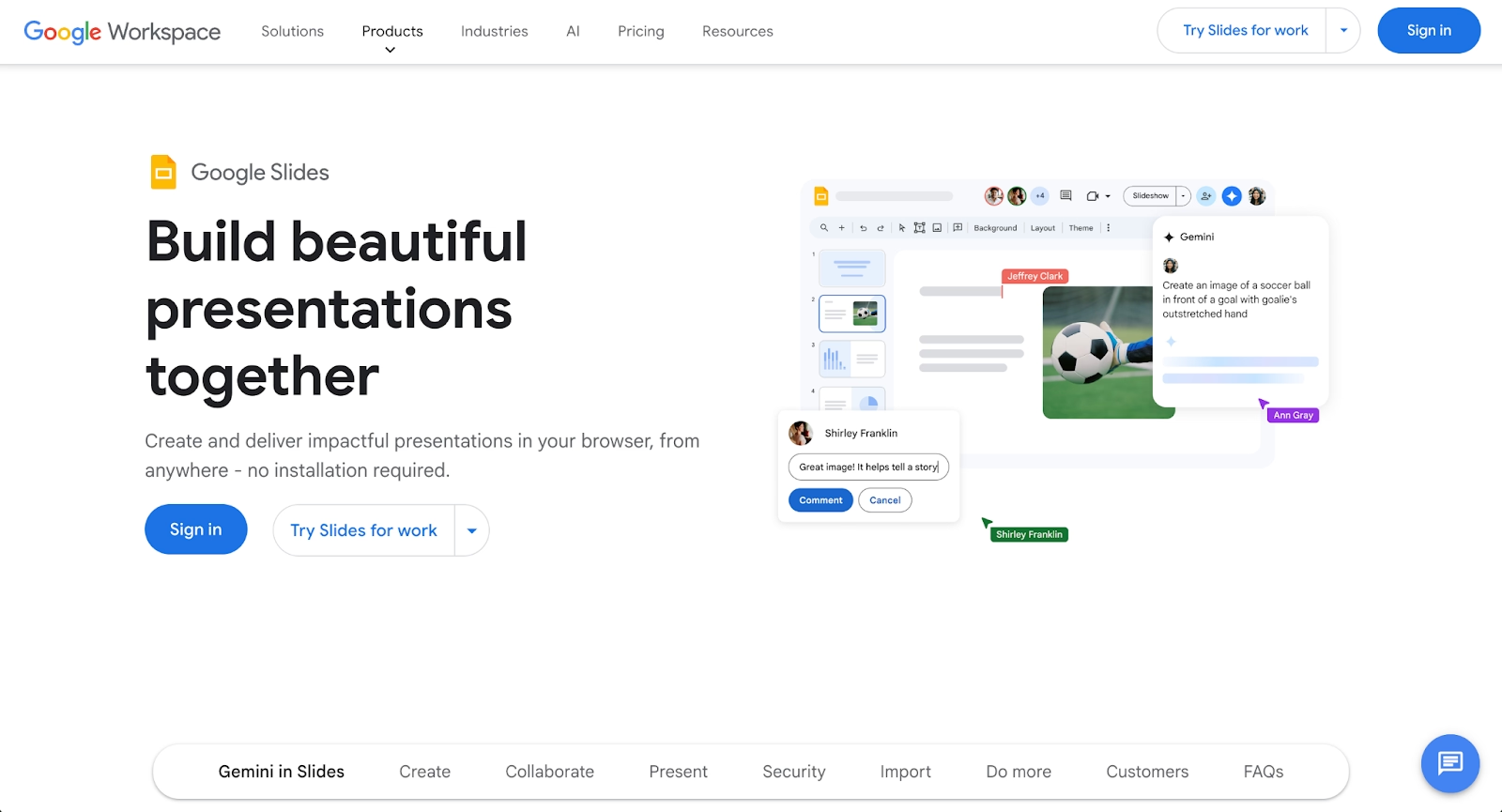
Slides is cloud-based software with a familiar, PowerPoint-style interface. It offers broad accessibility through any web browser and integrates smoothly with Workspace tools like Docs and Sheets. Teams already using Drive, Docs, and Gmail find it a natural fit for collaborative presentations.
Slides remains a traditional tool with manual work at its core. Recent updates added Gemini features for content suggestions, though these remain supplementary to the hands-on editing experience most users expect. Unlike Microsoft Copilot, the AI focuses on incremental assistance rather than full deck generation.
Key comparison criteria
The core difference: Gamma prioritizes AI-driven presentation generation; Slides prioritizes flexibility and manual control. Both differ from Copilot, which adds generation capabilities to traditional editing, and from ChatGPT-style tools that produce text without layout capabilities.
Ease of use
Gamma offers quick presentations from prompts, producing structured decks within seconds. This makes it particularly appealing for marketing teams who need rapid turnaround.
Slides is familiar to PowerPoint users but requires manual effort for polished results. The interface is predictable, making onboarding simple for teams.
Both tools have simpler workflows than Microsoft PowerPoint with Copilot.
Summary: Gamma favors speed; Slides favors familiarity and manual control.
Templates & format control
Gamma's layouts prioritize consistency over granular control. Slides provides a traditional template library with full control over text boxes, fonts, and spacing. Users familiar with Canva will find Slides similarly flexible but less visually polished out of the box.
Summary: Gamma performs well at rapid creation with pre-built layouts; Slides offers deeper control for traditional decks.
AI features
Gamma is built around AI, generating entire presentations from prompts with images, text, and structural suggestions similar to how ChatGPT generates written content. Slides has Gemini features for content suggestions, but these remain supplementary to its core manual process. This differs from Microsoft Copilot, which offers more robust generation but requires a Microsoft 365 subscription.
Summary: Gamma uses AI as its foundation; Slides treats AI as an optional enhancement.
Design tools, visuals & data visualization
Gamma handles spacing and visual hierarchy within its card-based format, supporting images, videos, and charts. Slides offers standard charts with Sheets integration, making it functional for data visualization needs but requiring manual design.
Summary: Gamma automates visual hierarchy; Slides provides more control with manual effort.
Interactive elements & audience engagement
Gamma's web-native format supports embedded content, videos, and interactive elements that work well for async sharing and web delivery. Slides supports videos and animations but focuses on traditional delivery with more limited interactivity.
Summary: Gamma delivers web-native interactivity; Slides focuses on traditional delivery.
Collaboration features
Gamma supports collaboration with comments and sharing, though workspace features are less mature. Slides offers deep collaboration with Drive integration, version history, and granular permissions. Teams can work simultaneously with commenting, suggesting, and editing modes.
Summary: Slides stands out for collaboration maturity; Gamma offers functional but less developed team features.
Compatibility & integrations
Gamma exports to PDF and PPTX though complex visuals may lose fidelity. Slides integrates smoothly with Workspace and offers strong PowerPoint export options.
Summary: Slides fits established ecosystems; Gamma fits web-first, modern workflows.
Pricing & free plan
Gamma offers a free tier with limited credits, with paid plans unlocking unlimited generation and advanced features. Slides is free with any account, with Workspace plans adding business functionality. Understanding pricing across tools helps teams budget appropriately for their needs.
Summary: Both offer free tiers, but Slides provides more free functionality while Gamma gates features behind paid plans.
Ideal use cases
Gamma and Slides serve different needs: Gamma prioritizes speed, while Slides prioritizes accessibility and collaboration. For teams needing a middle ground, Beautiful.ai offers consistent, on-brand decks without manual design work or format limitations.

When Beautiful.ai is the better fit
- Teams are producing recurring pitch decks, sales presentations, and executive updates.
- Organizations need brand consistency across presentations without manual enforcement.
- Users want AI content generation with Smart Slides that auto-align, resize, and animate content without extra effort.
- Workflows requiring reliable PowerPoint exports and consistent branding.
- Businesses that need professional presentations without hiring designers or spending hours on manual work.
When Gamma is the better fit
- Startup founders needing quick presentations from prompts.
- Teams preferring web-native, scrollable formats over traditional slides.
- Users wanting AI to handle design with minimal tweaking.
- Workflows focused on rapid iteration and async sharing.
- Content creators building documents, web pages, and presentations in one platform.
- Users who find Tome's approach appealing but want more AI slide generation.
When Google Slides is the better fit
- Teams embedded in Workspace relying on Drive, Docs, and Sheets integration.
- Educational institutions and organizations with broad collaboration needs.
- Users needing a free, accessible tool like Canva but with stronger PowerPoint support.
- Workflows requiring granular control over text boxes and visuals.
- Organizations where tool familiarity and ease of use matter more than design.
Limitations and trade-offs
Each platform reflects deliberate product decisions that create trade-offs.
Beautiful.ai trade-offs
- Smart Slides prioritize consistency over pixel-level control.
- No permanent free plan for casual needs.
- Fewer template variations than dedicated design platforms.
- Best suited for structured slide decks rather than freeform visual content.
Gamma trade-offs
- Card-based format unsuited for traditional presentation or data-heavy slides.
- Limited control over precise visuals and slide layouts.
- Content often requires substantial editing for accuracy.
- PowerPoint exports may lose fidelity, and design flexibility trails tools like Canva or Tome.
Google Slides trade-offs
- Manual work on bullet points, text boxes, and visuals required for professional results.
- Limited design intelligence.
- Creating on-brand presentations at scale requires substantial effort.
- Gemini features and third-party add-ons remain supplementary rather than core functionality.
Future roadmap & evolving features
The direction each platform is heading shapes long-term fit for teams choosing between them.
Beautiful.ai focus
Beautiful.ai continues to grow AI capabilities and Smart Slides while strengthening data visualization and team collaboration. The roadmap emphasizes brand governance and scalable presentation creation for teams that value consistency over manual control.
Gamma focus
Gamma is expanding AI capabilities across presentations, documents, and web pages, competing with Tome for the web-native content space. The platform is positioning itself as a multi-format AI content tool rather than a traditional presentation platform, with continued investment in interactive elements and web-first delivery.
Google Slides focus
Google continues integrating Gemini with incremental improvements to collaboration. Updates focus on cross-platform consistency rather than fundamental changes to the experience. Teams wanting AI assistance without the Copilot subscription cost will find value in these gradual enhancements.
Final recommendation
Gamma AI works best for rapid presentations with web-native delivery. Slides remains reliable for teams valuing collaboration, integration, and a familiar free interface.
For teams between those options, Beautiful.ai combines AI content generation with Smart Slides that handle visuals and layouts automatically. Teams avoid the manual overhead and the format limitations of web-native tools. The result is reliable PowerPoint exports, consistent branding, and faster creation without design compromises.
If you need professional presentations efficiently with control over quality and brand consistency, Beautiful.ai fits naturally into modern workflows. Start a free trial to see the difference.
Why customers are switching to Beautiful.ai
Beautiful.ai is an AI-powered presentation platform that helps teams create polished, on-brand slides in a fraction of the time, without design skills or manual formatting.
- Design automation built in. Whether you're building pitch decks, reports, or internal presentations, Beautiful.ai’s Smart Slides automatically format content so you never worry about spacing, alignment, or layout again. Add your content, and the design adjusts instantly.
- ️No design experience required. Create professional decks without touching text boxes or manually arranging elements. Choose from Smart Templates and let the AI handle layout decisions, visual hierarchy, and consistency across the entire deck.
- Branding? Already handled. Keep every slide on-brand with your fonts, colors, and logos applied automatically. Beautiful.ai ensures every team member creates presentations that look like they came from a dedicated design team—without extra work.
- Real-time collaboration & team controls. Collaborate directly on the same deck, leave comments, manage permissions, and maintain consistency across team presentations. Perfect for growing teams and cross-functional workflows.
- Faster workflows, fewer revisions. Jump from rough outline to polished presentation in minutes, not hours. Beautiful.ai reduces back-and-forth edits by enforcing on-brand design rules and helping you iterate faster with AI-assisted slide creation.
