


Beautiful.ai vs. Microsoft Copilot: which AI presentation tool is right for you? [2026]
.avif)

Beautiful.ai vs. Microsoft Copilot: which AI presentation tool is right for you? [2026]
In the search for the best AI presentation makers, teams are increasingly looking beyond traditional presentation software. You need AI presentation tools that create professional presentations efficiently. Two major names in this space are Beautiful.ai and Microsoft Copilot, but they offer fundamentally different approaches to presentation creation.
Beautiful.ai is a standalone, AI-powered presentation software where automation is the core of its functionality. It's designed to handle all the complex formatting and presentation design for you. In contrast, Microsoft Copilot is an AI assistant embedded within the Microsoft 365 ecosystem. Its role in making PowerPoint presentations is just one of its many use cases, acting as an AI assistance layer on top of Microsoft PowerPoint rather than a complete replacement.
This guide will compare Beautiful.ai and Microsoft Copilot, examining their functionality, ease of use, templates, pricing, and automation features. We'll explore how each tool handles slide generation and brand consistency to help you decide which is the better fit for your team's workflow.
Tool overviews
What is Beautiful.ai?
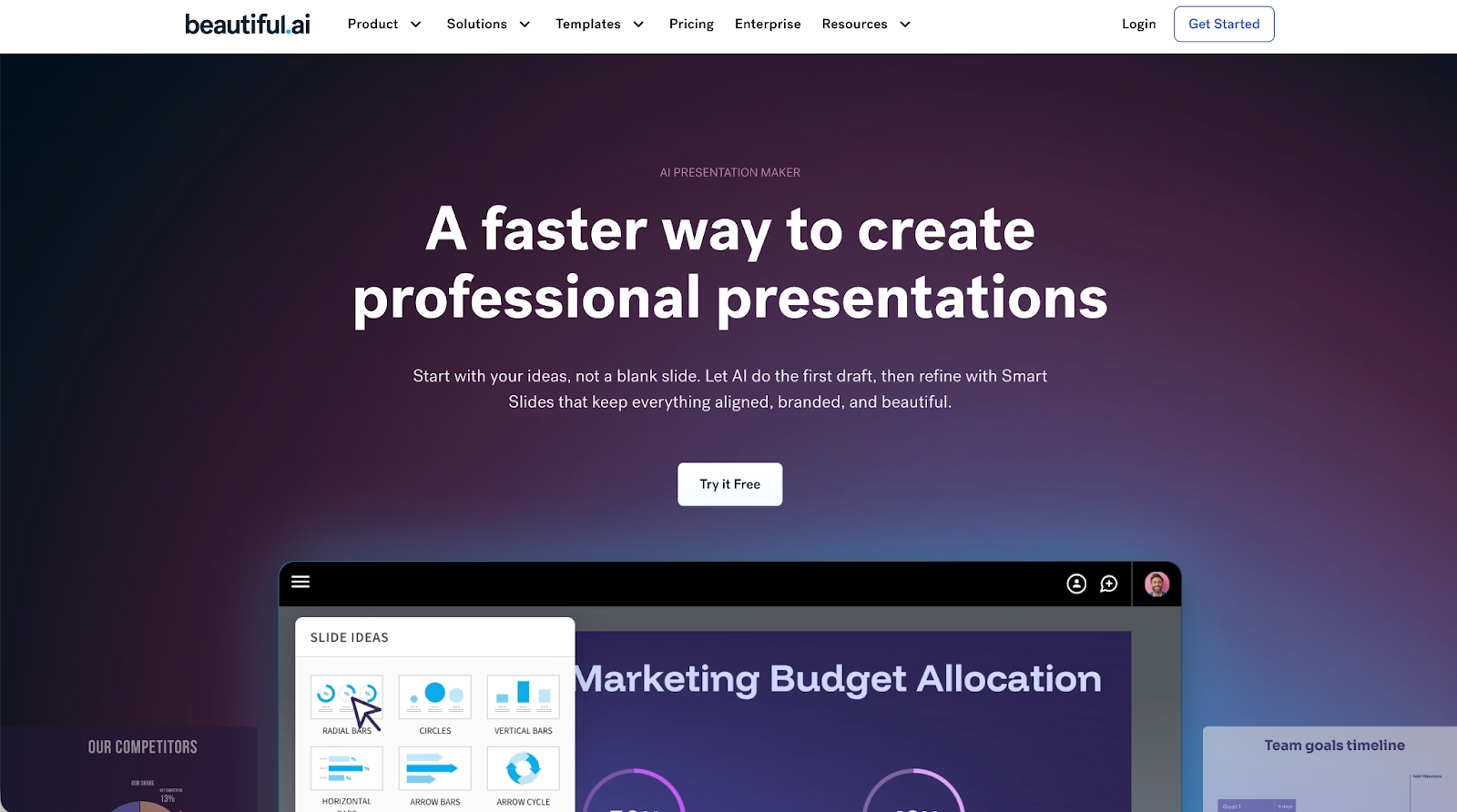
Beautiful.ai operates as a dedicated, web-based platform where artificial intelligence acts as your design partner. Its core principle is that good presentation design should be automatic. The platform's Smart Slides technology ensures that as you add content to text boxes, the slide layouts reconfigure themselves in real-time to maintain a perfect, professional look. This makes the platform exceptionally user-friendly, especially for startups and team members who aren't professional designers. It's a modern alternative to manual tools like PowerPoint or Google Slides.
What is Microsoft Copilot?
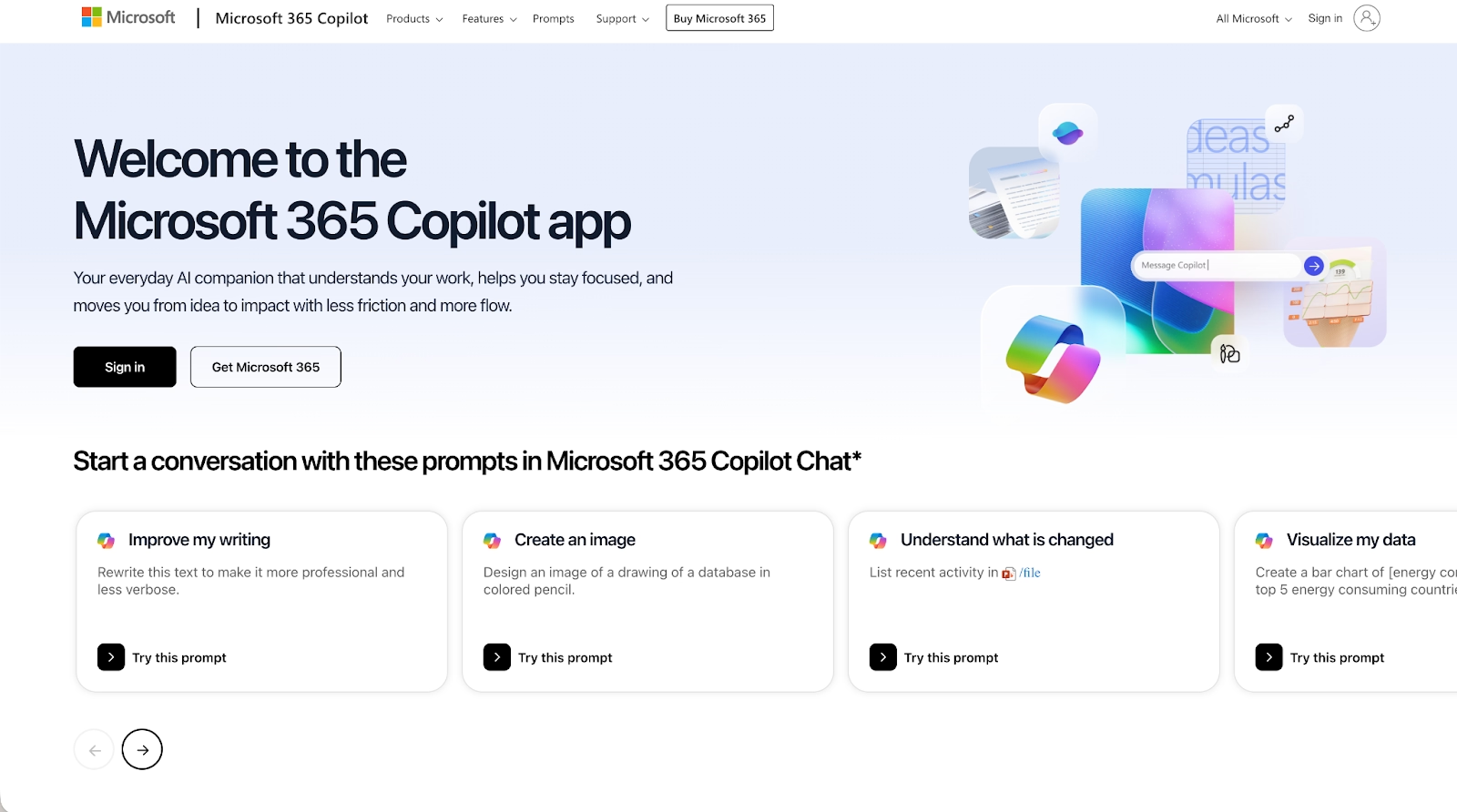
Microsoft Copilot is a system of AI assistance tools integrated into Microsoft 365 applications like Word, Excel, and PowerPoint. Within Microsoft PowerPoint, Copilot acts as a generative assistant powered by models like GPT (from OpenAI, the makers of ChatGPT). It can create a first draft of a slideshow from a DOCX file or a simple prompt, summarize docs, and perform image generation. It is not a standalone presentation maker but an AI-powered layer designed to accelerate content creation within the familiar Microsoft environment. It competes in a space that also includes tools like Gemini from Google.
Key comparison criteria
When comparing these two AI presentation tools, the choice is between a purpose-built design platform and a general productivity assistant. Beautiful.ai offers a guided path to creating stunning presentations, while Microsoft Copilot provides content generation inside the manual environment of PowerPoint.
Usability & learning curve
Beautiful.ai is built for speed and remarkable ease of use. The platform's design constraints are a key feature; by handling the difficult parts of formatting automatically, it allows anyone to create a professional-looking pitch deck in minutes. The learning curve is minimal because the AI does the heavy lifting. This focus on a streamlined workflow sets it apart from more complex tools like Prezi or even Canva.
Microsoft Copilot operates within the standard PowerPoint interface. For existing users, the learning curve involves mastering how to write effective prompts for the AI slide generation. However, the underlying process of manually editing layouts and text boxes remains unchanged. Its usability is therefore tied to a user's existing familiarity with Microsoft PowerPoint.
Templates & asset library
Beautiful.ai offers a library of customizable templates that are also intelligent frameworks. Each of these designed templates has the platform's design AI built in, ensuring your fonts and slide layouts stay on-brand. The library is curated for business communication, making it simple to find the right starting point for any pitch deck or report. These Smart Slides are a core part of the experience.
Microsoft Copilot uses an organization's existing PowerPoint templates. It can generate a first draft of a presentation that uses a company's branded PPT templates, but the layouts themselves are the standard static formats of PowerPoint. They lack the dynamic, self-adjusting functionality of the templates in Beautiful.ai.
AI & automation features
In Beautiful.ai, AI-powered automation is the engine that drives the entire design process. The AI tools are for structure and aesthetics, working in real-time to apply animations and ensure a cohesive look. The platform also includes generative AI for image generation, allowing you to create custom visuals. This deep integration of artificial intelligence makes the presentation creation process exceptionally efficient compared to other tools like Gamma or Prezi.
Microsoft Copilot's AI tools, powered by models like GPT-4 (the engine behind ChatGPT), are focused on content generation. Its primary use cases involve creating a slideshow from docs or summarizing information. While it has an AI-generated image feature, its core automation is for content, not for the real-time, automatic design of an AI slide. Google's Gemini offers a similar approach within Google Slides.
Customization & brand control
Beautiful.ai approaches customization through powerful brand control features. You can set your brand's colors, fonts, and logos, and the software enforces these rules for strong brand consistency. This method prioritizes a unified look, making it perfect for startups and large teams that need to produce high-quality work without going off-brand.
Microsoft Copilot offers the full manual design control available in PowerPoint. Users can freely move and alter any element, but this means that maintaining brand consistency is a manual process. The lack of automated brand control can be a challenge for larger organizations.
Collaboration & integrations
Beautiful.ai is designed as a collaborative workspace. It enables real-time collaboration, allowing multiple team members to build slide decks together. Its integrations with tools like Slack and Google Workspace help connect the presentation workflow to other parts of the business.
Microsoft Copilot leverages the existing collaboration features of Microsoft 365. Team members can co-author a PowerPoint file as they normally would. Its integrations are deeply tied to the Microsoft ecosystem, including Teams and SharePoint, but it lacks the same breadth of third-party integrations for things like social media or data-driven dashboards from outside the Google Workspace or Microsoft environment.
Export, formats & compatibility
Both platforms are web-based and provide flexible export options. Beautiful.ai allows you to export slide decks to editable PPTX formats, ensuring compatibility with Microsoft PowerPoint. You can also embed presentations on websites. The platform supports various multimedia formats and includes smooth animations.
Microsoft Copilot works directly within PowerPoint, so its native format is PPTX. This native compatibility eliminates friction when sharing PowerPoint presentations (PPT). You can embed and share files as you would with any other Microsoft PowerPoint file. You can even take a screenshot of your slides for quick sharing.
Pricing
In terms of pricing, Microsoft Copilot is available as an add-on to Microsoft 365 subscriptions, aimed at the enterprise market with a significant per-user monthly fee. It does not have a free version. Beautiful.ai does not have a free plan, but it offers a 14-day trial of its premium plans, with more accessible pricing tiers for individuals and teams.
Ideal use cases
Each platform offers distinct strengths tailored to different creative and collaborative needs. Here’s a closer look at the ideal use cases and the teams that can get the most out of them:
When Beautiful.ai is the best fit:
- Your team's primary focus is creating professional presentations on a regular basis.
- Ensuring brand consistency across a large team is a top priority.
- You value an AI-powered tool that automates presentation design, allowing for a fast and efficient workflow.
- You need a standalone, best-in-class tool for slide generation, rather than a general-purpose assistant.
When Microsoft Copilot is the best fit:
- Your organization is heavily invested in the Microsoft 365 ecosystem.
- Your primary need is to accelerate content creation (e.g., creating a first draft from a DOCX document) within the familiar PowerPoint environment.
- You need AI assistance that works across all your productivity apps (Word, Excel, Teams), not just for presentations.
- Manual design control within PowerPoint is a required part of your workflow.
Limitations & trade-offs
Beautiful.ai is intentionally focused. It's a premier presentation software, and it excels at that job. This means if you need to create infographics or analyze data-driven spreadsheets in Excel, you would use other tools. Its guided design, while a benefit for consistency, offers less manual freedom than tools like Canva or PowerPoint.
Microsoft Copilot's main limitation is that it is fundamentally bound to PowerPoint. It makes the process of using PowerPoint faster, but it does not change the underlying manual nature of presentation design. Users still need to manually adjust layouts, fix formatting issues, and ensure brand consistency. It assists with content, but not with the design itself.
Summary & recommendation
Choosing between Beautiful.ai and Microsoft Copilot comes down to whether you want a dedicated presentation platform or an AI assistant layered onto existing productivity software. Both tools use artificial intelligence, but they apply it in very different ways.
Beautiful.ai is a standalone, AI-powered presentation software built specifically to automate presentation design. Its Smart Slides system manages layout, spacing, and visual hierarchy in real time, allowing teams to create professional presentations quickly without manual formatting. For teams that create presentations frequently and want a focused, design-first workflow with built-in brand control, Beautiful.ai offers a streamlined solution optimized for slide creation.
Microsoft Copilot is an AI assistant embedded within the Microsoft 365 ecosystem. In PowerPoint, it helps generate initial slide drafts from prompts or documents and assists with content creation, but it relies on traditional PowerPoint layouts and manual design adjustments. Copilot works best for organizations already committed to Microsoft tools that want AI support across documents, spreadsheets, and presentations rather than a specialized presentation system.

Choose Beautiful.ai if you want:
- A presentation-first platform designed specifically for slide creation.
- AI-powered automation that handles layout, spacing, and design consistency.
- Strong brand controls that scale across teams.
- A fast, user-friendly workflow for recurring business presentations.
- A standalone tool focused on producing polished, professional decks.

Choose Microsoft Copilot if you want:
- AI assistance embedded directly into Microsoft PowerPoint and Microsoft 365.
- Faster content generation from documents and prompts.
- A single AI tool that works across Word, Excel, Teams, and PowerPoint.
- Full manual control over slide design within PowerPoint.
- AI support as an enhancement to existing workflows, not a replacement.
Final recommendation
If your team needs a powerful, focused, and highly efficient presentation software, Beautiful.ai is one of the best AI presentation makers available. It is expertly designed for businesses that prioritize speed, brand consistency, and ease of use. Its advanced AI-powered automation and intelligently designed templates empower anyone to create professional presentations.
Microsoft Copilot is a useful productivity accelerator for organizations deeply integrated with Microsoft 365. It helps speed up the initial content creation phase within PowerPoint. However, for the specific task of creating high-quality, data-driven, and engaging presentations with a consistently professional design, Beautiful.ai offers a more streamlined and specialized solution. It's a strong alternative to other AI presentation tools like Gamma or even design platforms like Canva, built to perfect the art of slide generation and presentation creation.
Why customers are switching to Beautiful.ai
Beautiful.ai is an AI-powered presentation platform that helps teams create polished, on-brand slides in a fraction of the time, without design skills or manual formatting.
- Design automation built in. Whether you're building pitch decks, reports, or internal presentations, Beautiful.ai’s Smart Slides automatically format content so you never worry about spacing, alignment, or layout again. Add your content, and the design adjusts instantly.
- ️No design experience required. Create professional decks without touching text boxes or manually arranging elements. Choose from Smart Templates and let the AI handle layout decisions, visual hierarchy, and consistency across the entire deck.
- Branding? Already handled. Keep every slide on-brand with your fonts, colors, and logos applied automatically. Beautiful.ai ensures every team member creates presentations that look like they came from a dedicated design team—without extra work.
- Real-time collaboration & team controls. Collaborate directly on the same deck, leave comments, manage permissions, and maintain consistency across team presentations. Perfect for growing teams and cross-functional workflows.
- Faster workflows, fewer revisions. Jump from rough outline to polished presentation in minutes, not hours. Beautiful.ai reduces back-and-forth edits by enforcing on-brand design rules and helping you iterate faster with AI-assisted slide creation.
