


Best Plus AI alternatives: top 9 in 2026
![Plus AI alternatives: the top 9 [updated for 2026]](https://cdn.prod.website-files.com/59e16042ec229e00016d3a66/697d7bf6d860224688e39eb9_plus%20ai%20product%20page.avif)

Best Plus AI alternatives: top 9 in 2026
Professionals looking to improve their presentation workflow often compare a range of AI tools designed to accelerate slide creation. The AI presentation generation market is projected to reach $4.79 billion by 2029, reflecting widespread adoption across industries. Plus AI is one such tool, but understanding the broader landscape helps teams choose the right fit. This article provides an analytical overview of Plus AI and highlights prominent Plus AI alternatives, summarizing their features, strengths, and relevance for different professional needs.
What is Plus AI?
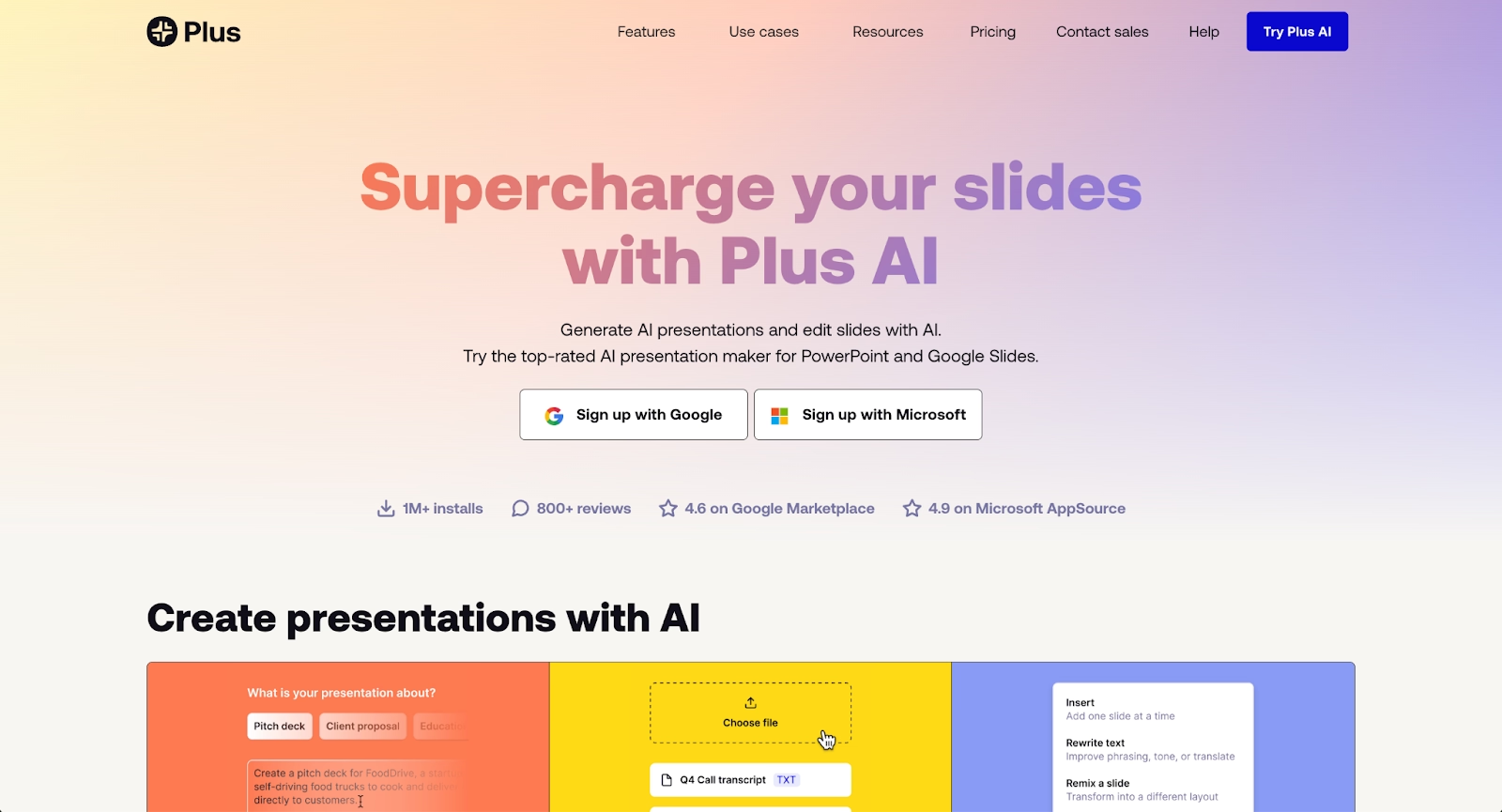
Plus AI is an AI-powered add-on that integrates directly with Google Slides and PowerPoint to help users generate presentations faster. It functions as an AI presentation maker that transforms text prompts, documents, or outlines into formatted slide decks within familiar environments.
The tool is designed for professionals who want to reduce manual slide creation time while working inside Google Slides or Microsoft PowerPoint. Plus AI supports content generation, slide formatting, and layout suggestions, allowing users to build presentations without leaving their existing workflow. It works with both Google Workspace and Microsoft environments, making it accessible for teams already using these platforms.
Plus AI appeals to users who value speed and integration over standalone design control. Its strength lies in extending the capabilities of PowerPoint and Google Slides rather than replacing them. This integration-first approach makes it a practical choice for teams that want to optimize their existing presentation software rather than adopt a completely new platform.
Why look for Plus AI alternatives?
While Plus AI offers clear advantages for users working within Google Slides and PowerPoint, several factors can lead teams to explore other options.
Feature limitations may be a concern for users who need more advanced AI capabilities, richer templates, or deeper design control. Research shows 47% of presenters spend over 8 hours designing a single deck, highlighting why teams seek tools that maximize both quality and efficiency. Plus AI focuses on content generation and basic formatting, but teams seeking sophisticated visual output or customization options might find these areas lacking.
The tool's function as an add-on means it inherits the constraints of PowerPoint and Google Slides. Users looking for next-generation presentation formats, card-based interfaces, or non-linear storytelling may prefer standalone platforms that offer more flexibility in structure and delivery.
Pricing is another consideration. Plus AI operates on a subscription model with a free plan that has usage limits. Teams with heavy presentation needs or those requiring pro plan features may find the pricing structure less favorable compared to all-in-one platforms with different tiers.
Integration requirements also matter. While Plus AI works well with Google Workspace and Microsoft tools, users who need connections to other systems such as Notion, CRM platforms, or advanced analytics dashboards might benefit from platforms with broader integration ecosystems.
Finally, design preferences play a role. Plus AI generates slides based on existing PowerPoint or Google Slides templates, which may not meet the standards of teams that prioritize polished, brand-consistent output or need access to a wider library of professional templates and layouts.
Top 9 Plus AI alternatives
The market offers a range of AI presentation tools that serve as strong Plus AI alternatives, each with distinct capabilities and target audiences. Some focus on automation and intelligent design, others on flexibility and collaboration, while a few prioritize integration with broader content creation workflows. These tools support various use cases, from building pitch decks to creating slide decks for startup teams or enterprise presentations.
1. Beautiful.ai

Beautiful.ai is a presentation platform that combines AI-powered generation with intelligent design automation. The platform uses Smart Slides—pre-built layouts with built-in design logic that automatically adapt as content changes, maintaining visual polish and alignment without manual adjustment. This design automation applies professional rules for spacing, fonts, and layouts, helping teams produce consistent output quickly.
The platform's AI features help users skip the blank page by generating entire presentations, individual slides, images, or text from prompts. Every AI-generated deck is built using Smart Slide layouts, allowing users to move immediately from generation to refinement at high speed. This combination of AI creation and automated formatting means users can focus on their message rather than design mechanics.
Beautiful.ai excels in scenarios where design quality and speed matter equally. Its automation-first approach reduces the time spent on formatting, making it ideal for business presentations and pitch deck creation. The platform includes collaboration features, real-time editing, and analytics, supporting team workflows that need both efficiency and control.
While Plus AI functions as an add-on to existing tools, Beautiful.ai operates as a standalone platform with its own interface and design philosophy. Teams that want more than basic slide generation and prefer a system built specifically for high-quality presentation output often find Beautiful.ai a better fit.
2. Pitch
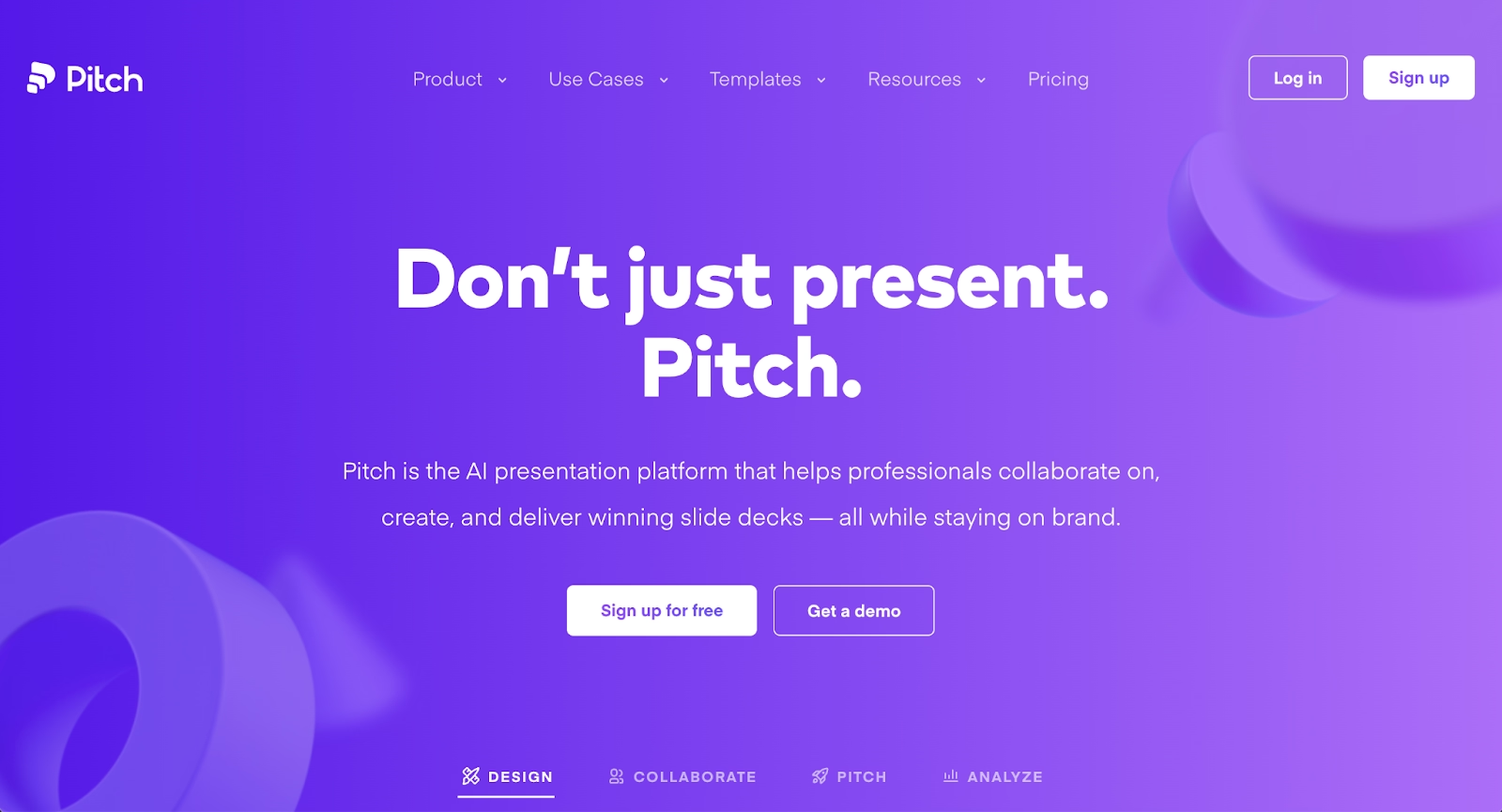
Pitch is a modern presentation platform designed for collaborative team workflows. It offers a clean interface with strong emphasis on beautiful, customizable templates and real-time collaboration capabilities. Pitch combines ease of use with professional design output, making it particularly effective for distributed teams.
The platform provides 100+ expert-made templates that can be customized with brand colors, custom fonts, and company assets. Pitch excels at collaborative editing, allowing multiple team members to work simultaneously with assignees, statuses, and comments. The platform includes presentation analytics that track visits, slide views, and time spent on individual slides, which is valuable for sales decks and client presentations.
Pitch differs from Plus AI by functioning as a standalone platform rather than an add-on. It supports interactive embeds, animations, and millions of free assets directly in the editor. Teams can maintain all presentations in a shared workspace with version control and organized libraries. While it offers less AI-driven content generation than Plus AI, Pitch prioritizes design quality, brand consistency, and seamless collaboration. It's ideal for agencies, sales teams, and marketing departments that need polished, on-brand presentations with strong team coordination.
3. Presentations.ai
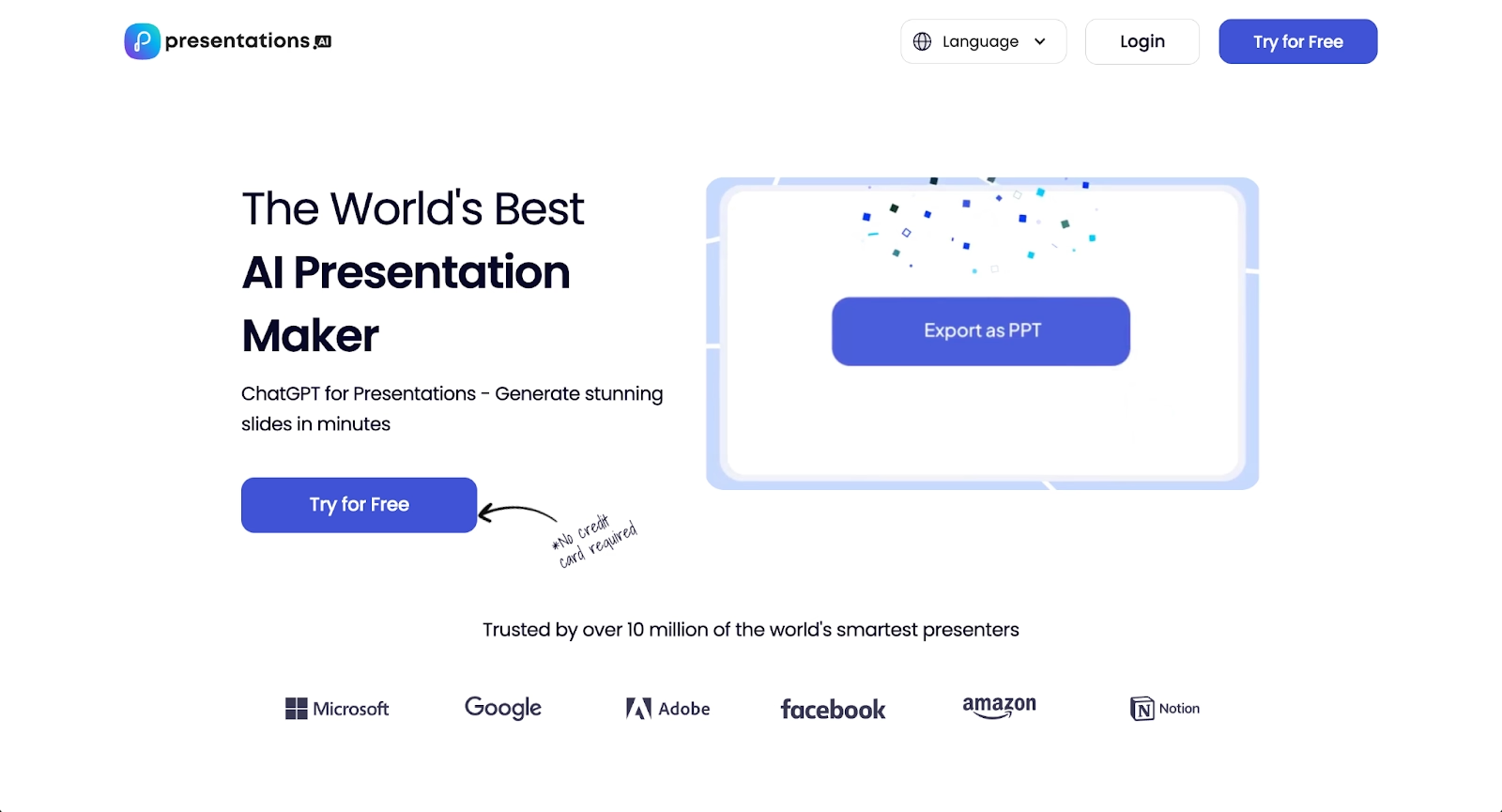
Presentations.ai is an AI-native presentation platform built around conversational creation. Users describe what they need through prompts, and the AI generates complete presentations with design, layout, and content automatically applied. This approach makes it particularly fast to get from concept to finished deck.
The platform features "Brand Sync" that learns and applies your style preferences across presentations, maintaining visual consistency without manual formatting. Presentations.ai offers thousands of pre-built slide templates that automatically match your content type. The tool supports multiple creation methods: type a prompt, pick a template and answer questions, or paste content from documents or webpages to generate slides instantly.
Presentations.ai includes collaboration features for modern teams, including real-time editing, comments, task assignments, and shareable links. The platform provides slide analytics to track engagement and allows presenting through Zoom or in-person with access controls. Compared to Plus AI, Presentations.ai operates as a standalone platform with its own workspace rather than integrating into existing tools. It focuses heavily on speed and AI-assisted design, making it suitable for teams that prioritize rapid deck creation and want an all-in-one solution for building, editing, and presenting.
4. Slidebean
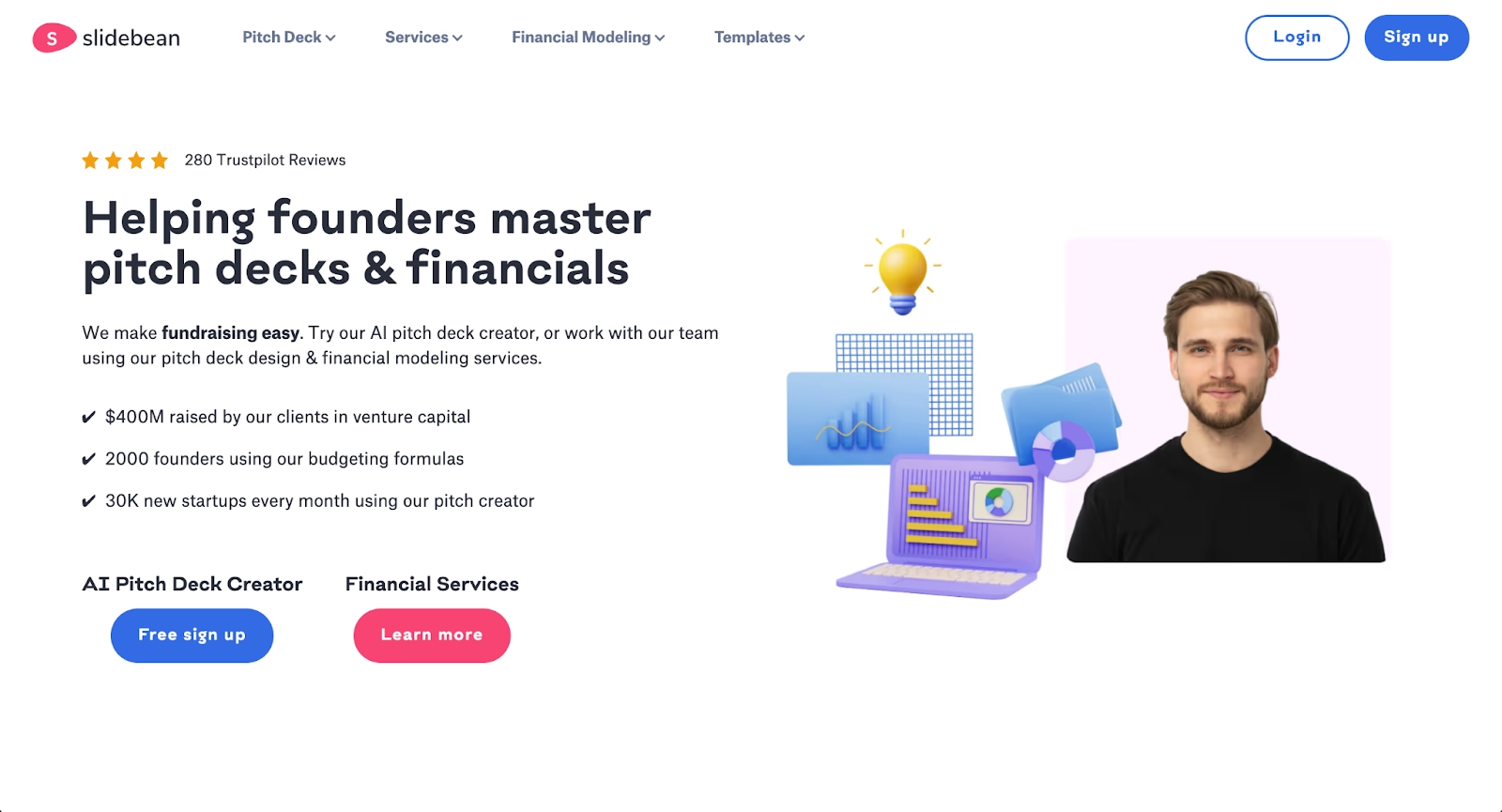
Slidebean is a presentation tool built around AI-powered automation, specifically designed for startup pitch decks and fundraising presentations. Teams input their content, and Slidebean automatically structures slides using clean layouts and consistent branding. The platform is designed for founders and small teams that need professional pitch decks quickly.
Slidebean takes an automation-first approach that separates content from design. Users focus on their story and key points while the platform handles layout, spacing, and visual consistency. This makes it particularly effective for non-designers who need investor-ready presentations. The platform includes collaboration features, allowing team members to work together and gather feedback efficiently.
Beyond the AI pitch deck creator, Slidebean offers financial modeling services and pitch deck design through their agency team. This combination of software and services makes it unique among presentation tools. Compared to Plus AI, Slidebean operates as a standalone platform with specific expertise in startup presentations and fundraising materials. While Plus AI works as an add-on to PowerPoint and Google Slides for general presentations, Slidebean excels in the pitch deck niche with templates, automation, and services tailored to startup needs. It supports standard export formats and simple workspace organization, making it ideal for founders seeking both software tools and expert guidance.
5. Gamma
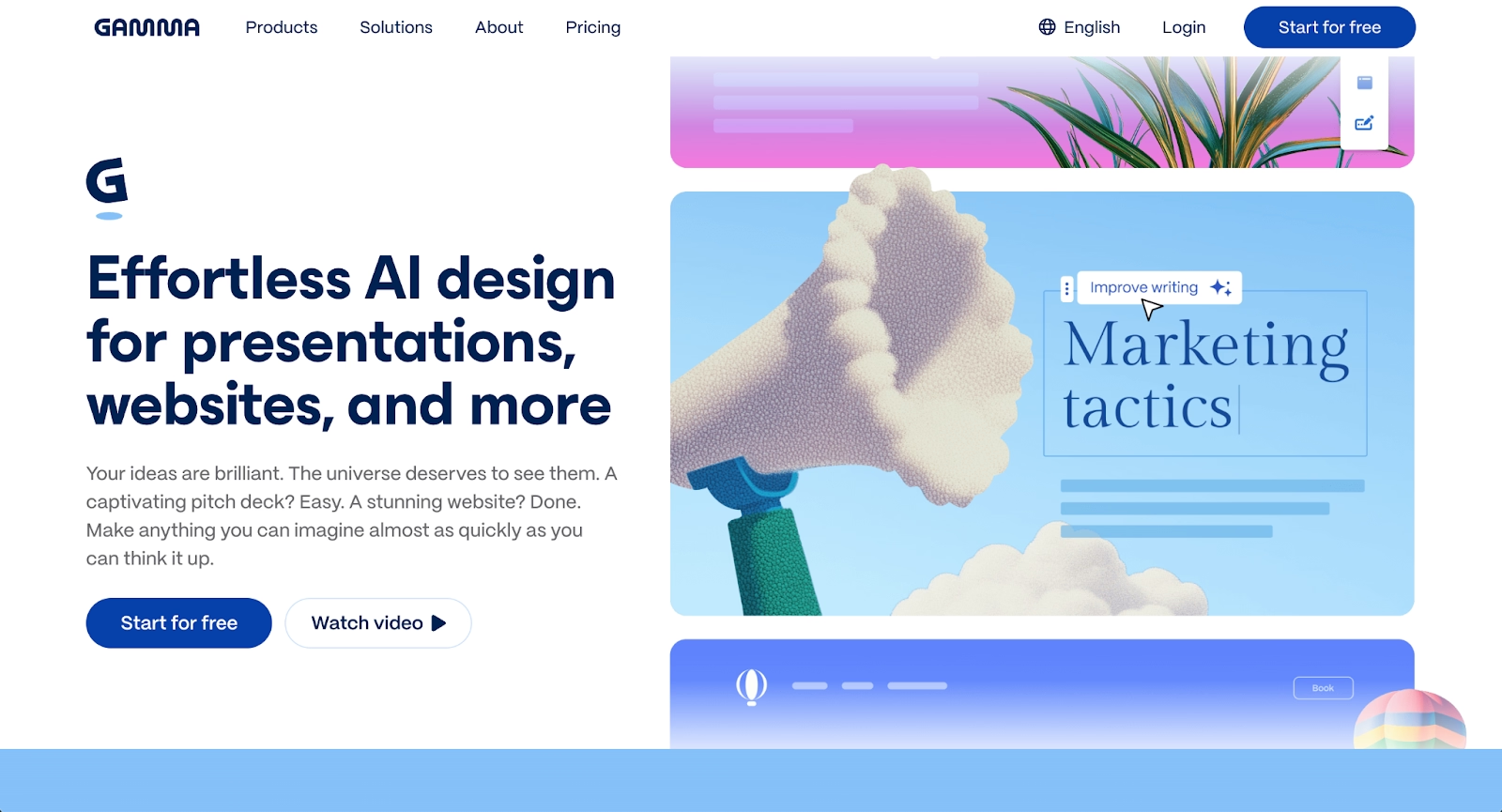
Gamma is an AI-powered platform designed for creating presentations, documents, and webpages. It uses a card-based interface that allows flexible content arrangement and dynamic delivery, moving beyond traditional slide formats.
Gamma's AI helps structure narratives, suggest layouts, and apply design themes automatically. Users can input text prompts or existing content, and Gamma builds out the presentation with responsive templates and real-time collaboration features. The platform supports embedding rich media and offers analytics to track engagement.
Gamma differs from Plus AI by offering a standalone environment with more control over structure and format. Its card-based system appeals to teams that want to break away from rigid slide decks and explore more interactive, web-friendly presentations. Gamma is ideal for professionals who value speed, flexibility, and modern design over traditional PowerPoint workflows.
6. Prezi
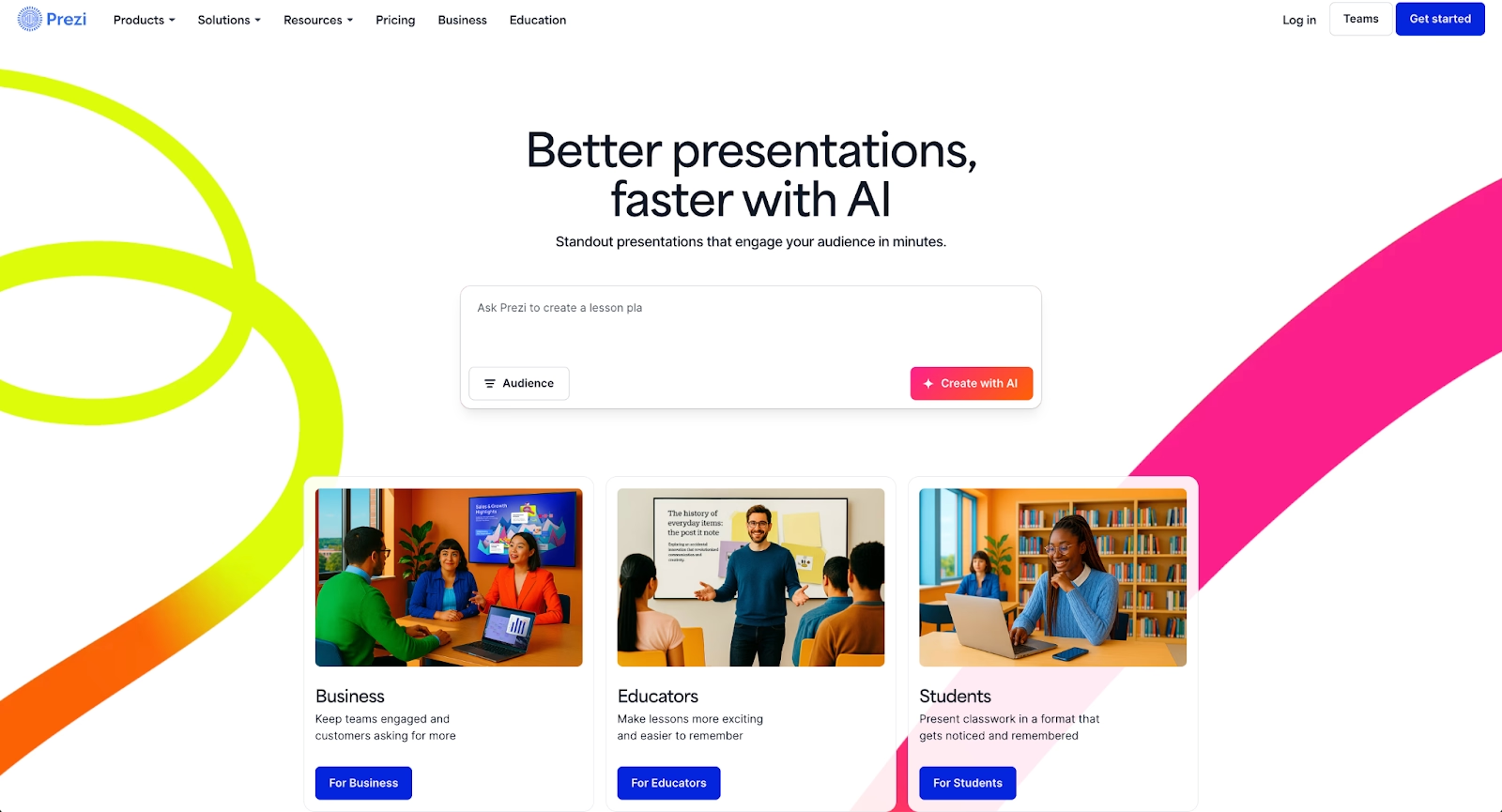
Prezi offers a non-linear, zoomable canvas approach to presentations. Instead of sequential slides, content is arranged spatially, allowing presenters to zoom in and out to reveal details or shift between topics. This creates a dynamic storytelling experience that differs significantly from traditional slide-based tools.
Prezi supports animations, visual transitions, and embedded media, making it useful for business presentations that benefit from strong visual movement. While it doesn't include the same level of AI-driven content generation as Plus AI, Prezi excels at creating memorable, engaging presentations that stand out.
Prezi is best for teams that want to move away from standard slide formats and create presentations with a distinctive visual style. It requires more manual design work than AI-powered tools but offers greater creative control. Users who prioritize presentation impact and are willing to invest time in layout and transitions often find Prezi a compelling alternative.
7. Visme
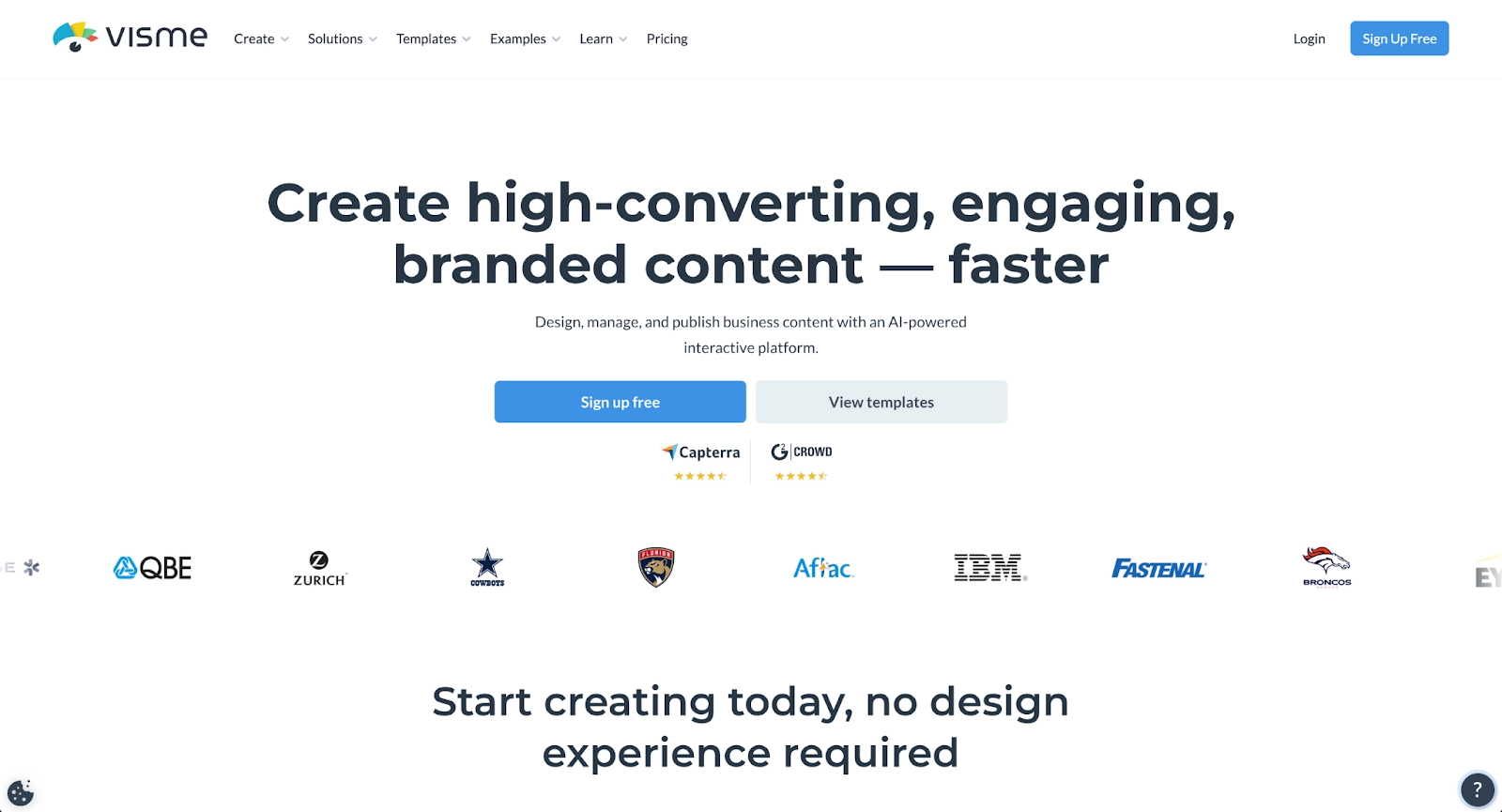
Visme is a versatile visual content platform that supports presentations, infographics, documents, and videos. It includes a large library of templates, design tools, and data visualization features, making it suitable for a wide range of content creation needs.
Visme's drag-and-drop editor allows users to build custom presentations with extensive control over layouts, fonts, colors, and graphics. The platform supports advanced features like animations, interactive elements, and embedding external content. It also includes data visualization tools for creating charts and graphs, which are valuable for teams that present data-heavy material.
Compared to Plus AI, Visme offers far more design flexibility and a broader content creation toolkit. It's ideal for teams that need both presentations and other visual assets, such as social media graphics or webpages. Visme provides a pro plan with advanced features and integrations, making it a strong choice for organizations that want a comprehensive design platform.
8. PowerPoint with Copilot
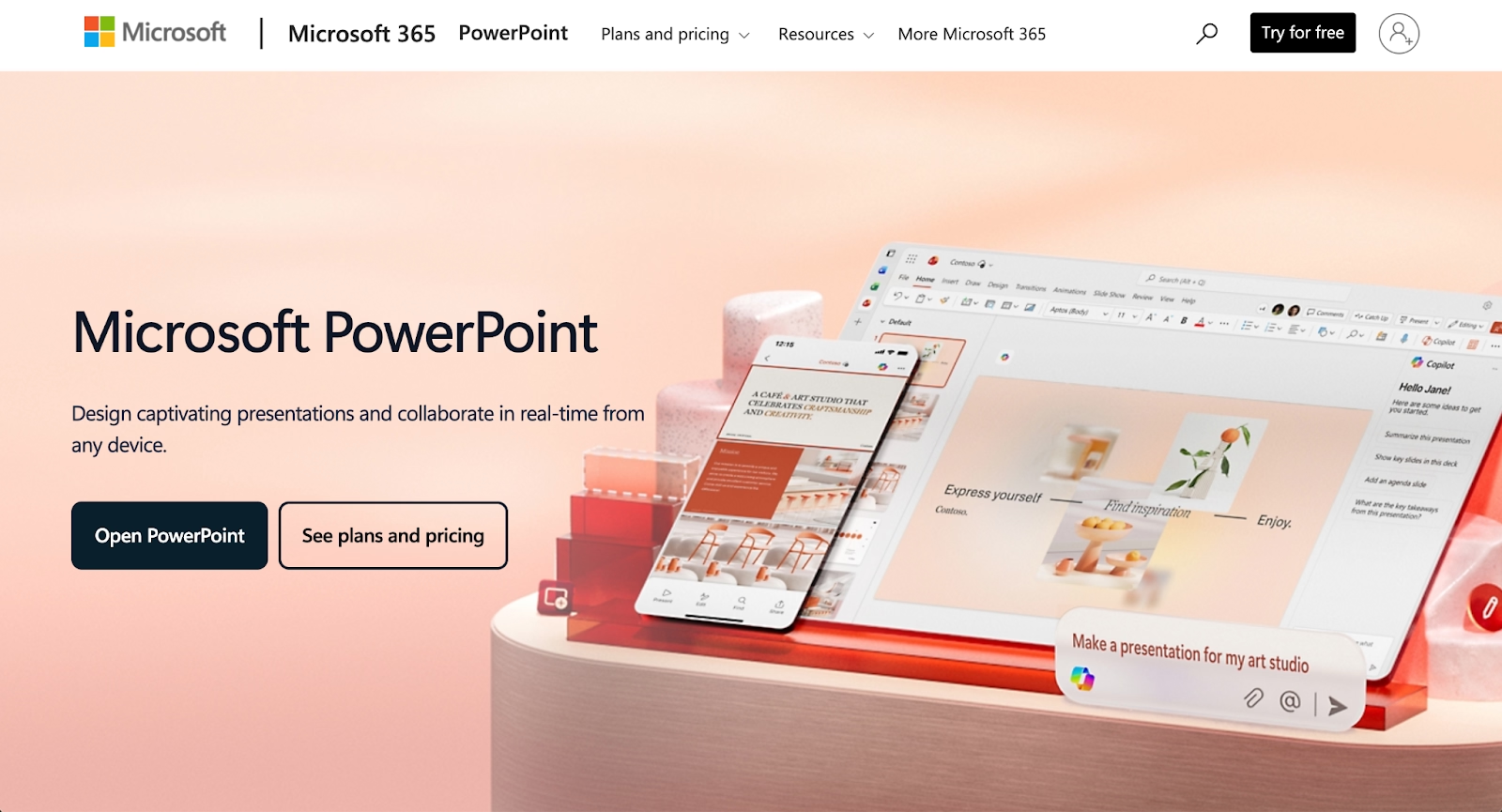
Microsoft PowerPoint enhanced with Copilot represents the evolution of traditional presentation software. PowerPoint provides deep design control, extensive formatting options, and compatibility with a vast ecosystem of templates and add-ons. Copilot adds advanced AI features for content generation, layout suggestions, and automated formatting.
Copilot can generate slides from prompts, summarize content, and suggest design improvements, functioning similarly to Plus AI but with tighter integration into the Microsoft ecosystem. It supports complex animations, custom graphs, and PPT export, making it a powerful option for teams that rely on Microsoft tools.
PowerPoint with Copilot is best for organizations already invested in Microsoft infrastructure. It combines the familiarity of PowerPoint with modern AI capabilities, offering a balanced approach for teams that want both traditional control and AI-driven efficiency. The pricing is tied to Microsoft 365 subscriptions, which may be more cost-effective for enterprises but less flexible for smaller teams.
9. Google Slides with Gemini
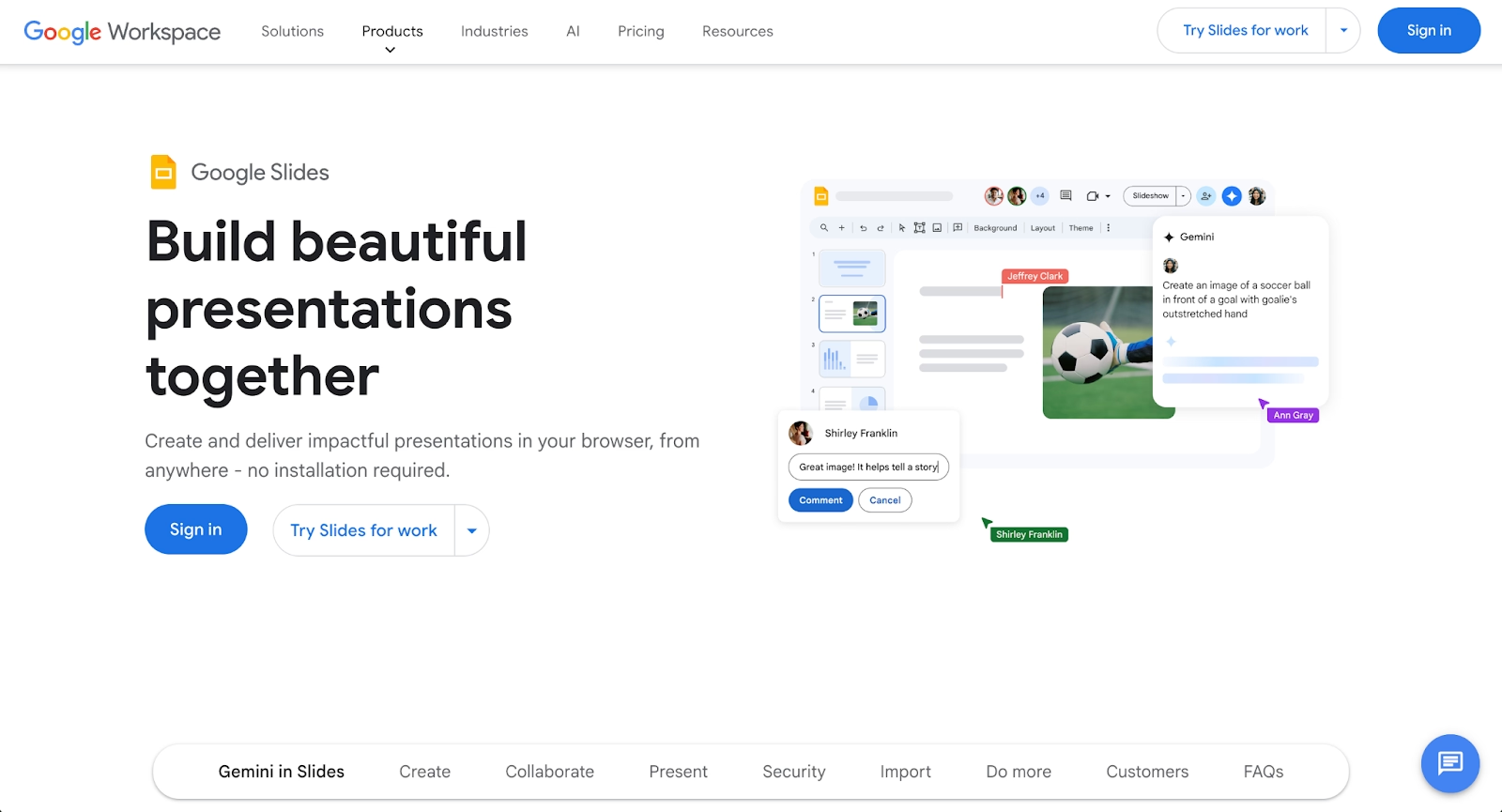
Google Slides, part of Google Workspace, is a cloud-based presentation tool known for accessibility and real-time collaboration. The addition of Gemini brings advanced AI capabilities to the platform, including content generation, layout suggestions, and intelligent formatting.
Gemini functions as an AI agent within Google Slides, helping users generate text, optimize slide design, and streamline workflows. It supports integration with other Google Workspace apps like Docs and Excel, making it easy to pull in data and content from across the ecosystem. Google Slides offers a free plan with robust features and paid tiers for additional storage and functionality.
Google Slides with Gemini is ideal for teams that prioritize collaboration, cloud-based workflows, and cost-effectiveness. It provides many of the same AI features as Plus AI but is built directly into the platform rather than functioning as an add-on. This makes it a seamless choice for Google Workspace users who want native AI support without installing third-party tools.
Key comparison criteria
When evaluating Plus AI alternatives, several criteria help determine which tool best fits specific professional requirements. These factors ensure the chosen platform supports the right balance of design quality, collaboration, automation, and pricing structure.
AI features
AI capabilities vary significantly across platforms. This includes content generation, automated layout suggestions, intelligent design adjustments, and support for advanced AI models like ChatGPT or Claude. Strong AI features reduce manual work and improve the speed and quality of output.
Tools like Beautiful.ai, Presentations.ai, and Google Slides with Gemini offer robust AI-driven workflows that go beyond basic slide generation. Plus AI focuses on extending existing tools, while standalone platforms often provide deeper AI integration and more sophisticated automation. Teams that rely heavily on AI for content creation should evaluate how well each platform's AI works and whether it supports the level of intelligence and flexibility they need.
Ease of use
User experience plays a critical role in adoption and productivity. 70% of employed professionals say presentation skills are critical to career success, making it essential that presentation tools are intuitive and accessible. This includes the onboarding process, interface clarity, learning curve, and speed from concept to finished presentation.
Plus AI benefits from operating within familiar environments like PowerPoint and Google Slides, making it accessible for beginners and existing users. Standalone platforms like Beautiful.ai offer intuitive interfaces designed specifically for their workflows. Tools like Prezi may require more time to learn due to their non-traditional formats, but they reward users with greater creative control. User-friendly platforms help teams maintain momentum and reduce friction in daily workflows.
Design quality and templates
The visual quality of presentations shapes how content is perceived. This criterion considers the diversity and quality of templates, customization options, control over fonts and layouts, and overall polish.
Beautiful.ai excel in this area, offering extensive libraries of professional templates and automated design systems that maintain consistency. Plus AI relies on templates from PowerPoint and Google Slides, which can vary in quality. Teams that prioritize slide design and brand consistency should look for platforms with strong template libraries and intelligent layout systems that automatically optimize visual output.
Collaboration
Real-time collaboration is critical for distributed teams. This includes simultaneous editing, commenting, version history, and document sharing capabilities.
Google Slides with Gemini, and Beautiful.ai provide strong collaboration features with real-time updates and team management tools. Plus AI inherits the collaboration capabilities of PowerPoint and Google Slides, which are generally robust but may lack some of the advanced team features found in purpose-built platforms. Teams that depend on collaborative workflows should prioritize tools with seamless real-time editing and clear version control.
Export and integrations
Export flexibility and integration support affect how presentations fit into broader workflows. This includes support for multiple file formats (PDF, PPT, web), connections to other platforms, and the ability to embed content from external sources.
Plus AI integrates natively with PowerPoint and Google Slides, making it easy to work within those ecosystems. Tools like Visme, Canva, and Beautiful.ai offer broader export options and integrations with platforms like Notion, CRM systems, and analytics dashboards. Teams that need to connect presentations to other parts of their workflow should evaluate which platforms support the integrations and export formats they require.
Pricing
Pricing structures vary widely across AI presentation tools. This includes the availability of a free plan, the features included in paid tiers, and overall value relative to capabilities.
Plus AI offers a free plan with usage limits and a pro plan for heavier users. Google Slides provide generous free tiers, while platforms like Beautiful.ai focus on paid plans with more advanced features. Teams should assess pricing based on their usage patterns, team size, and the importance of features like unlimited content generation, advanced templates, or premium integrations. The best AI tools balance cost with functionality, offering clear value at each pricing tier.
Quick comparison snapshots
Direct comparisons between Plus AI and select alternatives clarify where each platform excels. These snapshots highlight practical differences in design approach, AI capabilities, and workflow integration, helping teams make informed decisions.
Beautiful.ai vs Plus AI
Beautiful.ai and Plus AI both use AI to accelerate presentation creation, but they take fundamentally different approaches. Beautiful.ai operates as a standalone platform with an intelligent design engine that automatically maintains visual consistency. Its Smart Slides adapt layouts as content changes, ensuring professional output without manual formatting.
Plus AI functions as an add-on to PowerPoint and Google Slides, extending their capabilities with AI-powered content generation and formatting. It works within existing tools rather than replacing them, making it a natural fit for teams that prefer familiar environments.
Beautiful.ai is ideal for teams that prioritize design quality and automation. Plus AI suits users who want to enhance PowerPoint or Google Slides without adopting a new platform. The choice depends on whether design control and polish or integration with existing tools matters more.
Pitch vs Plus AI
Pitch and Plus AI both support presentation creation but take fundamentally different approaches to collaboration and design. Pitch operates as a standalone platform with strong emphasis on team workflows, offering 100+ expert-made templates, real-time collaborative editing, and presentation analytics that track viewer engagement.
Plus AI focuses specifically on extending PowerPoint and Google Slides through AI-powered content generation. It provides faster integration for users already working in those environments but offers fewer native collaboration features and template options compared to dedicated platforms.
Pitch is best for teams that prioritize design quality, brand consistency, and seamless collaboration across distributed teams. Plus AI is better for users who want to stay within PowerPoint or Google Slides and need focused AI assistance for content generation without adopting a new platform.
Presentations.ai vs Plus AI
Presentations.ai and Plus AI represent different philosophies in AI-powered presentation creation. Presentations.ai uses conversational AI to generate complete presentations from prompts, operating as a standalone platform with its own workspace, Brand Sync features, and thousands of pre-built templates that automatically match content types.
Plus AI focuses on enhancing traditional slide-based workflows in PowerPoint and Google Slides. It generates content and formats slides but stays within conventional presentation structures and inherits the limitations of those platforms.
Presentations.ai is ideal for teams that want rapid deck creation through conversational prompts and prefer an all-in-one solution for building, editing, and presenting. Plus AI suits users who prefer traditional slide decks and want to optimize their existing PowerPoint or Google Slides workflow without learning a new system. The decision comes down to whether speed through AI-native generation or integration with familiar tools takes priority.
Conclusion
The landscape of AI presentation tools offers genuine variety, making it possible to find a platform that matches your specific needs. Plus AI is still a good choice for users who want AI-powered content generation without leaving Google Slides or PowerPoint. But alternatives like Beautiful.ai offer distinct advantages in design automation, template variety, collaboration, or standalone functionality.
The landscape of AI presentation tools offers a wide range of options for teams looking to improve their presentation workflows. Match your workflow requirements, team size, and presentation goals with the platform that supports them best. Testing free plan options across multiple tools often reveals which environment feels most productive for your specific use cases.
Why customers are switching to Beautiful.ai
Beautiful.ai is an AI-powered presentation platform that helps teams create polished, on-brand slides in a fraction of the time, without design skills or manual formatting.
- Design automation built in. Whether you're building pitch decks, reports, or internal presentations, Beautiful.ai’s Smart Slides automatically format content so you never worry about spacing, alignment, or layout again. Add your content, and the design adjusts instantly.
- ️No design experience required. Create professional decks without touching text boxes or manually arranging elements. Choose from Smart Templates and let the AI handle layout decisions, visual hierarchy, and consistency across the entire deck.
- Branding? Already handled. Keep every slide on-brand with your fonts, colors, and logos applied automatically. Beautiful.ai ensures every team member creates presentations that look like they came from a dedicated design team—without extra work.
- Real-time collaboration & team controls. Collaborate directly on the same deck, leave comments, manage permissions, and maintain consistency across team presentations. Perfect for growing teams and cross-functional workflows.
- Faster workflows, fewer revisions. Jump from rough outline to polished presentation in minutes, not hours. Beautiful.ai reduces back-and-forth edits by enforcing on-brand design rules and helping you iterate faster with AI-assisted slide creation.
