
Presentation consistency gets harder with scale. A small team can usually keep track of the latest deck, brand messaging, and approved color palette. But add more departments, employees, offices, or even regions, and that informal system starts to break down.
Organizations have traditionally tried to solve this by designating brand guidelines, developing presentation templates, and implementing a review process. Those resources can help, but they only work when every employee has the time and can remember to apply them. Plus, manual review can put undue pressure on marketing and design teams already balancing other projects.
AI gives organizations another option. When presentation standards are built into the creation workflow, teams can apply them while they work. The goal is to make the approved way of building a presentation the easiest way to build one. That means centralizing the system while giving employees room to create.
Templates and brand guidelines aren’t enough
Presentation standards tend to live separately from presentation creation. A brand team might maintain guidelines in one document, templates in another folder, and examples in a shared drive. Before an employee starts a deck, they have to find those resources, determine which versions are current, and interpret how they apply to the presentation at hand. Often, there’s just not enough time in the day to add those extra steps to deck creation.
Templates reduce some of that work, especially around visual design. But they’re difficult to scale across departments and can’t adapt to new narratives or data without manual overhaul. A similar limitation applies to manual review. Marketing and design teams can catch inconsistencies after a deck is built, but correcting them after the fact just adds another production step.
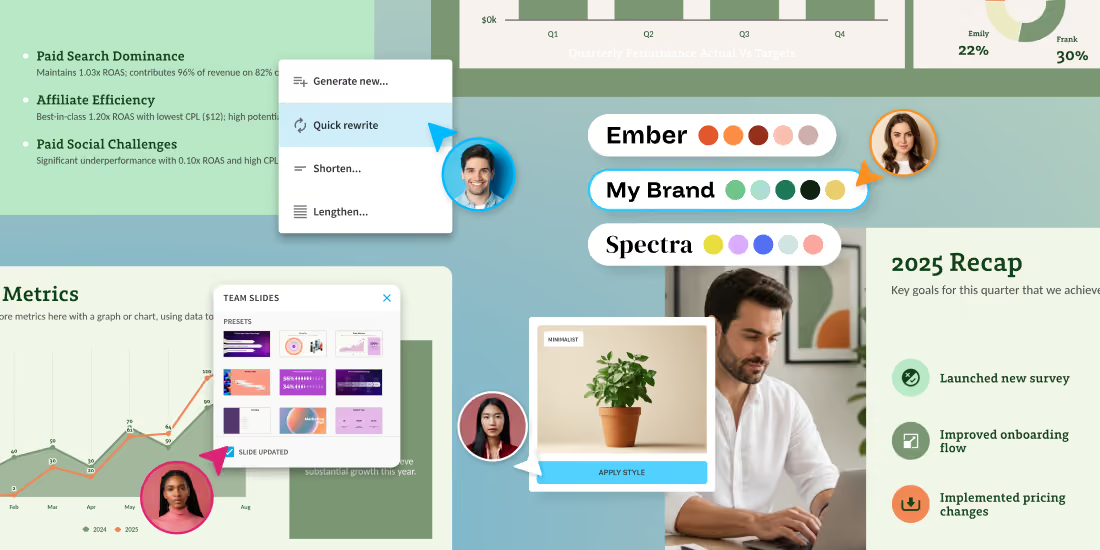
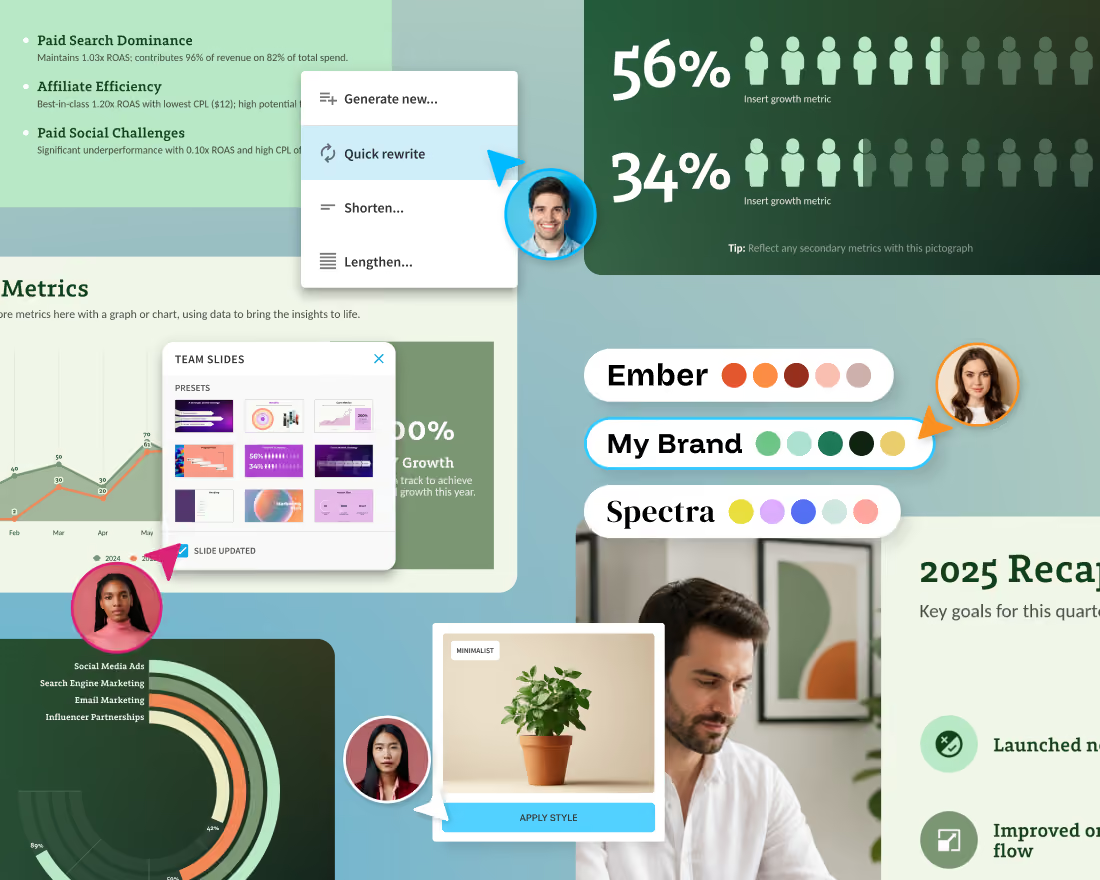
A scalable system puts the design rules in the same place that teams are already working. Centralized and automatic brand controls, reusable slides, and structured layouts give employees a defined starting point. Brand Kits and Smart Slides can apply brand and design rules in real time as people build and edit slides. Dynamic features like these reduce how much presentation quality is dependent on each employee remembering and applying the rules.
Build the presentation system before adding AI
AI can only follow clearly defined standards. Start with the presentations your organization creates repeatedly. Decks like sales pitches, QBRs, executive updates, onboarding decks, training materials, and marketing reports are good candidates because teams already spend time recreating them.
For each use case, decide what a good presentation should contain:
What information is required? What narrative should it follow? Which terminology is approved? How should the level of detail change by audience?
Then collect the materials employees routinely need. This might include approved slides, current product messaging, customer proof points, brand assets, presentation templates, and prompts that have produced useful results.
These resources should (and will) change as the business changes. When positioning gets updated, for example, teams should have one obvious place to find the current version instead of relying on a deck someone saved six months ago.
This foundation is critical because without it, an AI tool can accelerate the same inconsistencies an organization is trying to fix. You can’t fix your deck workflow if you’re reusing a broken system.
Turn standards into an AI workflow
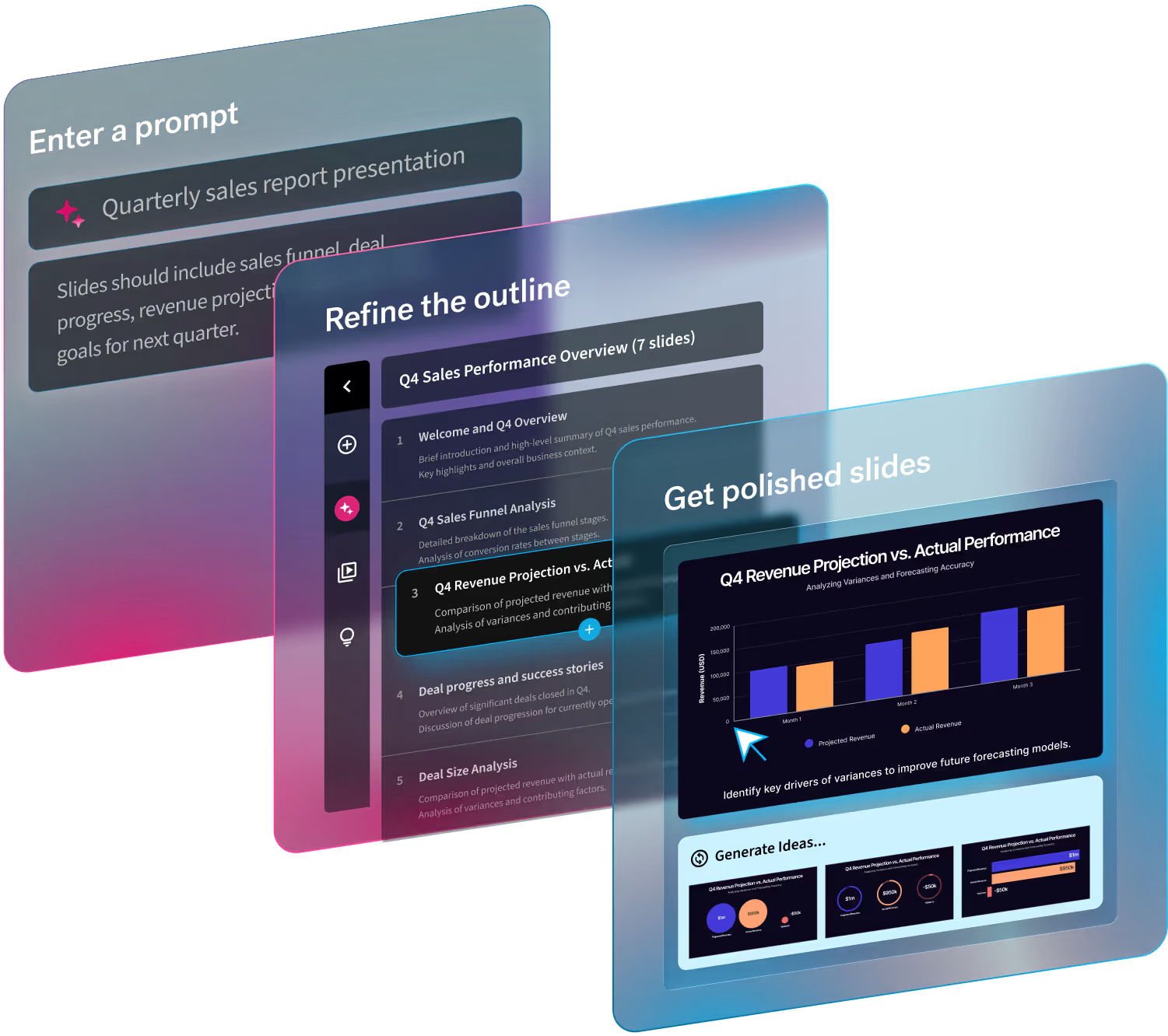
Once the system exists, AI can make it easier to use. Beautiful.ai's Create with AI Workflow is built around this type of process. Users can start with a prompt, outline, or document and review a slide-by-slide outline before generating designed slides. Once the deck is created, individual slides can be revised without regenerating everything around them. Smart Slides maintain the underlying design rules as content changes.
Take a regional sales rep preparing a customer presentation, for example. Instead of pulling slides from several old decks or trying to start from scratch, they start with the pre-approved sales presentation framework. They give AI the account context, audience, objective, and relevant source material, AI drafts an outline using that information, and the rep reviews the story before generating the presentation. AI can make mistakes, so that last step is particularly important.
Organizations can also standardize prompts for recurring work. A sales enablement team might give every region the same prompt framework for account pitches, with fields for customer goals, industry, use case, and supporting evidence. The inputs change from account to account, while the basic presentation logic stays familiar. This gives teams a repeatable starting point without routing every deck through a central presentation team.
Establish a balance between consistency and freedom
Standardization works best when the boundaries are clear. Approved messaging, required disclosures, and core structures may need tight control. Whereas examples, supporting data, visuals, and calls to action often need more flexibility. This distinction becomes particularly useful across departments and regions. A sales team in Europe will certainly need different ICP or market data than a team in the United States.
AI can help employees adapt existing material for those situations. Beautiful.ai supports slide-level rewriting and presentation language changes, while reusable presentations and Smart Slide layouts allow content to change without forcing employees to rebuild the design. Too many restrictions can make approved resources impractical. When the official template cannot accommodate real work, people tend to find another way to build the deck.
Scale the workflow, not tool access
Giving every employee access to an AI presentation tool does not equate to introducing an established process.
Start with a few common workflows where standardization can remove obvious friction. Give employees approved examples and prompt guidance. Explain where templates and reusable content live. Make the presentation system part of onboarding so new hires learn the shared process from the beginning.
Then pay attention to where people struggle. If employees repeatedly abandon a template or rewrite a prompt, the resource itself may need work. Feedback from the people creating presentations can reveal where governance has become unnecessary overhead. Over time, strong slides and successful presentation structures can go back into the shared library.
Prioritize quality AI usage over quantity
The number of people using AI says little about whether presentation standardization is working. Look at the work surrounding presentation creation. Are teams producing common decks faster? Are people reusing approved material more often? Do reviewers spend less time correcting layout and wording?
Qualitative feedback matters, too. Standards that regularly slow people down deserve another look. The system should remove decisions and repetitive work from presentation creation, not introduce another approval process.
Centralize the system, then let teams create
Presentation standardization does not require marketing or design to own every deck. Those teams can own the rules, reusable resources, and approved presentation structures while employees handle the presentations their work requires.
Employees should spend less time recreating slides and correcting preventable inconsistencies, while the company gets presentations that look and sound like they came from the same organization.
AI makes that model more practical because guidance can be applied during creation. Beautiful.ai combines AI-assisted drafting with Smart Slides, Brand Kits, shared presentation resources, and collaborative workflows so teams can work inside a common presentation environment while adapting the content to their audience.
Ready to say goodbye to mismatched decks with outdated messaging and incorrect branding? Try Beautiful.ai free for 14 days, starting today.

.avif)