



Q4 planning tends to arrive all at once. Teams are reviewing the current year and setting priorities for the next one, often while finishing the work already on their plates.
The planning itself is only part of the workload. Someone also has to turn reports, spreadsheets, forecasts, and department updates into a presentation everyone can understand.
AI can cut down that production time. Used well, it can help teams sort through source material, find the information worth discussing, organize it into a story, and get to a first draft faster. That leaves more time for the part of planning that actually requires the team: deciding what to do next.
Scattered info slows down planning
Planning pulls information from across the business. Finance has forecasts. Sales has targets and pipeline data. Marketing has campaign results. Product has its roadmap. Leadership has company priorities. Before anyone can make decisions, that information has to be collected, compared, and condensed. Then comes the deck.
In a manual workflow, individuals can lose 4+ hours a day making decks. That includes rewriting updates, fixing formatting, and reconciling different versions. Add several rounds of stakeholder feedback and the presentation itself becomes a project.
AI steps in to support the repeatable processes that drain time. Summarizing source material, organizing information, and creating an initial presentation structure can happen before the team spends time polishing slides. That’s time back to spend on the real planning, not just reporting.
AI synthesizes, you decide
A planning deck cannot give every metric and update equal attention. Leadership needs the information that changes the conversation: what worked, what didn’t, and which decisions need to be made.
AI can help with that first round of synthesis. Teams can use reports, notes, or planning documents as source material and ask an LLM or an agent to produce a summary or presentation outline. Instead of starting with a blank slide, they have a structure to review.
That output still needs human judgment. AI may miss context, misread the importance of a result, or include something that does not belong in the final plan. The advantage is getting to an editable draft sooner.
Teams need collaborative tools
Planning gets harder when every department uses a different format. One team might lead with annual results, another with next year's goals, and another with budget requests. Each presentation may make sense individually, but leadership has to work harder to compare plans across the business.
A shared framework solves much of that problem. Teams can collaborate on a common set of sections, such as previous-year performance, next-year priorities, resource needs, risks, and decisions required.
Standardizing design also cuts down on cleanup. Shared themes, templates, and adaptable layouts mean contributors spend less time worrying about design. In Beautiful.ai, teams work together in a shared library that makes sharing data and templates easy, so Q4 planning doesn’t become siloed.
Build AI into the planning workflow
AI is most useful when teams give it a specific job at each stage of planning.
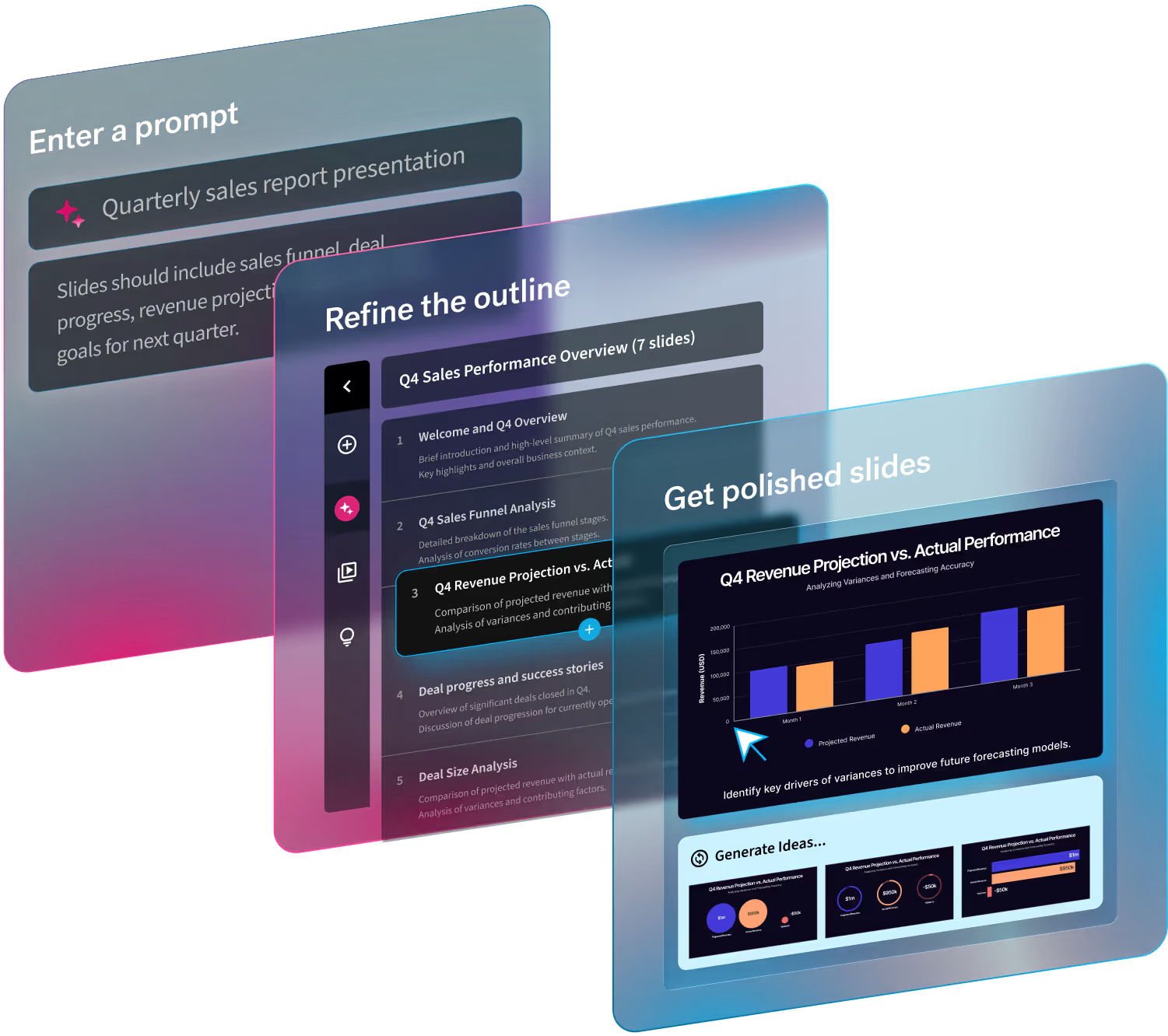
A simple workflow might look like this: Gather source material → summarize findings with AI → refine the outline → generate the deck → review with stakeholders → finalize
Start with real source material, including performance reports, forecasts, department plans, and meeting notes. Use AI to summarize what matters and organize the information. Then edit the outline before generating slides.
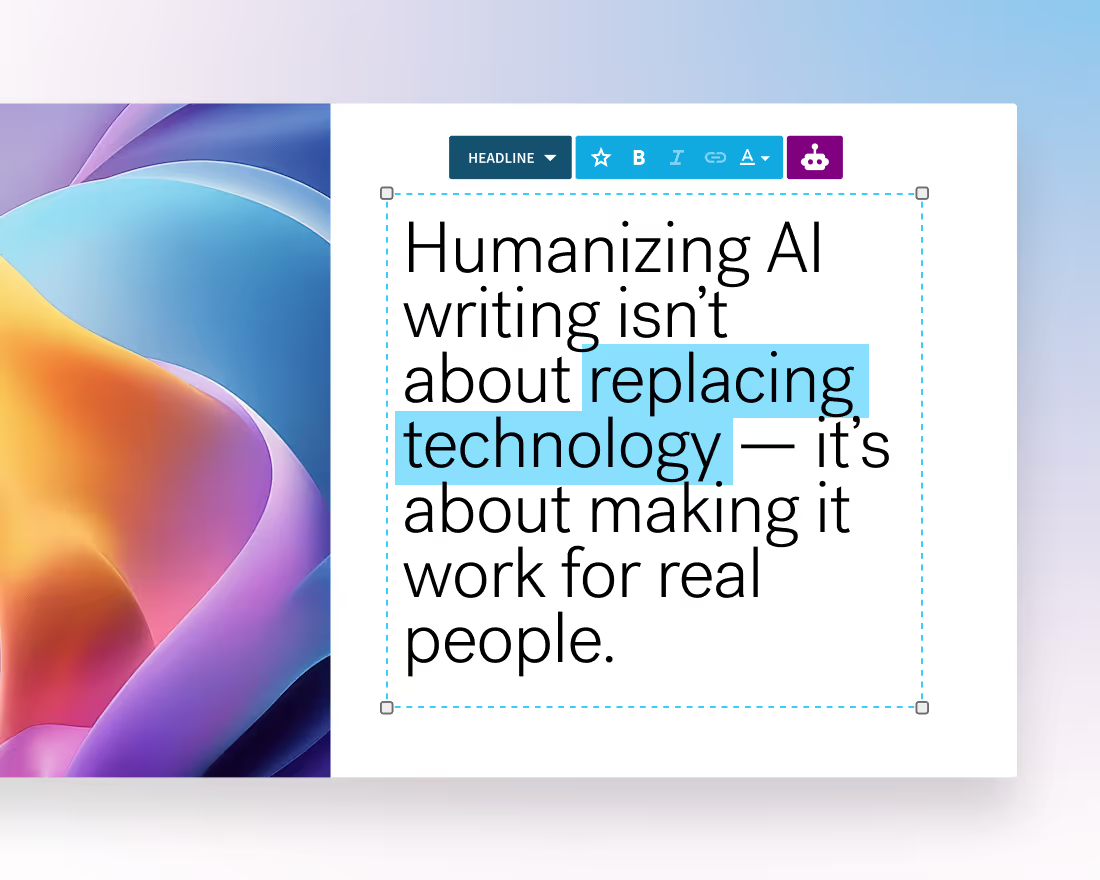
The Create with AI Workflow works alongside you from outline, to slide creation, and layout and design. Need to remove jargon from a slide to make it digestible for a crossfunctional team? Rewrite with AI reframes your words in seconds, saving valuable time.
Once the deck exists, stakeholders can review the substance instead of waiting for someone to finish building it. Finance can check assumptions, department leads can correct context, and leadership can focus on priorities and trade-offs. All in all bringing your Q4 planning from idea to fruition in record time.
Keep human judgment in the loop
AI can make planning faster, but its output should always be treated as a draft. Check summaries against the original material. Verify numbers. Remove generic recommendations. Ask the people closest to the work whether the interpretation matches what happened.
Be willing to cut content, too. Faster generation makes it easy to create more slides than anyone needs. Supporting analysis can live in an appendix while the main deck stays focused on the decisions in front of the team. Build guidelines into your prompts and workflows to maintain a high caliber of output.
Remember, AI can be a great tool for streamlining processes, but it can’t replace your insight and ideas.
Make more room for the planning itself
The goal of using AI in Q4 planning is fairly practical: spend less time assembling the planning deck. When teams can move from source material to a useful draft faster, they have more time to question assumptions, compare priorities, and work through disagreements before the final meeting.
That is a much better use of planning season than another late night spent fixing slides. Looking to speed up your Q4 planning? Check out Beautiful.ai, free for 14 days, to keep your team on-brand, polished, and ready for whatever Q4 throws at them.

.avif)


.avif)
.gif)
