


Best PowerPoint alternatives: top 9 in 2026
![PowerPoint alternatives: the top 9 [updated for 2026]](https://cdn.prod.website-files.com/59e16042ec229e00016d3a66/697009c30cc951770142a7b6_69619959a6abc5716bca198d_696176d7257252e883f7e7a5_beautiful%2520ai%2520vs%2520Powerpoint.avif)

Best PowerPoint alternatives: top 9 in 2026
Teams still rely on Microsoft PowerPoint for slide decks, yet expectations have changed. Faster workflows, cloud-based collaboration, AI-powered assistance, and interactive presentation formats now shape how people present. The tools below represent the strongest PowerPoint alternatives for 2026, each optimized for different priorities like automation, design options, real-time collaboration, or ease of use.
What is Microsoft PowerPoint?
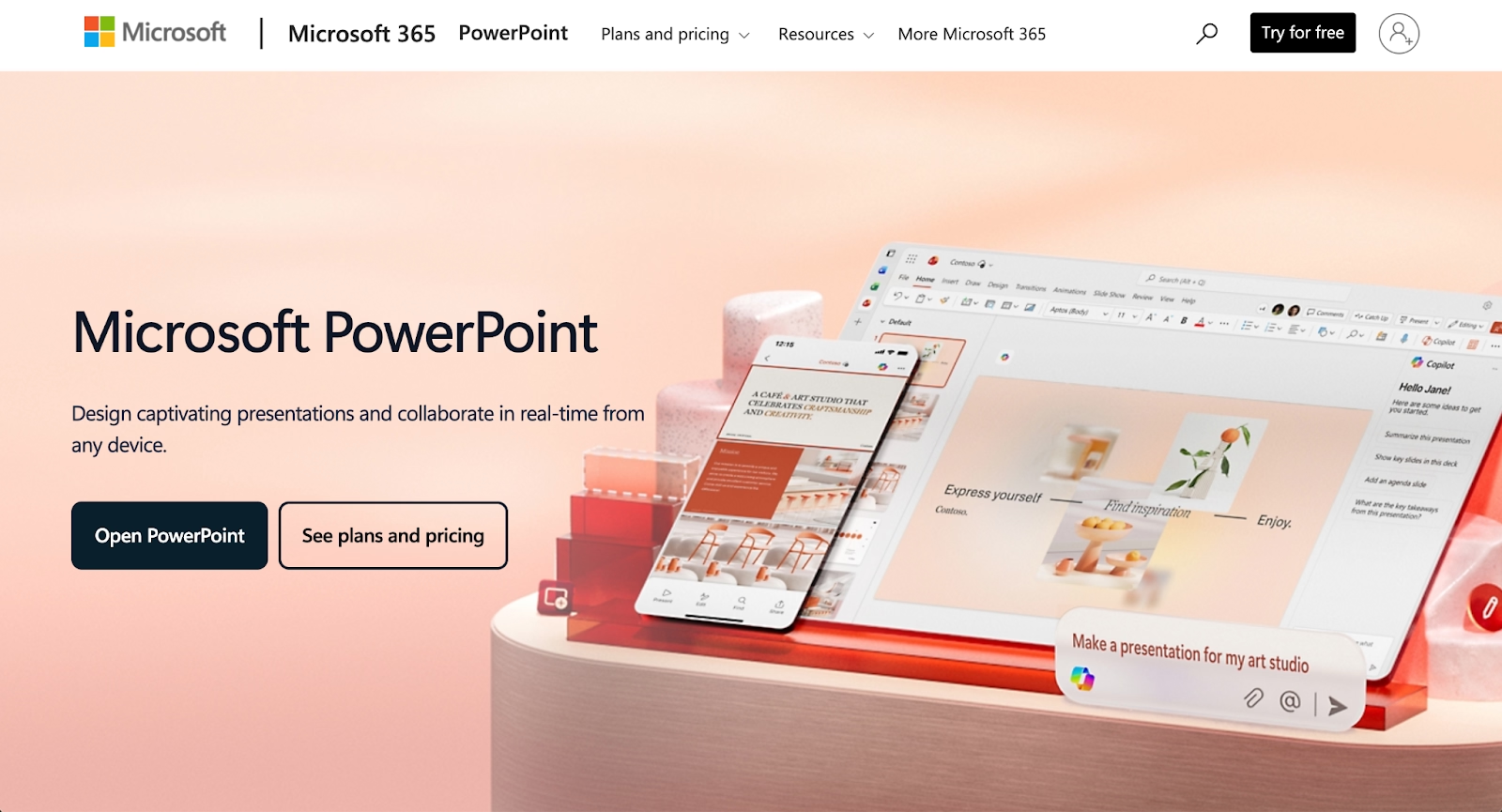
Microsoft PowerPoint is presentation software within the Microsoft Office and Microsoft 365 ecosystem. It is used to create slideshow presentations with text, images, charts, animations, transitions, and multimedia. PowerPoint files remain a standard across enterprises, education, startups, and agencies, largely due to compatibility, familiarity, and deep functionality.
Teams still rely on Microsoft PowerPoint for slide decks, yet expectations have changed. Faster workflows, cloud-based collaboration, AI-powered assistance, and interactive presentation formats now shape how people present. The tools below represent the strongest PowerPoint alternatives for 2026, each optimized for different priorities like automation, design options, real-time collaboration, or ease of use.
Why look for PowerPoint alternatives?
PowerPoint remains capable, yet several factors push teams to explore alternatives. Manual formatting and slide-by-slide design slow production, while collaboration features feel limited compared to web-based tools. Design consistency requires advanced skills or templates, and automation and AI-powered workflows are not native-first.
Pricing and licensing through Microsoft 365 do not fit every team, and interactive presentation formats and non-linear presentations require workarounds. Modern presentation tools address these gaps with automation, drag-and-drop editing, customizable templates, and cloud-first collaboration.
Top 9 PowerPoint alternatives
Each presentation tool below emphasizes a different balance of design, automation, collaboration features, and compatibility with PowerPoint files.
1. Beautiful.ai

Beautiful.ai is a presentation platform that combines AI-powered content generation with automated design rules. Its Smart Slide layouts adjust spacing, fonts, and alignment automatically as content changes, removing manual formatting entirely through built-in design logic.
The AI features help users skip the blank page by generating presentation drafts, individual slides, images, and text from prompts. Every AI-generated deck is built with Smart Slides, allowing teams to move immediately from ideation to refinement at speed. This presentation software suits teams creating business presentations, pitch decks, and engaging presentations that must stay on brand. Real-time collaboration, customizable templates, stock photos, animations, and ppt export support streamline workflows without sacrificing compatibility.
Beautiful.ai favors automation and consistency, while PowerPoint favors manual control.
2. Google Slides
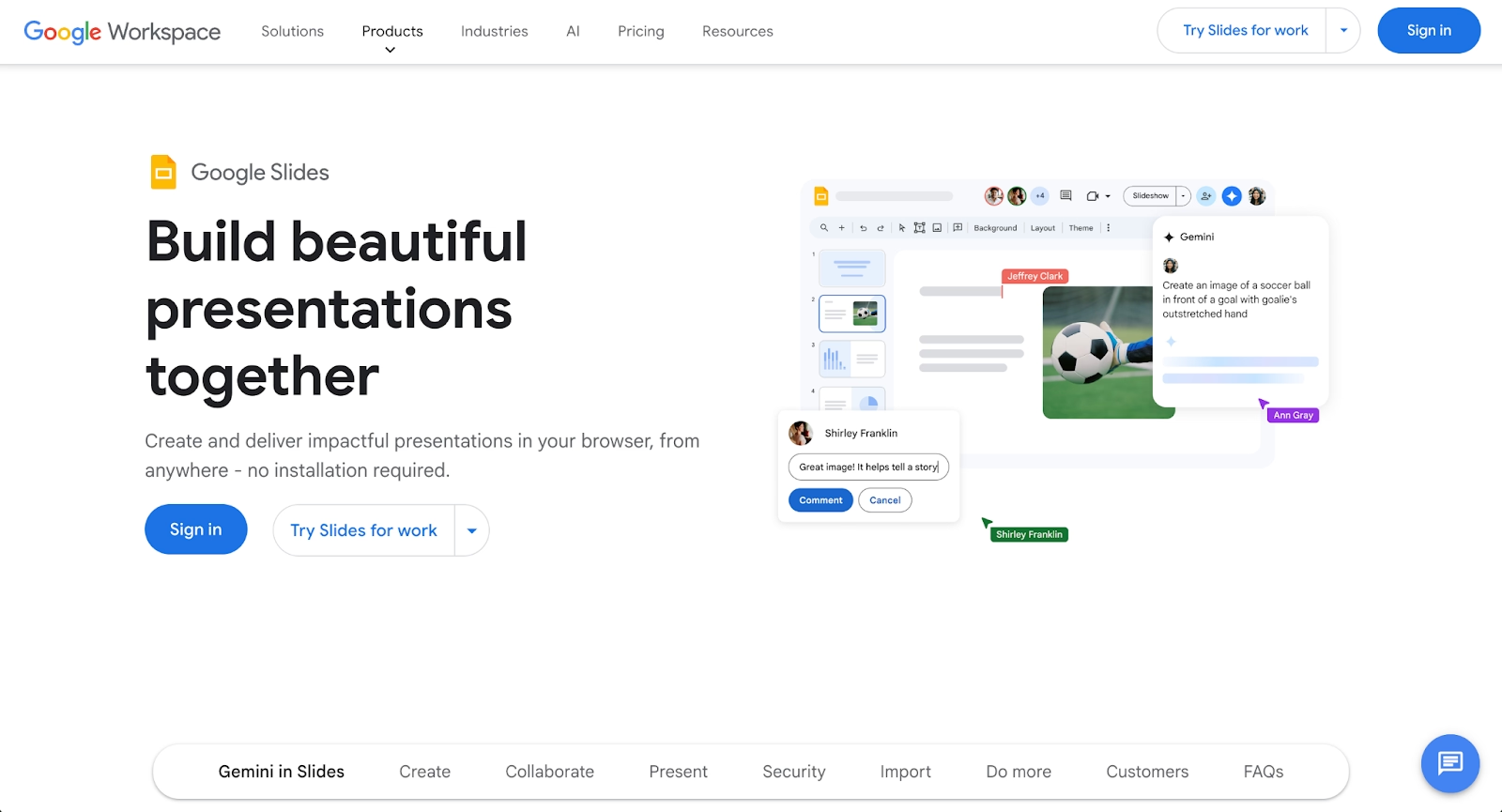
Google Slides is a cloud-based presentation tool within Google Workspace. It runs entirely in the browser, connects directly to Google Drive, and supports real-time collaboration for anyone with a Google account.
The interface is user-friendly, with drag-and-drop editing, templates, fonts, and basic animations. Google Slides works well for teams prioritizing speed, ease of use, and collaboration over advanced design options. A free plan makes it accessible, though design flexibility and automation remain limited compared to AI-powered tools.
3. Gamma
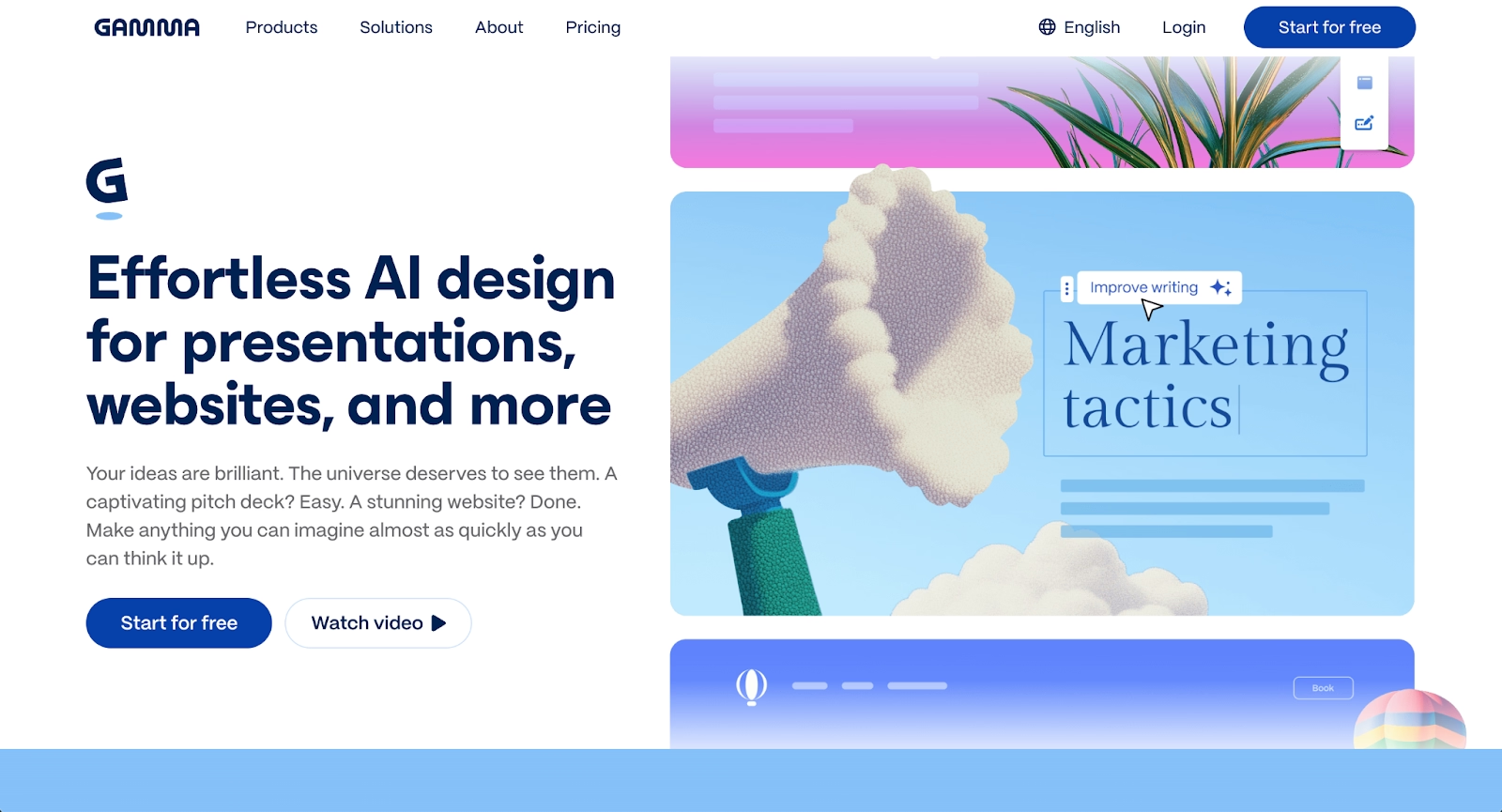
Gamma is an AI-powered platform designed for creating presentations, documents, and web pages through a card-based interface rather than traditional slides. Users input prompts or paste content, and Gamma structures the narrative, suggests layouts, and applies design themes automatically.
The platform emphasizes speed and web-native delivery. Published presentations function as interactive web pages with built-in analytics, making it effective for async sharing and tracking viewer engagement. Gamma supports multimedia embedding and offers responsive templates optimized for browser viewing.
Gamma suits teams that value modern, scrollable presentation formats over static slide decks. Its AI generation is fast, though customization options remain more limited than traditional design tools. Export to PowerPoint is supported, but formatting fidelity may vary.
4. Prezi
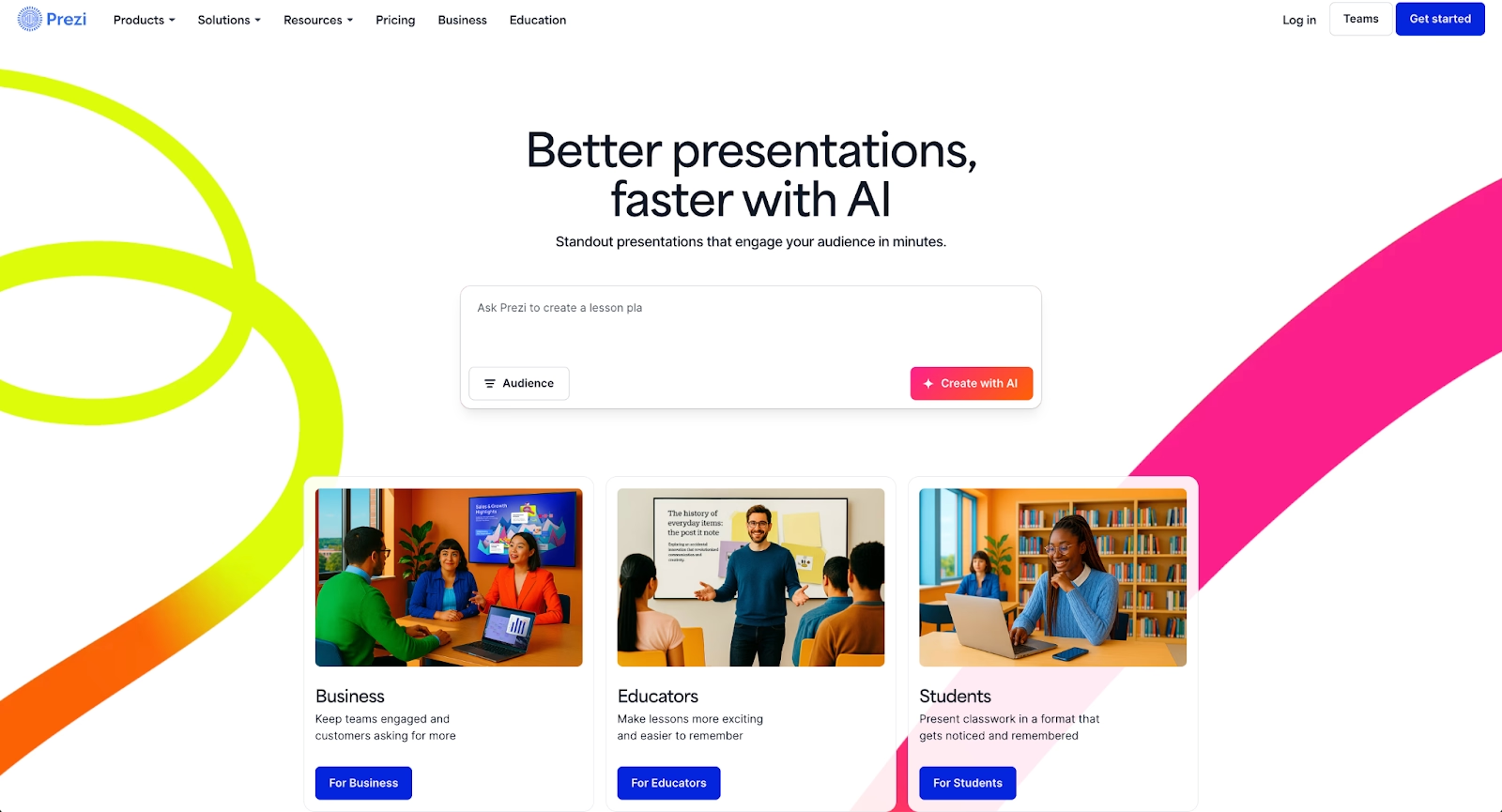
Prezi focuses on non-linear presentations using a zoomable canvas rather than traditional slides. Content flows spatially, making it effective for interactive presentations and storytelling.
Prezi supports animations, transitions, and multimedia embedding. It works best for presenters seeking dynamic delivery rather than standard slideshow formats. Teams producing structured reports may find the workflow less familiar than PowerPoint.
5. Keynote
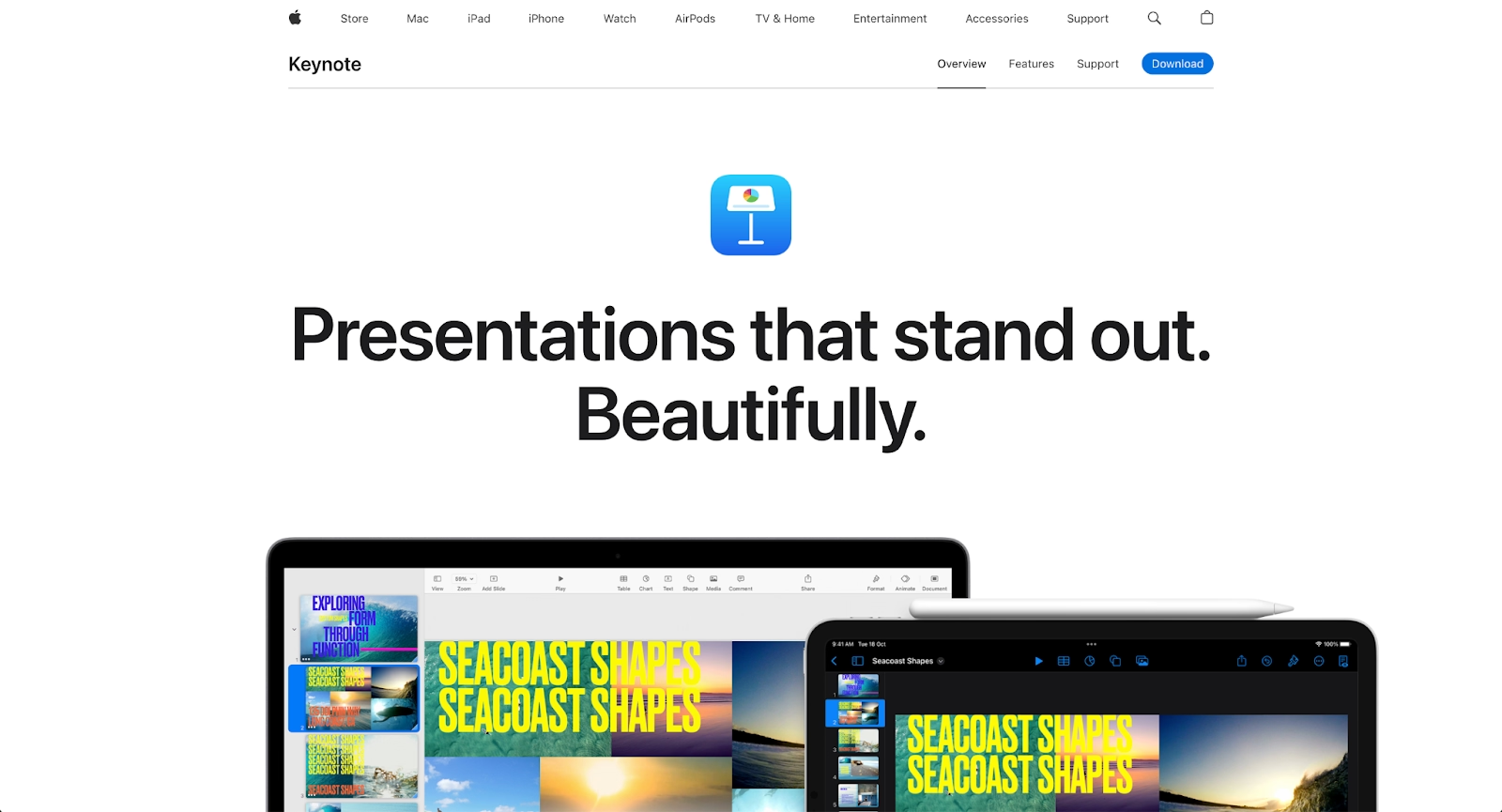
Keynote is Apple’s native presentation software for Mac, iOS, and the broader Apple ecosystem. It offers refined animations, cinematic transitions, and strong typography control.
Keynote integrates well across Apple devices and exports ppt files for compatibility with Microsoft PowerPoint. It suits users who value design polish and work primarily on Mac or iOS, though collaboration and cross-platform workflows remain more limited than cloud-based tools.
6. Pitch
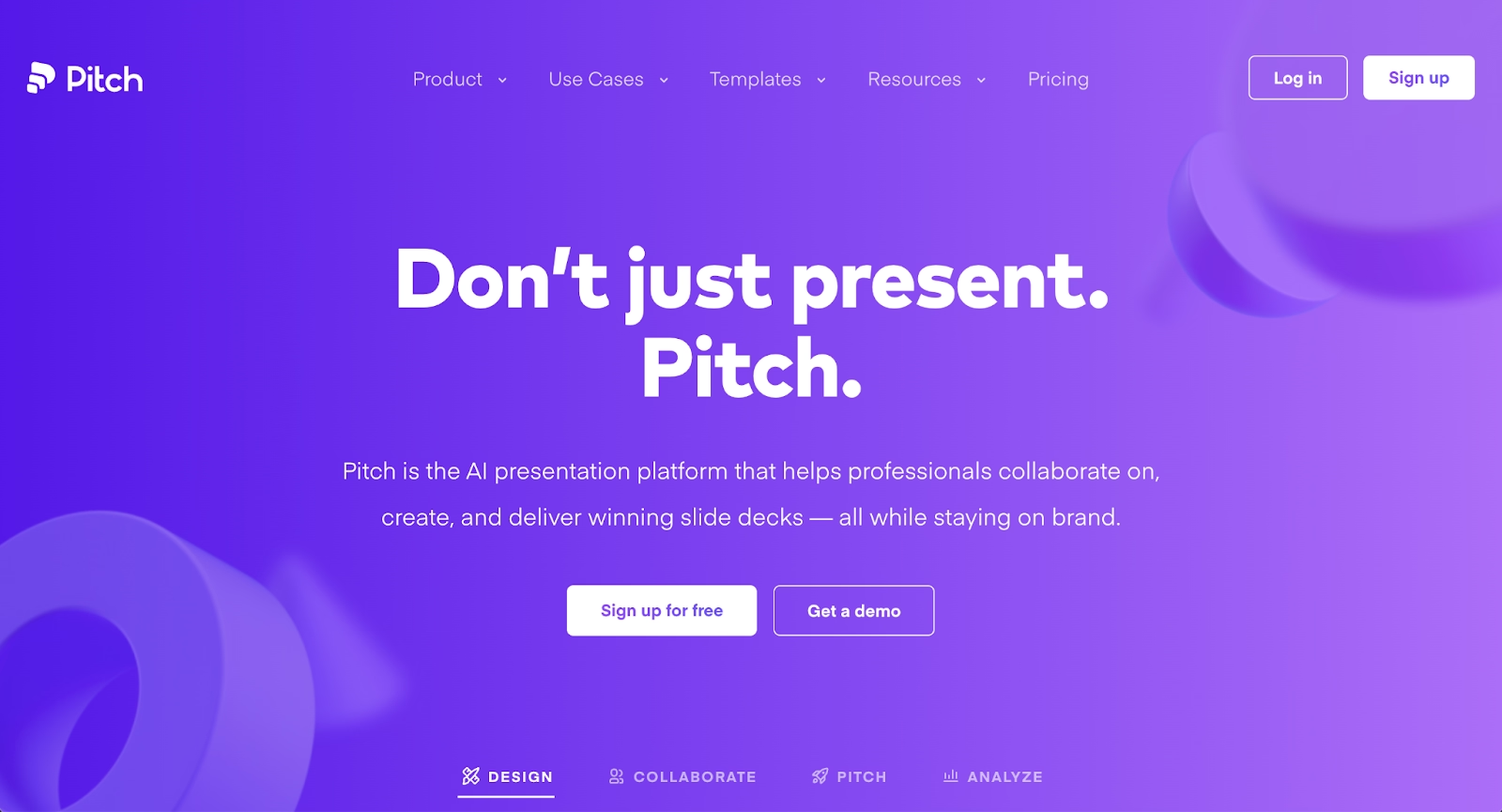
Pitch is a web-based presentation software built for teams. Real-time collaboration, version control, and shared slide decks support modern workflows.
Pitch emphasizes clean templates, strong design options, and collaboration features for startups and agencies. Animations and transitions are polished, though AI-powered automation remains lighter than platforms like Beautiful.ai or Slidebean.
7. Decktopus
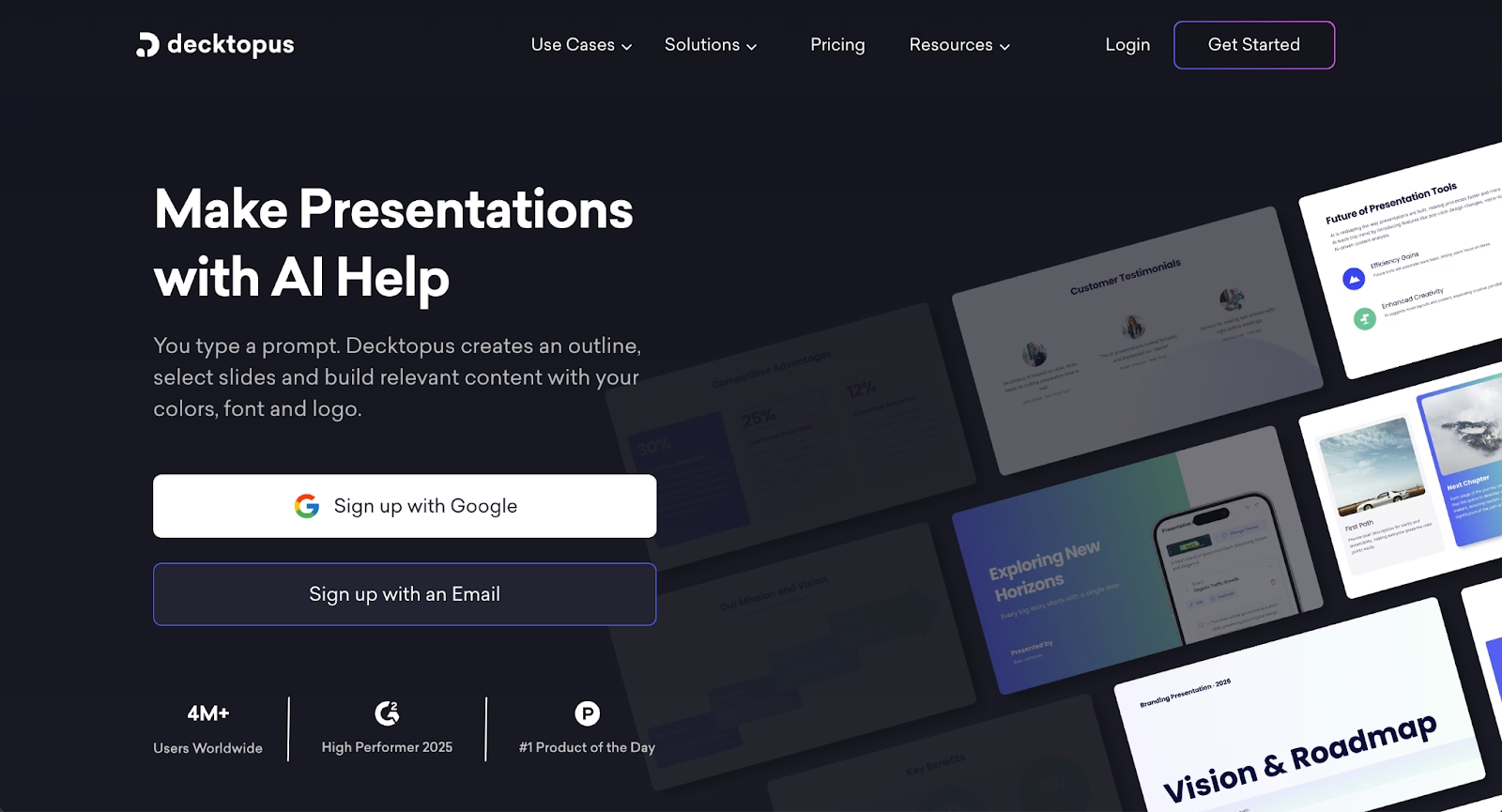
Decktopus is an AI-powered presentation tool built for speed. It uses a guided, step-by-step workflow that helps users create complete decks quickly through structured prompts and pre-defined layouts.
The platform focuses on simplicity over extensive customization. Users follow a wizard-like process that generates slides with clean, modern aesthetics. AI assists with initial content generation and image suggestions, though real-time design adjustments are limited compared to platforms like Beautiful.ai.
Decktopus works well for individuals and small teams creating straightforward presentations quickly. It exports to PowerPoint and PDF, though some users report that exported files may contain images rather than fully editable text boxes. The platform uses a credit-based system for AI features across its pricing tiers.
8. Visme
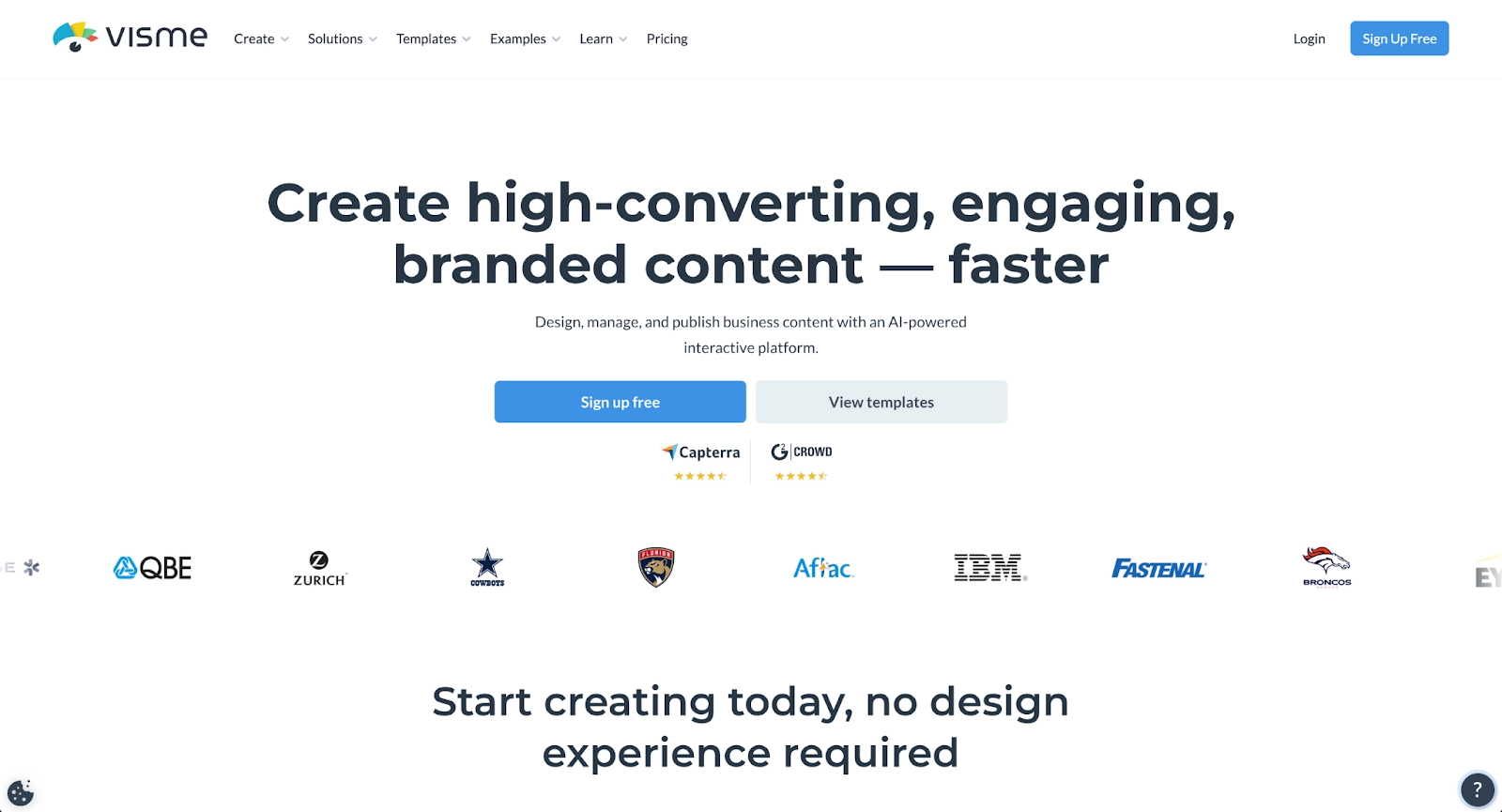
Visme combines presentation software with infographic and graphic design functionality. It supports interactive presentation elements, charts, multimedia, and embedding.
Visme fits teams creating data-driven slide decks, infographics, and engaging presentations. A free plan exists, with paid plans unlocking advanced customization options, collaboration features, and branding controls.
9. Slidebean
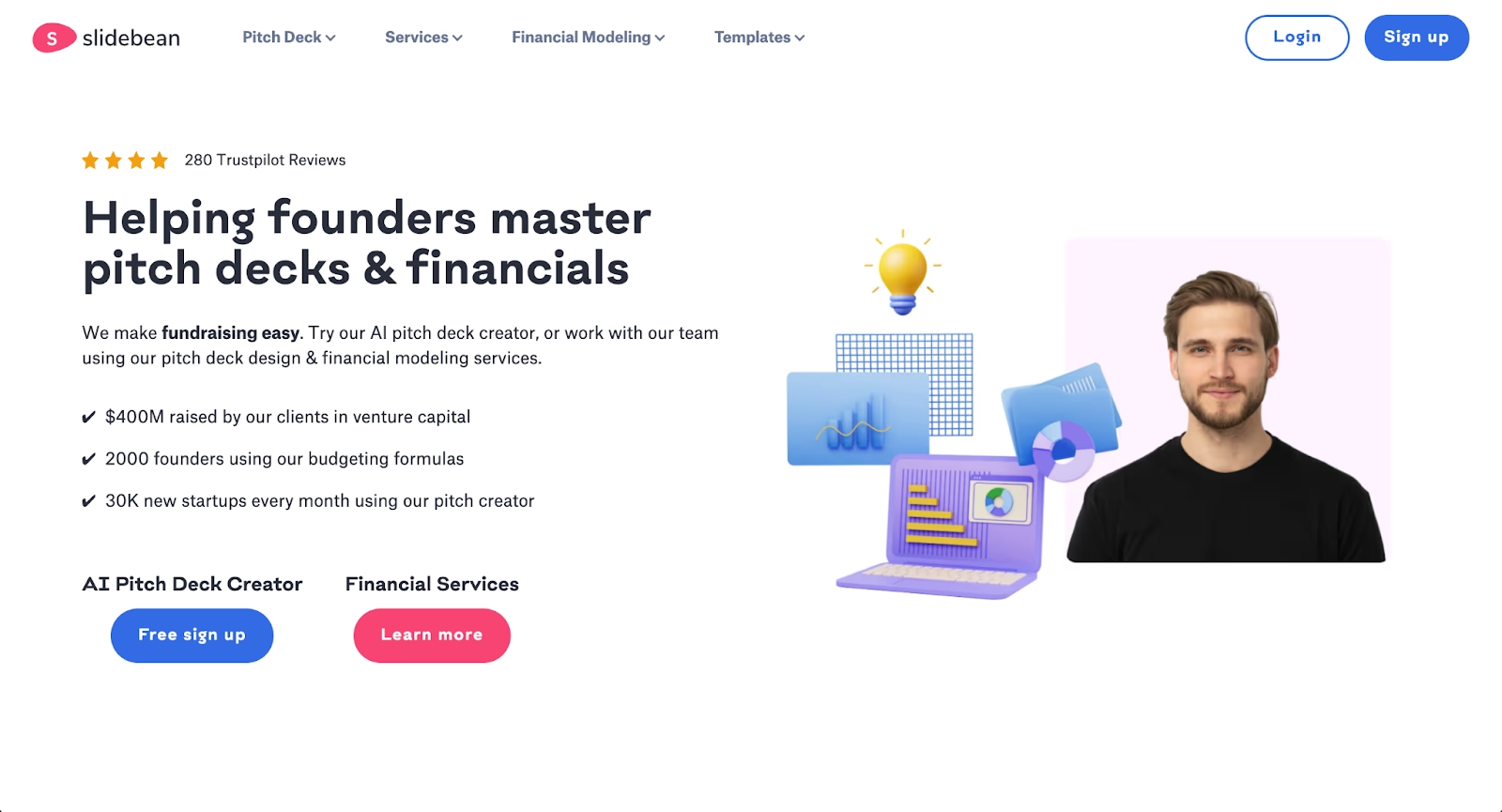
Slidebean focuses on AI-powered generation specifically for startup pitch decks and business presentations. Users input their content, and Slidebean's AI structures slides and applies a consistent design automatically, similar to how ChatGPT processes text prompts.
The platform targets entrepreneurs and small teams who need professional presentations quickly without extensive design expertise. Slidebean's approach resembles Presentations.ai, but with a stronger emphasis on pitch deck structure and startup-specific templates. The platform handles formatting and layout decisions, allowing founders to focus on their message.
Slidebean includes features like pitch deck analysis and investor-focused templates that aren't present in general-purpose tools. For teams building fundraising presentations or startup communications, Slidebean offers specialized functionality. Compared to Presentations.ai, it provides more focused tools for the startup use case while maintaining similar AI-driven efficiency. Pricing varies based on plan tier and feature access.
Key comparison criteria
Choosing the right PowerPoint alternative depends on your specific workflow, team size, and priorities. The following criteria help structure that evaluation.
AI features
AI capabilities vary significantly across platforms. Beautiful.ai and Slidebean automate design in real-time, applying professional layouts as you add content. Google Slides (with Gemini) offer AI-assisted content generation from prompts. PowerPoint with Copilot adds AI to a traditional interface. Prezi, Keynote, and Zoho Show offer minimal AI functionality.
Teams that prioritize speed and automation should focus on platforms where AI is central to the experience, not bolted on as an afterthought.
Ease of use
Learning curve matters, especially for teams without dedicated design resources. Google Slides are among the most accessible, with intuitive drag-and-drop interfaces. Beautiful.ai's Smart Slides reduce complexity by handling formatting automatically. Prezi requires more time to master due to its non-linear approach. PowerPoint and Visme offer deep functionality but demand investment to use effectively.
Design quality and templates
Template quality shapes how quickly teams can produce professional results. Pitch and Beautiful.ai offer strong design aesthetics with automation. Visme excels at data visualization and infographics. Keynote provides polished animations and transitions. Google Slides offers functional templates but lacks the sophistication of specialized platforms.
Collaboration
Real-time collaboration is standard across cloud-based tools, but execution varies. Google Slides and Pitch excel at simultaneous editing and commenting. Beautiful.ai adds centralized slide libraries and locked templates for brand control. Gamma offers sharing and analytics for web-based presentations. Keynote collaboration requires iCloud and works best within Apple environments.
Export and integrations
Compatibility with existing workflows is critical. PowerPoint export (PPTX) is supported by most alternatives, though formatting fidelity varies. Beautiful.ai and Visme offer strong export options. Google Slides integrates naturally with Google Workspace. Pitch connects with Slack and Notion. Zoho Show integrates with Zoho's business suite.
Teams should test export quality before committing, particularly if stakeholders require native PowerPoint files.
Pricing
Free plans cover basic needs, while paid plans unlock automation, branding, and collaboration features. Pricing varies widely across ecosystems.
Quick comparison snapshots
These head-to-head comparisons highlight practical differences between leading alternatives and PowerPoint.
Beautiful.ai vs Microsoft PowerPoint
Beautiful.ai prioritizes automation, real-time collaboration, and design consistency. PowerPoint prioritizes manual control and legacy compatibility. Teams seeking speed and polish favor Beautiful.ai.
Beautiful.ai's Smart Slides eliminate the manual formatting work that consumes hours in PowerPoint. Where PowerPoint users adjust alignment and spacing slide by slide, Beautiful.ai applies professional design rules automatically. PowerPoint suits teams that need granular control and work within the Microsoft 365 ecosystem, while Beautiful.ai suits teams that value efficiency, brand consistency, and modern collaboration workflows without the complexity.
Google Slides vs Microsoft PowerPoint
Google Slides emphasizes cloud-based collaboration and ease of use. PowerPoint offers deeper functionality and offline control. Workflow preferences drive the choice.
Google Slides wins for teams embedded in Google Workspace who need instant access from any browser and seamless real-time collaboration. PowerPoint wins for organizations requiring advanced animations, detailed customization options, and offline presentation capabilities. For teams splitting time between both ecosystems, export compatibility works reasonably well, though complex animations and transitions may require adjustment when moving between platforms.
Gamma vs Microsoft PowerPoint
Gamma emphasizes modern, web-native delivery and AI-powered generation. PowerPoint emphasizes traditional slide control and enterprise compatibility.
Gamma's card-based format and browser-first approach work well for interactive, async presentations where viewer analytics and dynamic scrolling enhance the experience. PowerPoint remains the standard for organizations requiring offline delivery, advanced animation control, and native integration with Microsoft 365 workflows. Teams exploring Gamma often appreciate its speed and web publishing capabilities but may still need PowerPoint exports for stakeholders who expect traditional slide formats
Conclusion
PowerPoint alternatives continue to evolve around automation, collaboration, and design efficiency. Some teams need AI-powered presentation makers that streamline workflows. Others value creative freedom, interactive presentation formats, or tight integration with existing ecosystems.
The best presentation tool aligns with how your team works, how fast you need to move, and how polished your slide deck must be. For teams prioritizing speed, consistency, and professional results, Beautiful.ai stands out as a modern alternative built for how presentations are created today.
Why customers are switching to Beautiful.ai
Beautiful.ai is an AI-powered presentation platform that helps teams create polished, on-brand slides in a fraction of the time, without design skills or manual formatting.
- Design automation built in. Whether you're building pitch decks, reports, or internal presentations, Beautiful.ai’s Smart Slides automatically format content so you never worry about spacing, alignment, or layout again. Add your content, and the design adjusts instantly.
- ️No design experience required. Create professional decks without touching text boxes or manually arranging elements. Choose from Smart Templates and let the AI handle layout decisions, visual hierarchy, and consistency across the entire deck.
- Branding? Already handled. Keep every slide on-brand with your fonts, colors, and logos applied automatically. Beautiful.ai ensures every team member creates presentations that look like they came from a dedicated design team—without extra work.
- Real-time collaboration & team controls. Collaborate directly on the same deck, leave comments, manage permissions, and maintain consistency across team presentations. Perfect for growing teams and cross-functional workflows.
- Faster workflows, fewer revisions. Jump from rough outline to polished presentation in minutes, not hours. Beautiful.ai reduces back-and-forth edits by enforcing on-brand design rules and helping you iterate faster with AI-assisted slide creation.
