


Best PopAI alternatives: top 9 in 2026
![PopAI alternatives: the top 9 [updated for 2026]](https://cdn.prod.website-files.com/59e16042ec229e00016d3a66/697d7b4a39088348e047ce98_popai%20Product%20shot.avif)

Best PopAI alternatives: top 9 in 2026
Choosing the right AI tool for presentations and document creation can shape how teams communicate, collaborate, and share ideas. PopAI has carved out a niche as an all-in-one workspace powered by artificial intelligence, but professionals exploring PopAI alternatives often find that different platforms better match their specific workflow needs. This guide breaks down the leading options, comparing AI presentation tools across features, pricing, and use cases to help you find the best fit.
What is PopAI?

PopAI is an AI-powered tool that combines presentation creation, document editing, AI chat functionality, and content generation into a single workspace. It positions itself as an AI assistant capable of handling multiple tasks: users can summarize documents, generate AI-generated slides, create AI image assets, and produce AI writing drafts from prompts.
The platform targets content creators, students, and professionals who want a ChatGPT-style interface combined with presentation software capabilities. PopAI supports use cases ranging from business plan development to social media content, making it appeal to users seeking broad functionality without switching between apps.
Because PopAI blends so many features, users often compare it against specialized AI presentation tools and broader productivity platforms. Understanding where PopAI excels and where it falls short is the first step toward identifying which alternative fits your needs.
Why look for PopAI alternatives?
Several factors lead users to explore popai alternatives. Feature depth is a common concern. While PopAI covers many bases, teams requiring advanced AI capabilities for presentation design or specific content generation tasks may find its individual features less robust than dedicated tools.
Workflow fit matters too. PopAI's all-in-one approach works well for some users, but others prefer streamlined tools that specialize in one area. If your primary need is high-quality slide decks, a dedicated presentation maker may serve you better than a generalist platform.
Pricing structures and free plan limitations also influence decisions. Some teams need unlimited exports or specific integrations that PopAI's pricing tiers don't support. Others require seamless connections with PowerPoint, Google Slides, or Excel that PopAI handles differently than competitors.
Template selection, design tools, and customization options vary significantly across platforms. Users who prioritize polished templates and consistent fonts often look elsewhere for more refined design control.
Top 9 PopAI alternatives
The tools below span a range of approaches. Some focus on automation and speed. Others prioritize design control, collaboration features, or integration with existing workspace ecosystems. Each serves different teams and workflow preferences.
1. Beautiful.ai

Beautiful.ai is a presentation platform that combines AI-powered content generation with automated design through Smart Slide layouts. Users can kickstart presentations with AI by entering a prompt and optional context, generating a complete deck in seconds. Once the AI creates the initial structure, Smart Slides handle the design work—automatically adjusting layouts, maintaining visual consistency, and enforcing design rules across fonts, spacing, and alignment as users edit and refine.
This dual approach makes Beautiful.ai ideal for teams producing pitch decks, business presentations, and client-facing materials. The AI helps users skip the blank page, while Smart Slides ensure every presentation stays polished without manual formatting. Collaboration features support team workflows, and built-in analytics track how viewers engage with shared presentations.
Where PopAI emphasizes breadth across docs, AI chat, and image generation, Beautiful.ai focuses narrowly on presentation creation excellence. Teams that prioritize visual polish and speed often prefer this specialized approach over generalist functionality.
2. Gamma
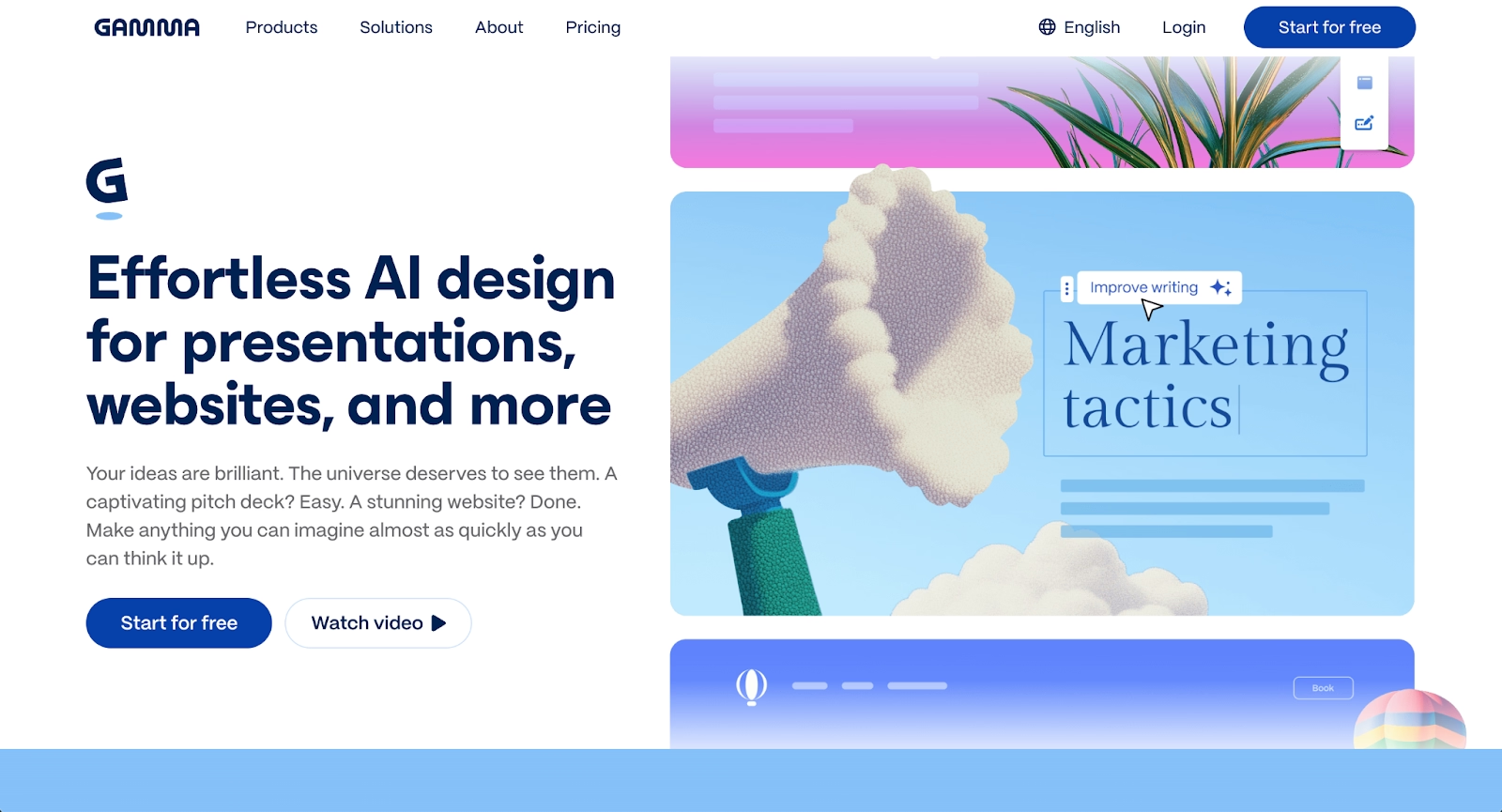
Gamma offers a card-based interface that supports presentations, docs, and webpages. Its AI presentation capabilities help users generate structured content from text prompts, with the platform handling layout suggestions automatically.
Gamma excels at speed. Users can move from idea to finished presentation quickly, making it popular among startups and teams that iterate rapidly. The platform supports real-time collaboration and exports to multiple formats.
Compared to PopAI, Gamma offers a more presentation-focused experience with strong AI-generated layout support but less emphasis on features like AI agents or document summaries.
3. Decktopus

Decktopus is an AI-powered presentation builder designed to streamline deck creation through automation and intelligent suggestions. Users begin with a prompt or topic, and the platform generates a structured presentation complete with content, layouts, and design elements.
The platform emphasizes speed and ease of use, making it accessible for professionals who need to create presentations quickly without design expertise. Decktopus includes features like voice narration, form embedding, and webhook integrations that extend beyond basic slide creation.
Compared to PopAI, Decktopus focuses specifically on presentation workflows rather than offering document editing or AI chat capabilities. Its strength lies in converting ideas into polished decks rapidly, with built-in tools for collecting feedback and tracking engagement after sharing.
4. Prezi
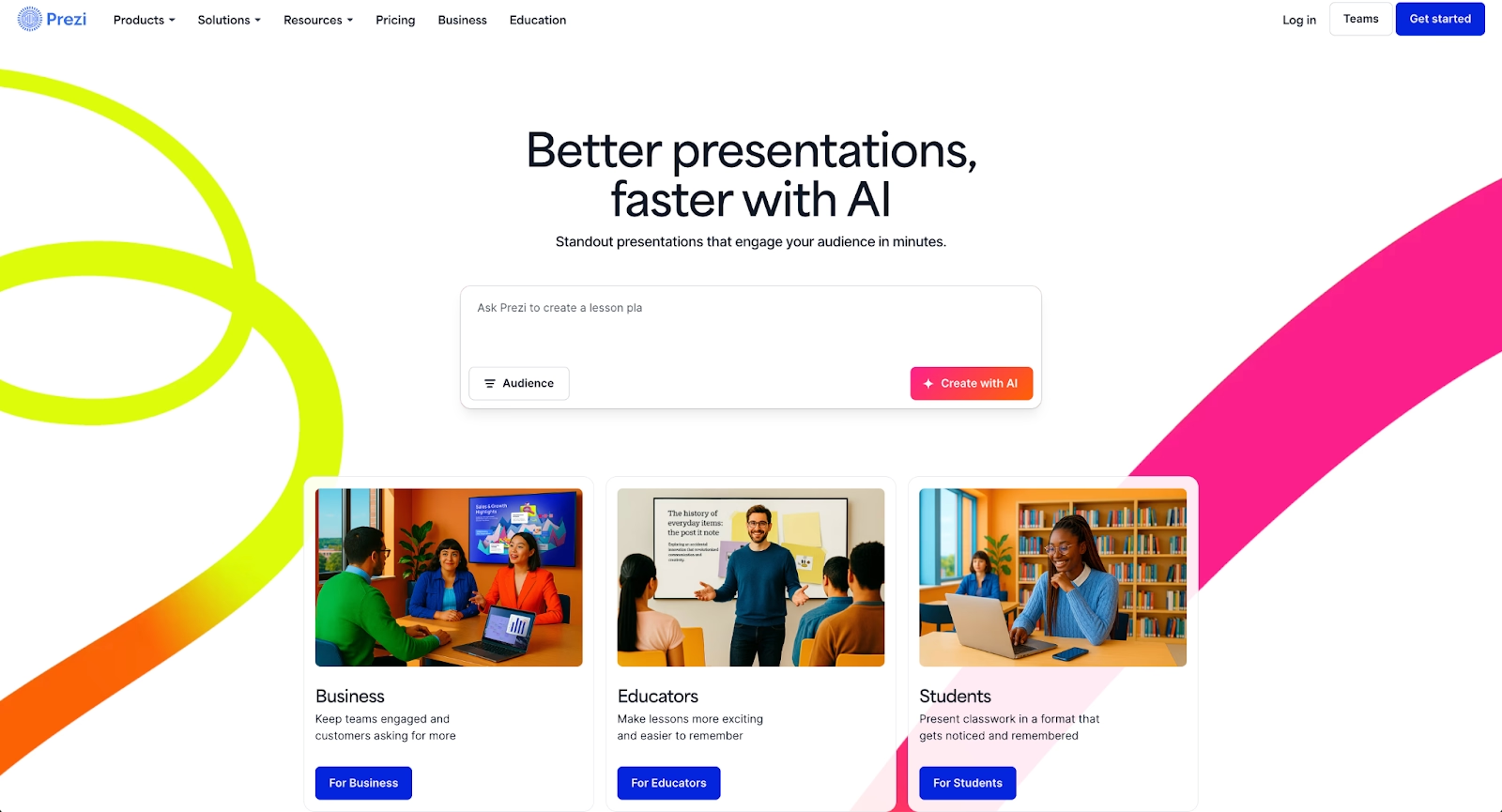
Prezi takes a different approach with its zoomable, non-linear canvas. Instead of traditional slides, content is arranged spatially, allowing presenters to move through topics dynamically. This format supports storytelling-focused presentations where visual movement reinforces the narrative.
Prezi works well for educational content, keynotes, and business presentations that benefit from conceptual flow rather than sequential slides. It lacks the AI chat and summarize functionality of PopAI, but its unique presentation style fills a specific niche that linear tools cannot match.
5. Microsoft PowerPoint with Copilot
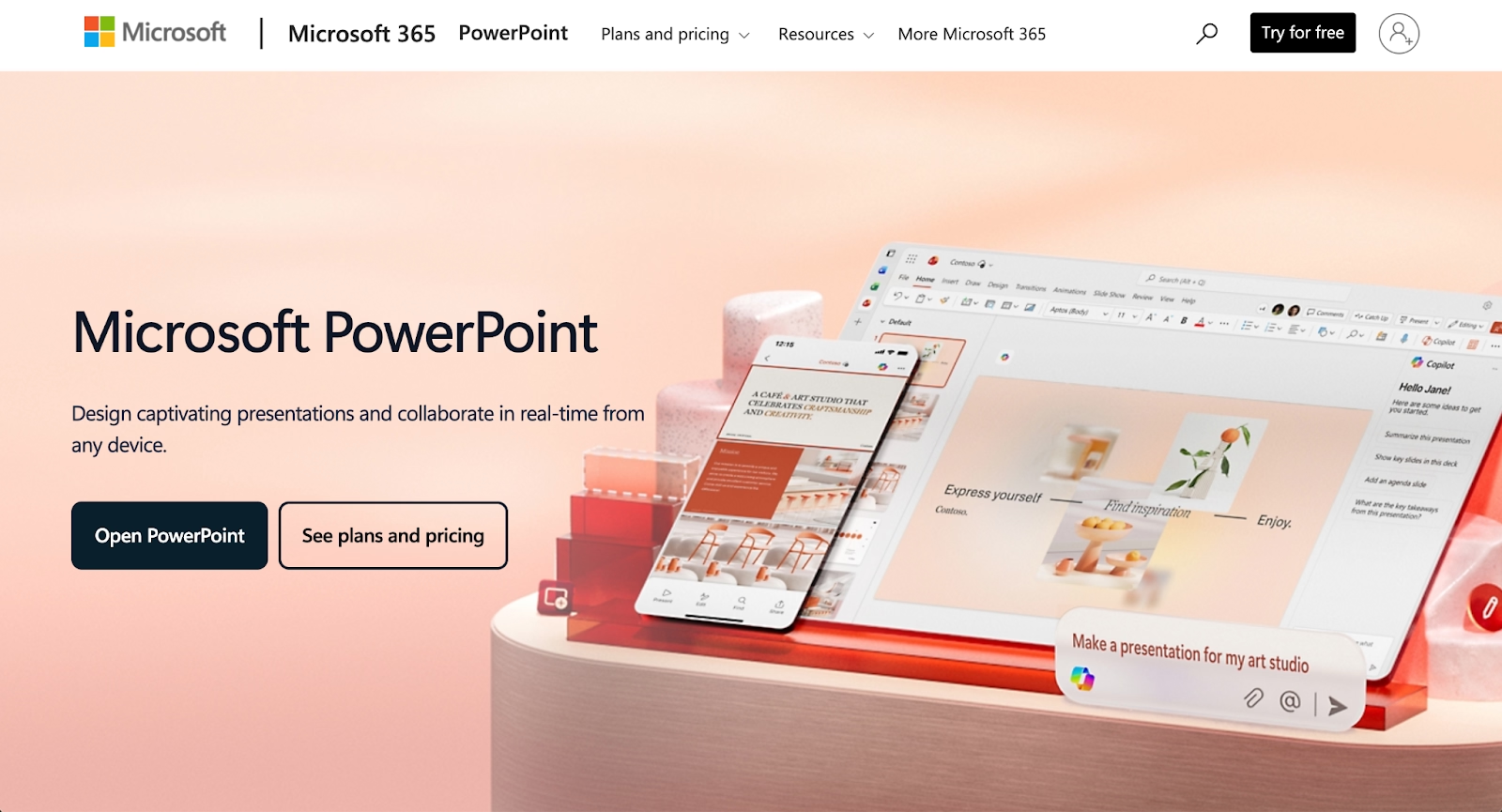
PowerPoint remains the standard for enterprise presentation software, and the addition of Copilot brings advanced AI capabilities to a familiar interface. Copilot can generate slides, suggest layouts, and assist with content generation based on prompts or existing documents.
This combination offers deep design flexibility, robust animations, and seamless integration with the broader Microsoft workspace, including Excel and Word. For organizations already invested in Microsoft's ecosystem, PowerPoint with Copilot delivers AI-powered functionality without requiring users to adopt new tools.
6. Google Slides with Gemini
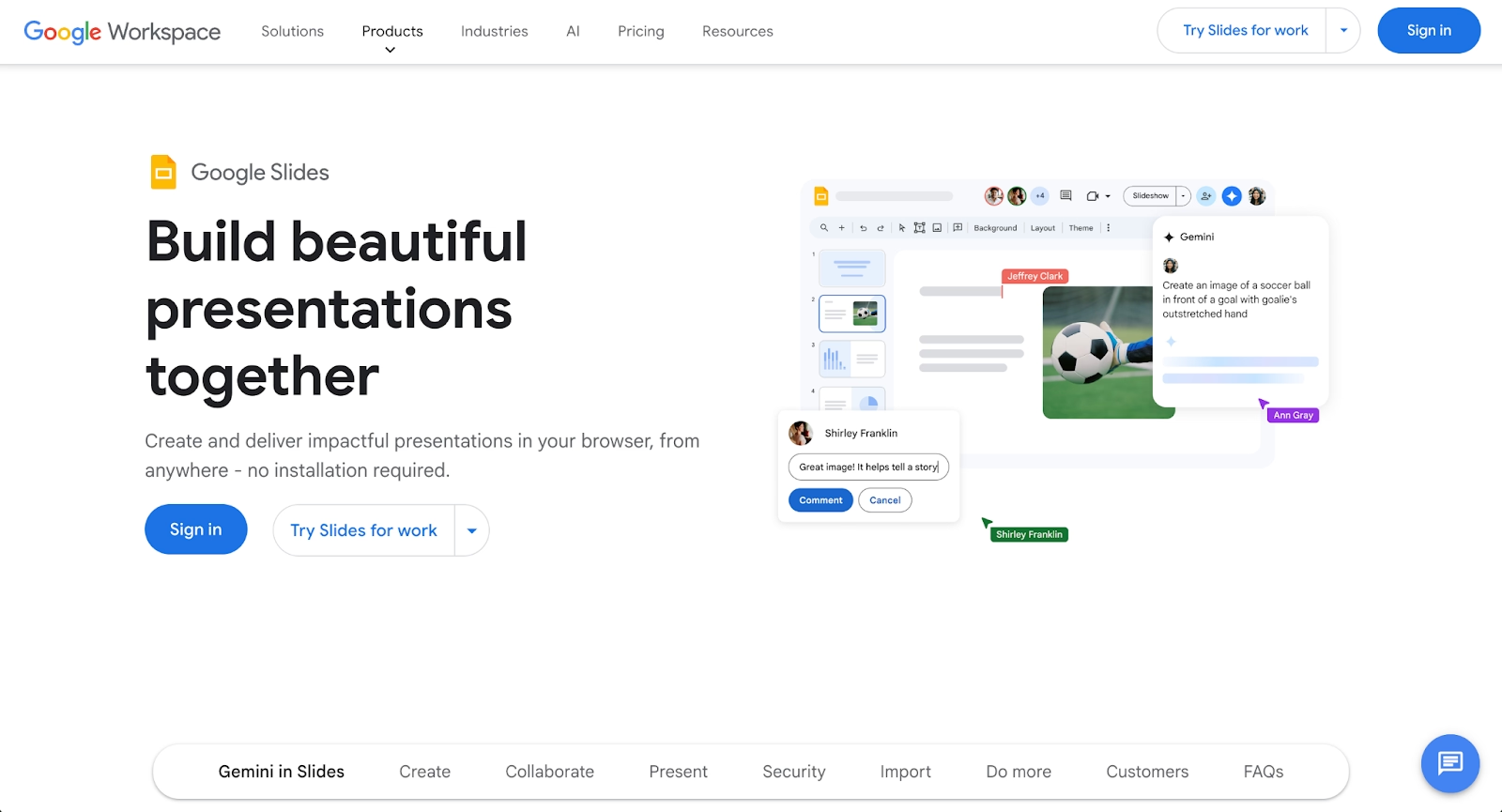
Google Slides offers cloud-native presentation creation with strong collaboration features built into Google Workspace. The integration of Gemini adds AI-generated content assistance, layout suggestions, and text improvements similar to GPT-based tools.
Google Slides excels for teams that rely on Google Drive for file management. Its free plan provides solid functionality, and the platform's accessibility makes it popular for beginners and organizations seeking cost-effective solutions. Compared to PopAI, Google Slides offers fewer all-in-one features but stronger workspace integration.
7. Slidebean
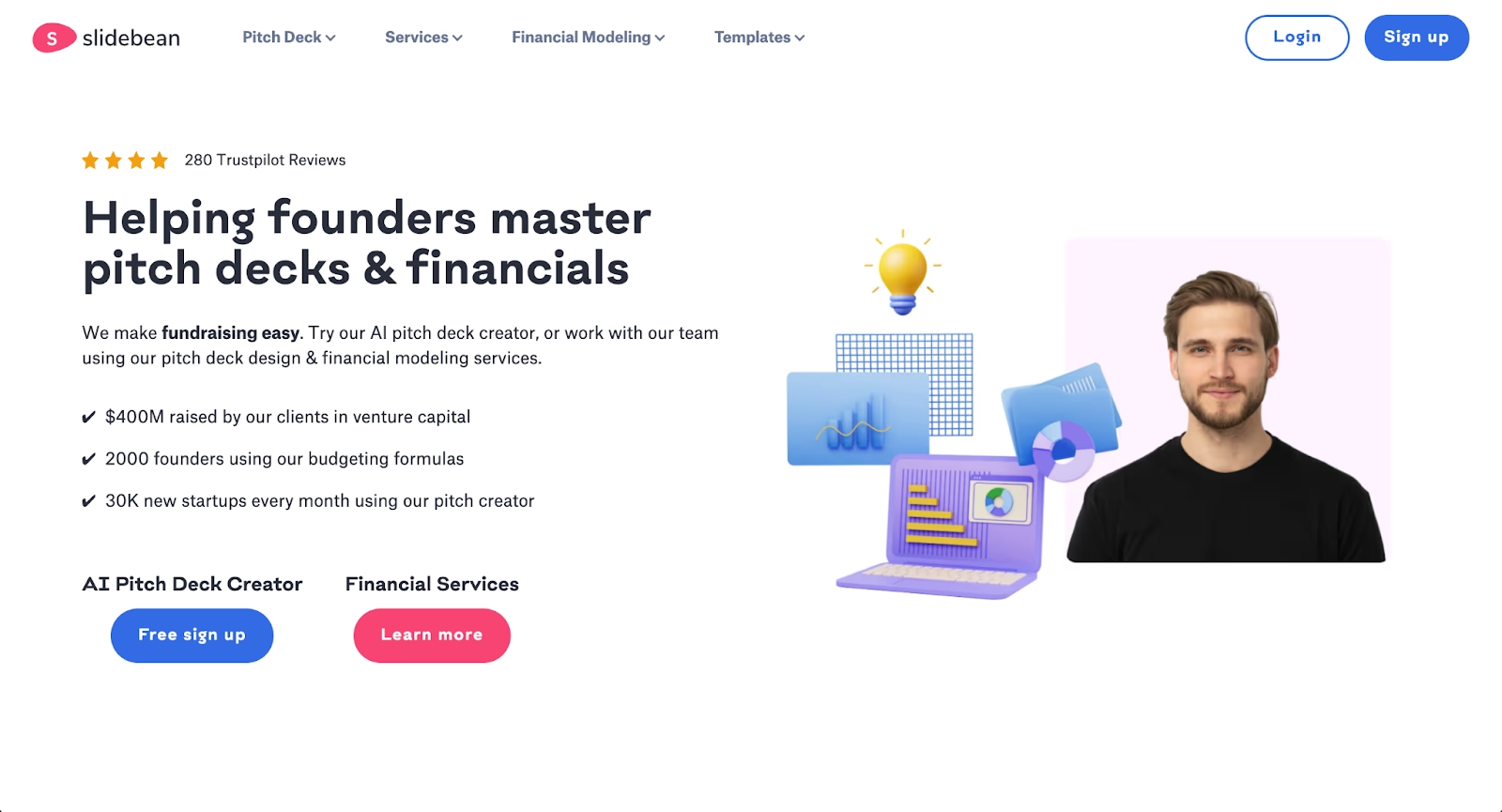
Slidebean is a presentation maker built around automation. Users input content, and the platform structures slides using clean layouts and consistent branding. It targets startups creating pitch decks and teams that need professional presentations without extensive design work.
The AI-powered approach reduces time spent on formatting, making Slidebean efficient for users who want to streamline presentation creation. While it offers less customization than PowerPoint, its speed and polish make it a strong PopAI alternative for specific use cases.
8. Visme
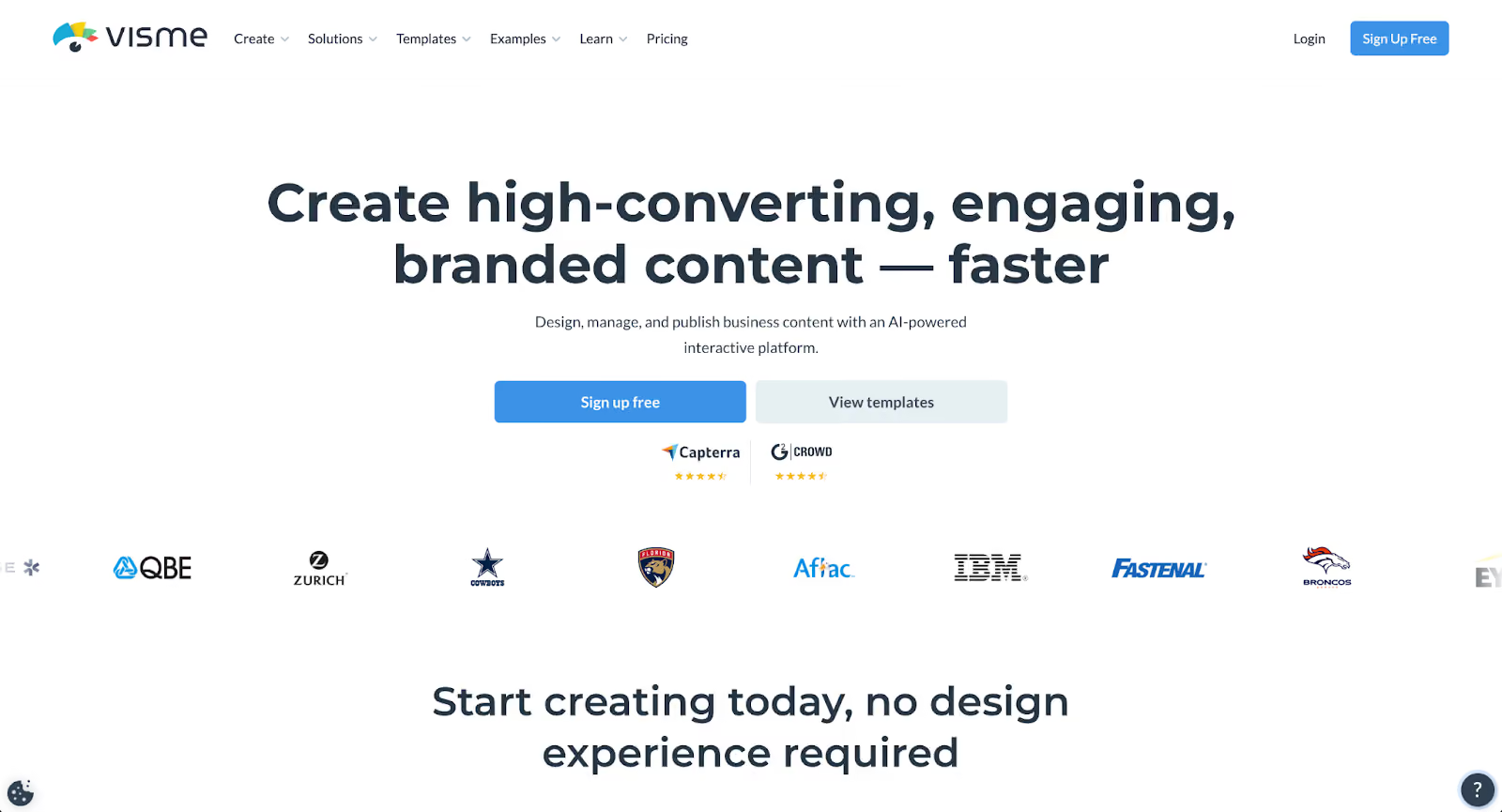
Visme supports presentations, infographics, documents, and videos within a single platform. Its template library covers diverse formats, and its design tools allow detailed customization of fonts, colors, and layouts.
The platform appeals to teams producing high-quality visual content across multiple channels. Visme's data visualization capabilities make it useful for presentations involving charts and complex information. While its AI features are less central than PopAI's, it offers stronger design control for users willing to invest more time in customization.
9. Plus AI
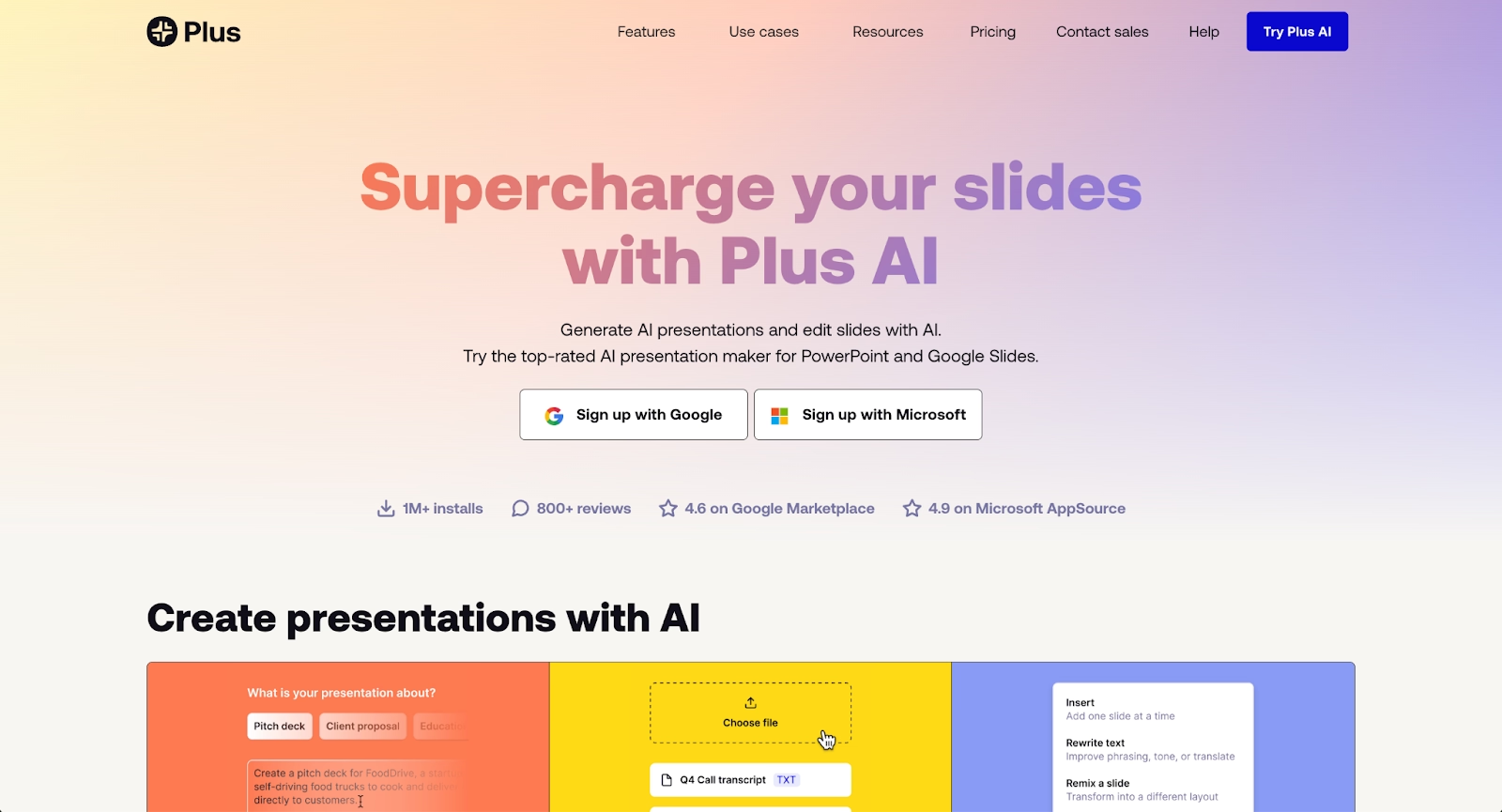
Plus AI takes a different approach by integrating directly into Google Slides and PowerPoint as an add-on rather than functioning as a standalone platform. This native integration allows users to access AI-powered features within the presentation tools they already use.
The platform can generate presentations from prompts, rewrite existing content, and create custom slides based on specific requirements. Plus AI supports content generation from documents and URLs, making it useful for teams that need to transform existing materials into a presentation format.
For organizations already committed to Google Workspace or Microsoft 365, Plus AI delivers AI capabilities without requiring workflow changes or platform migration. Compared to PopAI's all-in-one workspace, Plus AI enhances existing tools rather than replacing them, making it ideal for teams that prefer incremental AI adoption within familiar environments.
Key comparison criteria
Evaluating popai alternatives requires weighing several factors against your team's priorities. The criteria below help clarify which platform best supports your workflow.
AI features
AI capabilities vary widely. Some platforms like Beautiful.ai focus on AI in design automation. Others like Gamma and Tome emphasize content generation from prompts. PopAI's strength is its breadth across AI chat, image generation, and document summarization, but specialized tools often offer deeper functionality in their focus areas.
Ease of use
Onboarding experience and interface clarity matter for teams adopting new tools. Google Slides rank highly for beginners, while PowerPoint's familiarity benefits enterprise users. PopAI's all-in-one interface can feel complex compared to streamlined presentation makers.
Design quality and templates
Template selection and design polish differ significantly. Beautiful.ai enforces consistent design rules automatically. Prezi provides unique visual formats. Teams prioritizing high-quality output should evaluate templates directly.
Collaboration
Real-time collaboration support varies. Google Slides and Gamma excel here. Beautiful.ai and Pitch offer strong team features. Consider whether your workflow requires simultaneous editing, commenting, or version history for business presentations.
Export and integrations
Export formats matter for compatibility. Most tools support PDF and PPT exports. Integration with existing workspace tools like Google Drive, Microsoft 365, or Figma influences workflow efficiency.
Pricing
Pricing structures range from generous free plans to premium paid plans. Google Slides offers strong free functionality. Beautiful.ai, Slidebean, and Tome require subscriptions for full features. Evaluate pricing against the specific capabilities you need.
Quick comparison snapshots
These head-to-head comparisons highlight practical differences between leading alternatives and PopAI.
Beautiful.ai vs PopAI
Beautiful.ai prioritizes design automation and visual consistency. PopAI offers broader AI tool functionality, including chat and document summaries. Choose Beautiful.ai for polished presentations with minimal design effort. Choose PopAI if you need an all-in-one workspace spanning multiple content types.
Gamma vs PopAI
Gamma focuses on fast, AI presentation creation with a card-based interface. PopAI provides more diverse AI agents and summarizes capabilities. Gamma suits teams prioritizing presentation speed. PopAI fits users wanting a single platform for documents, presentations, and AI chat.
Decktopus vs PopAI
Decktopus focuses on fast, AI-driven presentation creation with built-in engagement tools like forms and analytics. PopAI offers broader functionality across documents, AI chat, and content generation beyond presentations. Decktopus works better for teams prioritizing presentation-specific workflows and viewer interaction. PopAI serves users who want a unified workspace that handles multiple content types with conversational AI assistance.
Conclusion
The best PopAI alternative depends on your specific workflow, team structure, and presentation needs. Beautiful.ai excels at automated design consistency. Gamma and Tome offer fast AI-generated drafts. PowerPoint with Copilot and Google Slides with Gemini integrate smoothly into existing workspace ecosystems.
Align your priorities with platform strengths. If design automation matters most, look at Beautiful.ai or Slidebean. If collaboration features drive your workflow, consider Gamma or Google Slides. If you need flexibility and customization, Prezi or Visme may serve you better. Each tool brings distinct advantages to presentation creation, and the right choice supports how your team actually works.
Why customers are switching to Beautiful.ai
Beautiful.ai is an AI-powered presentation platform that helps teams create polished, on-brand slides in a fraction of the time, without design skills or manual formatting.
- Design automation built in. Whether you're building pitch decks, reports, or internal presentations, Beautiful.ai’s Smart Slides automatically format content so you never worry about spacing, alignment, or layout again. Add your content, and the design adjusts instantly.
- ️No design experience required. Create professional decks without touching text boxes or manually arranging elements. Choose from Smart Templates and let the AI handle layout decisions, visual hierarchy, and consistency across the entire deck.
- Branding? Already handled. Keep every slide on-brand with your fonts, colors, and logos applied automatically. Beautiful.ai ensures every team member creates presentations that look like they came from a dedicated design team—without extra work.
- Real-time collaboration & team controls. Collaborate directly on the same deck, leave comments, manage permissions, and maintain consistency across team presentations. Perfect for growing teams and cross-functional workflows.
- Faster workflows, fewer revisions. Jump from rough outline to polished presentation in minutes, not hours. Beautiful.ai reduces back-and-forth edits by enforcing on-brand design rules and helping you iterate faster with AI-assisted slide creation.
