


Best Presentations.ai alternatives: top 9 in 2026
![Presentations.ai alternatives: the top 9 [updated for 2026]](https://cdn.prod.website-files.com/59e16042ec229e00016d3a66/69e9191ade9708b538063761_697d783161d272ed9fe5ed37_presentation%2520ai%2520Product%2520shot.avif)

Best Presentations.ai alternatives: top 9 in 2026
Professionals seeking efficient ways to create presentations often compare a range of AI presentation tools and traditional presentation platforms. Presentations.ai is one such tool that has gained attention for its capabilities, but understanding how it stacks up against competitors helps teams make informed decisions. This article provides a comprehensive analysis of Presentations.ai and explores nine strong alternatives, examining their features, strengths, and suitability for different professional contexts.
What is Presentations.ai?
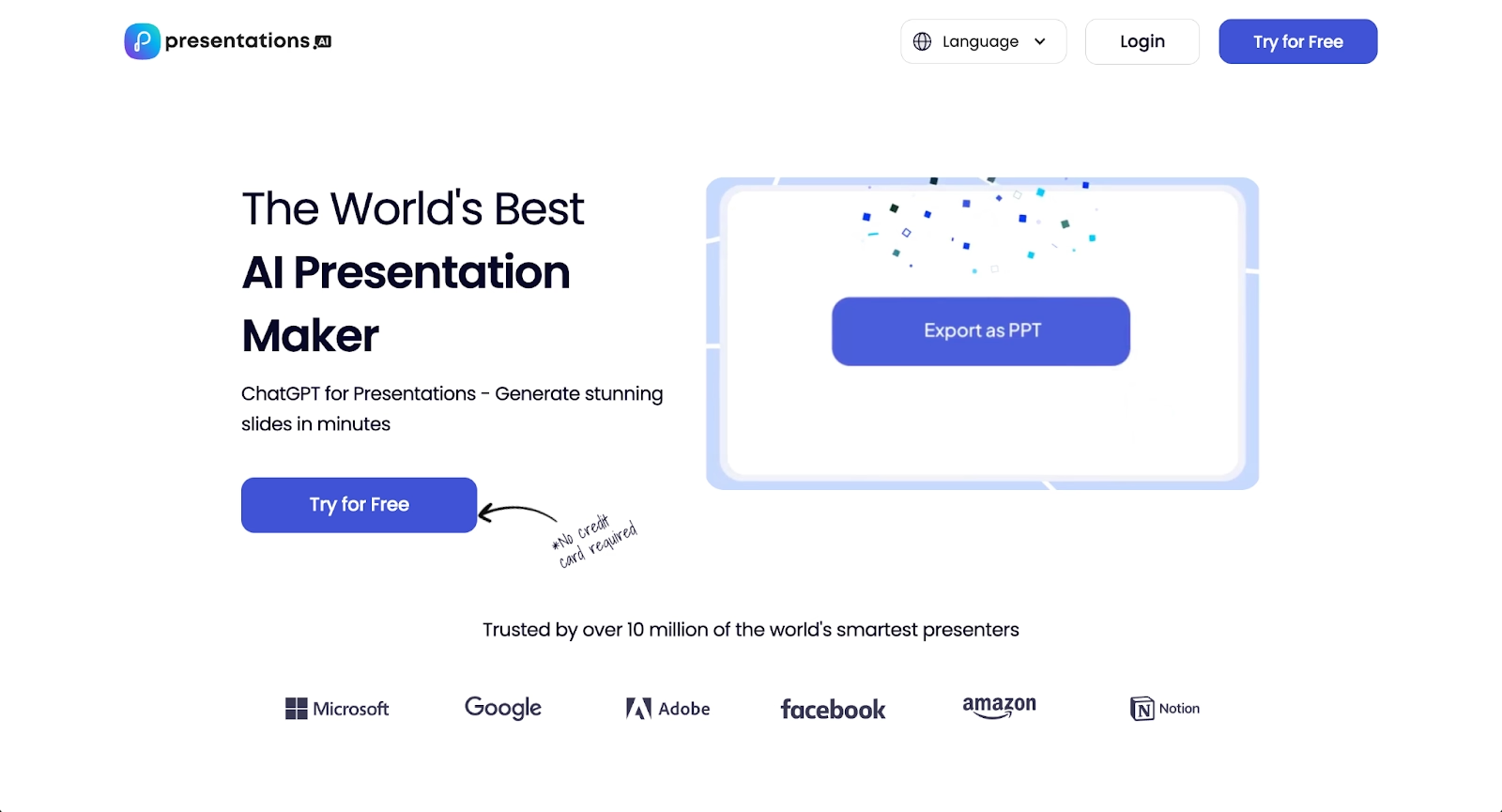
Presentations.ai is an AI-powered presentation tool designed to generate slide decks through natural language prompts and intelligent design suggestions. Users can describe the presentation they need, and the platform generates slides with suggested layouts, text, and visual elements.
The platform targets professionals who want to reduce the time spent on formatting and design decisions. Its core value lies in speed and accessibility, allowing users to move from concept to draft quickly. Presentations.ai supports common use cases such as business presentations, sales decks, and internal reports.
As an AI presentation tool, Presentations.ai fits within a growing category of platforms that apply machine learning to streamline repetitive design tasks. The platform appeals to users seeking efficiency, though preferences for control, collaboration features, or specific design aesthetics often lead teams to explore other options.
Why look for Presentations.ai alternatives?
While Presentations.ai offers clear advantages for rapid content generation, several factors commonly prompt users to evaluate other platforms.
Feature depth can be a concern. Some teams need more advanced capabilities for data visualization, animation control, or complex formatting that go beyond what Presentations.ai currently provides.
Integration needs matter. Teams already using established tools like Microsoft PowerPoint or Google Slides may find it challenging to integrate Presentations.ai into existing processes, particularly when collaboration or file format requirements are rigid.
Pricing structures and plan limitations also influence decisions. Organizations with budget constraints or those requiring specific features across multiple users may find that the free plan doesn't provide enough functionality, while paid plans don't align with their needs.
Customization and design control represent another consideration. Some users want more granular control over fonts, colors, layouts, and branding elements than an AI tool typically offers.
Template variety and aesthetic preferences play a role, too. Different brands and industries have distinct visual requirements, and some users prefer platforms with broader template libraries or more flexible design systems.
Understanding these considerations helps clarify when an alternative might better serve specific team needs.
Top 9 Presentations.ai alternatives
The market includes a diverse range of presentation tools, each with distinct approaches to design, collaboration, and AI features. These platforms vary in their emphasis on AI-powered generation, manual control, team processes, and integration capabilities, making them suitable for different organizational structures and presentation requirements.
1. Beautiful.ai

Beautiful.ai distinguishes itself through intelligent design automation that maintains visual consistency without requiring manual formatting. The platform uses Smart Slides—self-adjusting layouts with built-in design logic that automatically handle spacing, alignment, and visual hierarchy as users add or modify content.
This design automation means that fonts, colors, spacing, and alignment stay consistent throughout the slide deck without any manual effort. Users select from professionally designed Smart Slide layouts, then focus on content while the platform handles the visual polish. For content generation, Beautiful.ai includes AI features that can create entire presentations from prompts, generate individual slides, create images, or write text—and every AI-generated deck is built using Smart Slides, enabling rapid refinement and editing.
Beautiful.ai includes robust collaboration features, allowing teams to work together in real time, share feedback, and track changes. The platform excels for business presentations, pitch decks, and any scenario where brand consistency and professional design matter.
While it offers less granular control than fully manual tools, its structured approach saves time and ensures high-quality output. Compared to Presentations.ai, Beautiful.ai provides more sophisticated design automation and a stronger collaboration infrastructure, making it ideal for teams prioritizing both efficiency and visual excellence. Pricing starts at $12 per month, with team plans offering additional brand controls and analytics.
2. Gamma
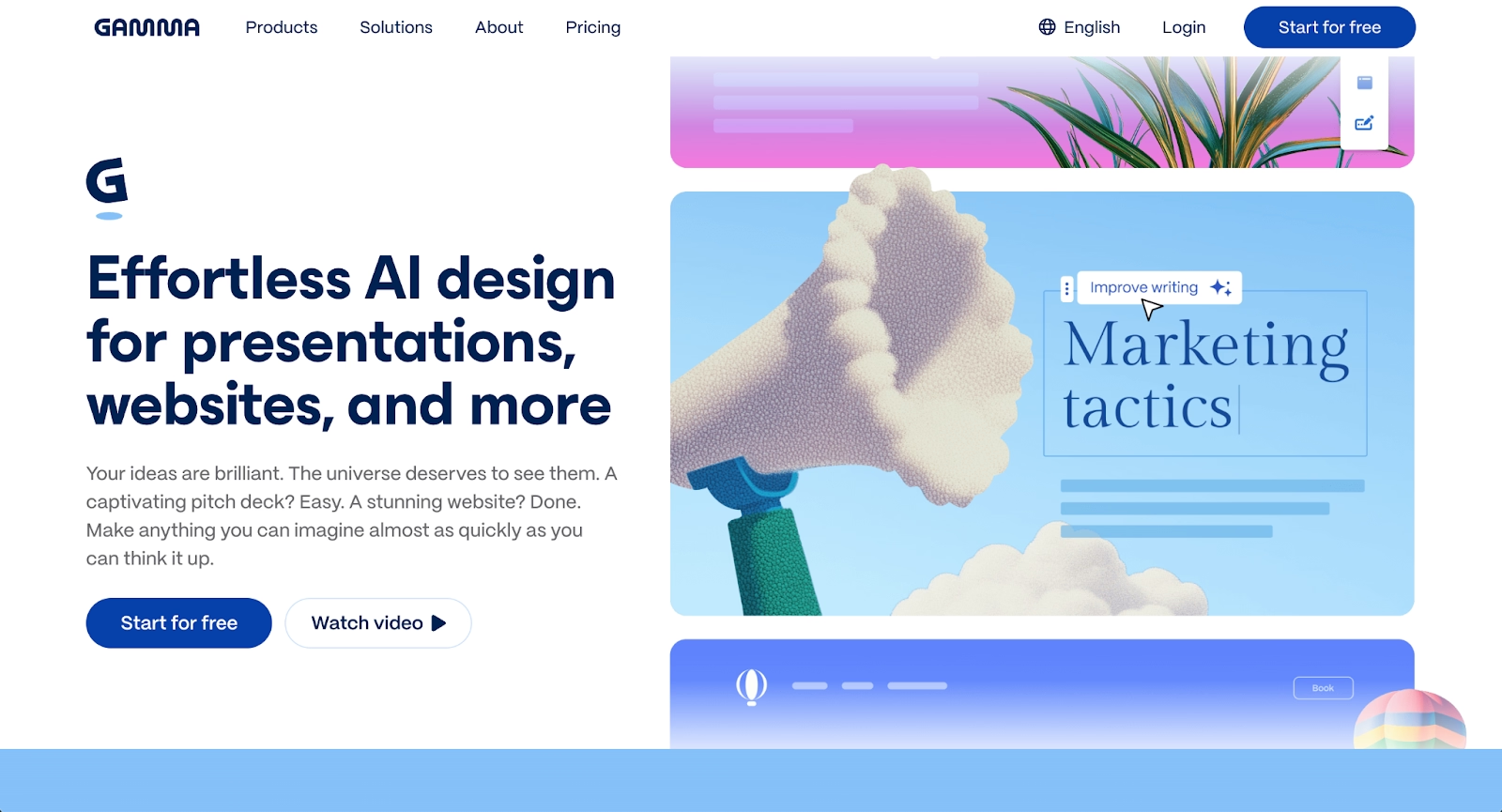
Gamma is an AI-powered platform that supports presentations, documents, and webpages through a flexible card-based interface. Users can input text prompts or existing content, and Gamma's AI structures the narrative, suggests layouts, and applies design themes.
The card-based structure allows for dynamic, non-linear presentations that work well for interactive delivery and storytelling. Gamma supports real-time collaboration and responsive templates that adapt to different screen sizes and viewing contexts. The platform is particularly accessible for beginners who want professional results without extensive design experience.
Gamma offers more flexibility in content structure than Presentations.ai, particularly for teams creating multi-format deliverables. Its AI capabilities extend beyond slide generation to include document creation and web publishing, making it suitable for diverse content needs. Pricing includes a free plan with limited credits and paid plans starting around $10 per month. Teams seeking a versatile platform that handles both traditional presentations and alternative formats will find Gamma compelling.
3. Plus AI
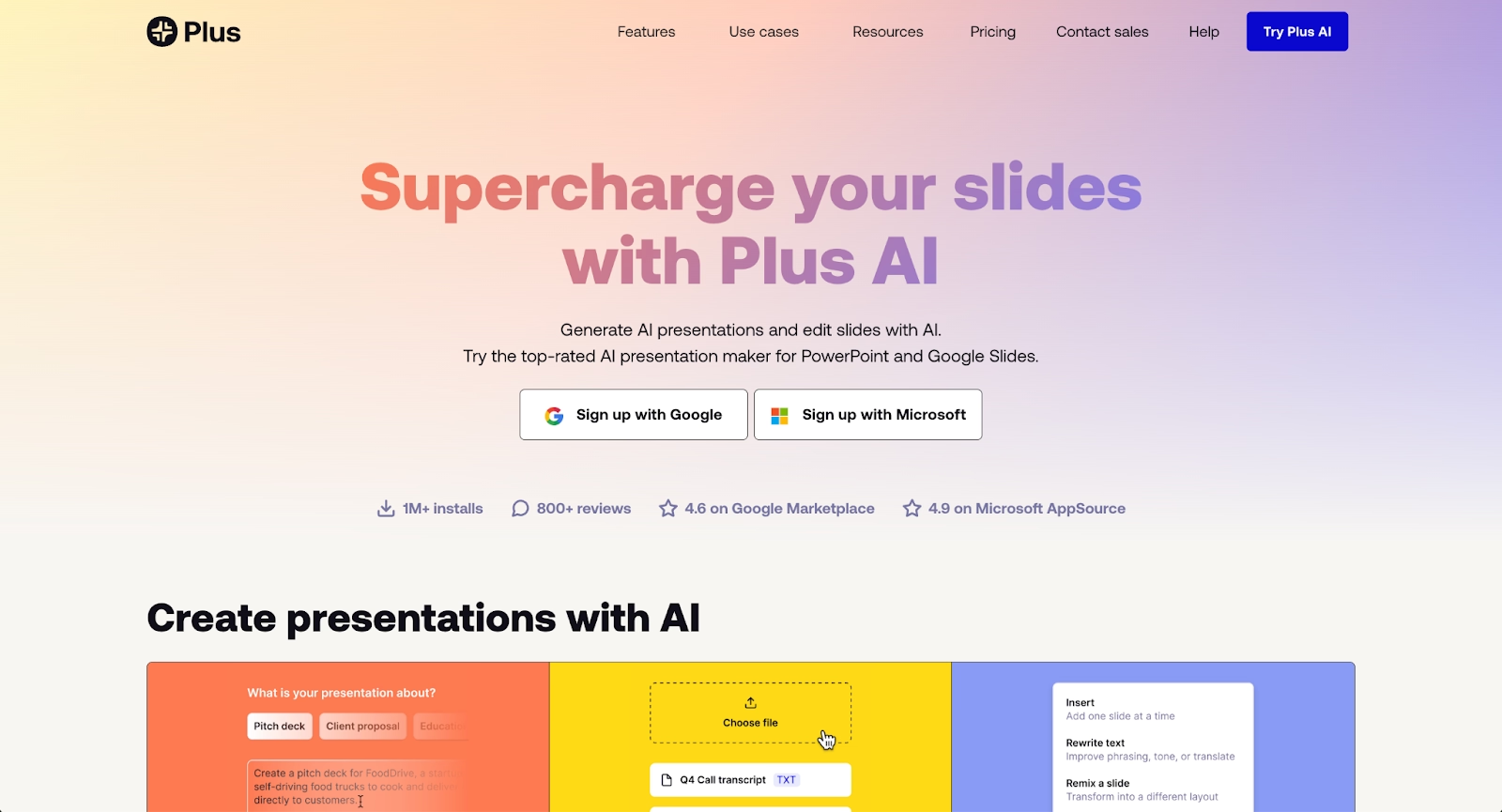
Plus AI takes a different approach than most AI presentation tools by working as a native add-on for Google Slides and PowerPoint rather than a standalone platform. Users install Plus AI directly inside their existing presentation software, bringing AI capabilities to the tools they already know.
The platform offers three primary generation methods: creating presentations from a prompt, uploading documents in over a dozen formats (including PDF, Word, and text files), or building slide-by-slide with more granular control. Plus AI supports exceptionally long prompts—up to 100,000 characters, roughly equivalent to 20,000 words—allowing users to provide substantial context for generation.
Where Plus AI particularly excels is in its deep integration with existing workflows. Since it creates native Google Slides and PowerPoint files, there are no compatibility issues or export concerns. The platform includes professional templates with coordinated colors and fonts, custom instructions that serve as standing orders for the AI, and Live Snapshots that automatically update data visualizations in real time.
Plus AI differs from Presentations.ai by operating within familiar tools rather than requiring users to learn a new platform. Its AI-powered editing features include content rewriting, layout changes, and image generation. For teams already committed to Google Workspace or Microsoft 365, Plus AI enhances existing processes without disrupting established collaboration patterns. Pricing ranges from $10 to $20 per month, with a 7-day free trial for all tiers, allowing users to test premium features before committing.
4. Pitch
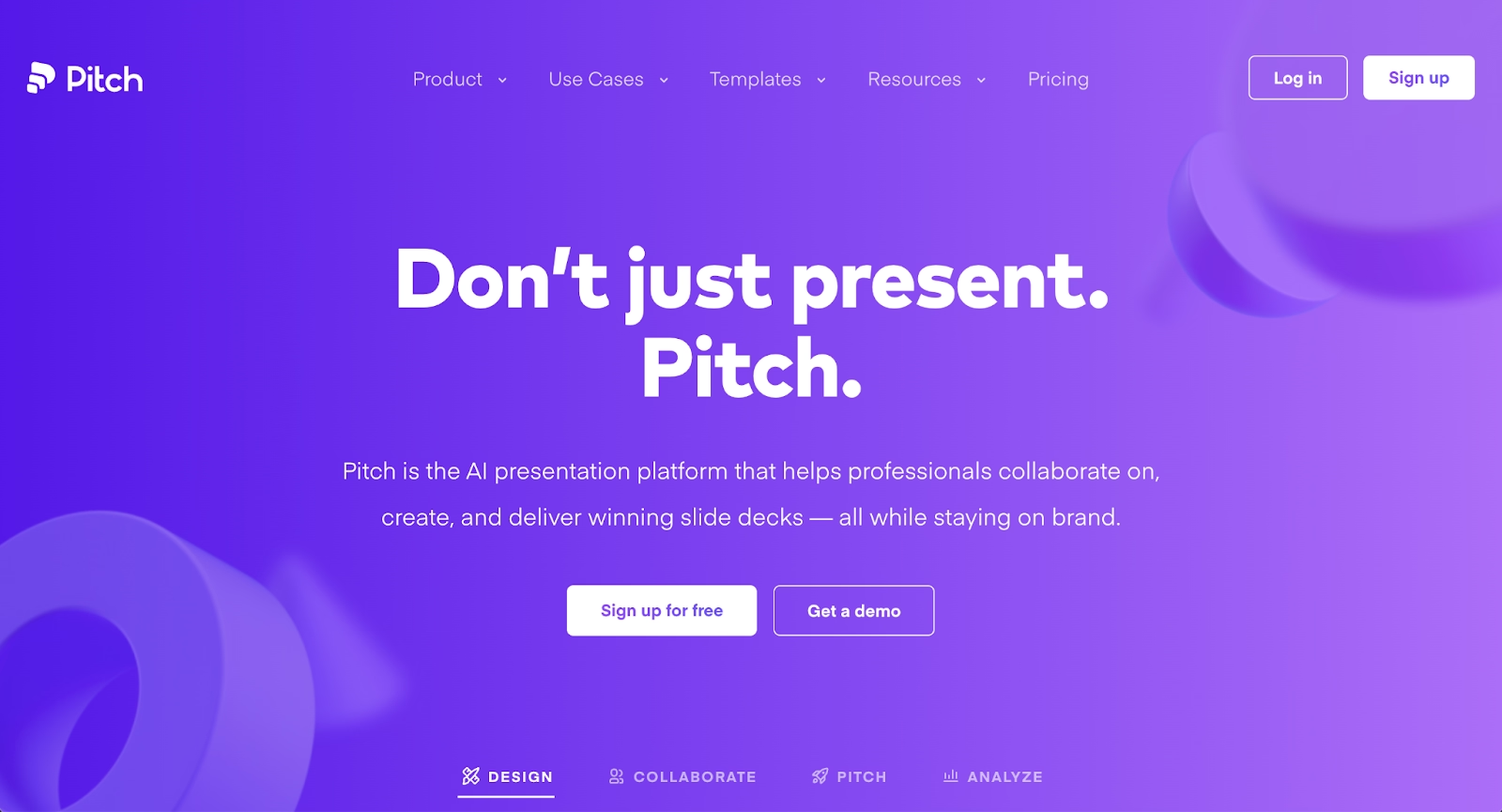
Pitch is a modern presentation platform built for collaborative team environments. It emphasizes beautiful, customizable templates and seamless real-time collaboration, with features like integrated video calls, commenting, and version history.
The platform offers strong design flexibility while maintaining structure through professionally crafted templates. Pitch supports brand consistency and allows teams to create custom template libraries. Its analytics capabilities help track presentation engagement and performance, which is particularly valuable for sales teams.
Pitch differs from Presentations.ai by prioritizing team collaboration and brand control over AI-generated content. While it doesn't generate slides to the same degree, it provides superior tools for distributed teams working together on high-stakes presentations. Startups and design-conscious organizations often prefer Pitch for its blend of aesthetics and collaborative functionality. Pricing starts with a free tier for individuals, with Pro plans around $17 per user per month and Business plans for enterprise needs.
5. Microsoft PowerPoint with Copilot
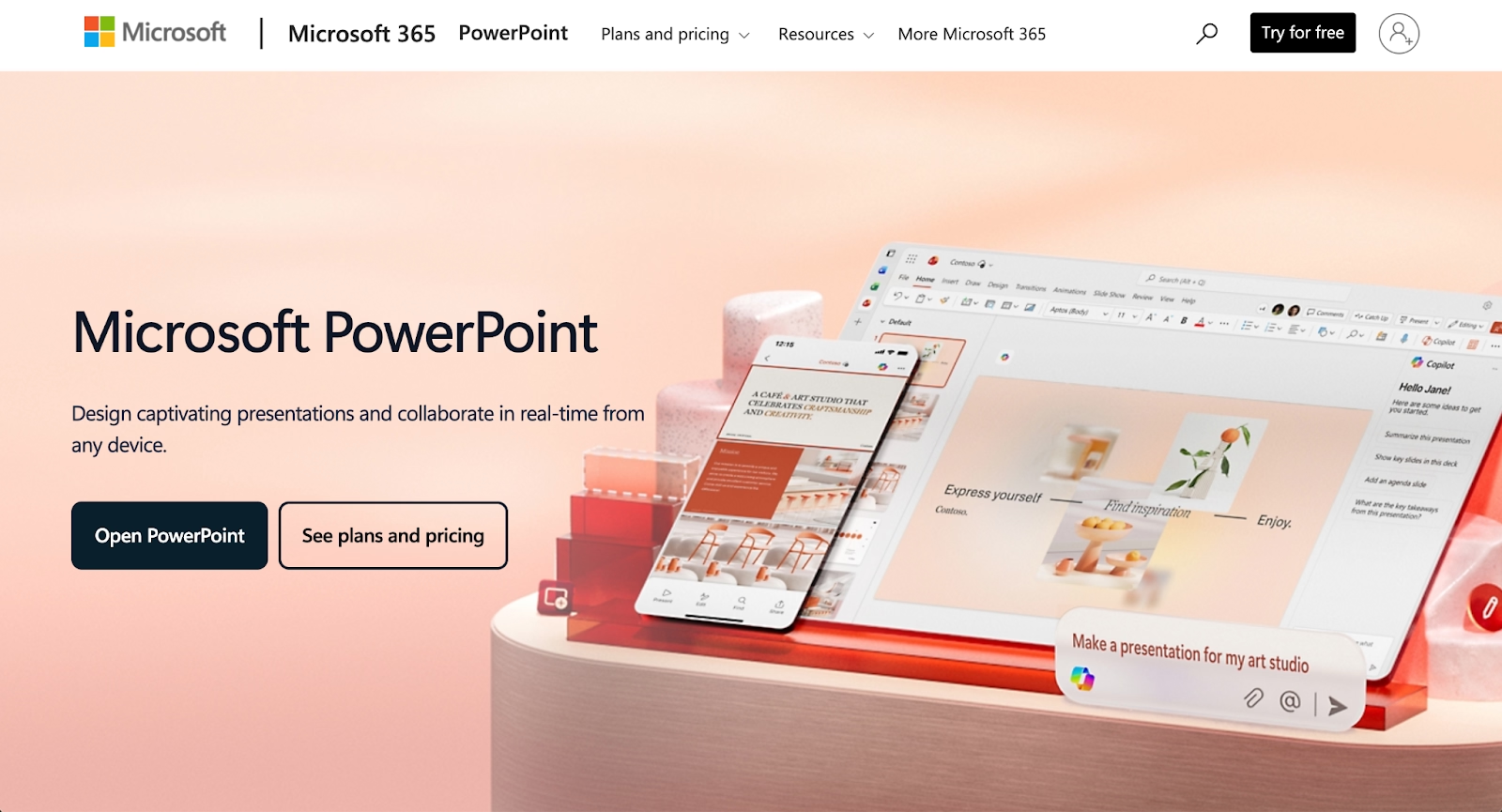
Microsoft PowerPoint remains the standard-bearer for presentation software, offering deep feature sets, extensive customization, and universal file format compatibility. The addition of Microsoft Copilot brings modern AI assistance to this established platform.
Copilot helps generate slides, refine content, create outlines, and suggest design improvements through conversational interaction. This combination gives users access to both PowerPoint's comprehensive toolset and AI-powered efficiency gains. Users can export presentations as PPT or PPTX files with complete confidence in compatibility across systems.
PowerPoint with Copilot suits organizations already invested in the Microsoft ecosystem or those requiring advanced features like complex animations, custom charts, and precise formatting control. Where Presentations.ai prioritizes simplicity and speed, PowerPoint with Copilot offers power and depth alongside AI assistance, making it suitable for enterprise environments with sophisticated presentation needs. Copilot typically requires a Microsoft 365 subscription plus an additional Copilot license, often around $30 per user per month.
6. Google Slides with Gemini
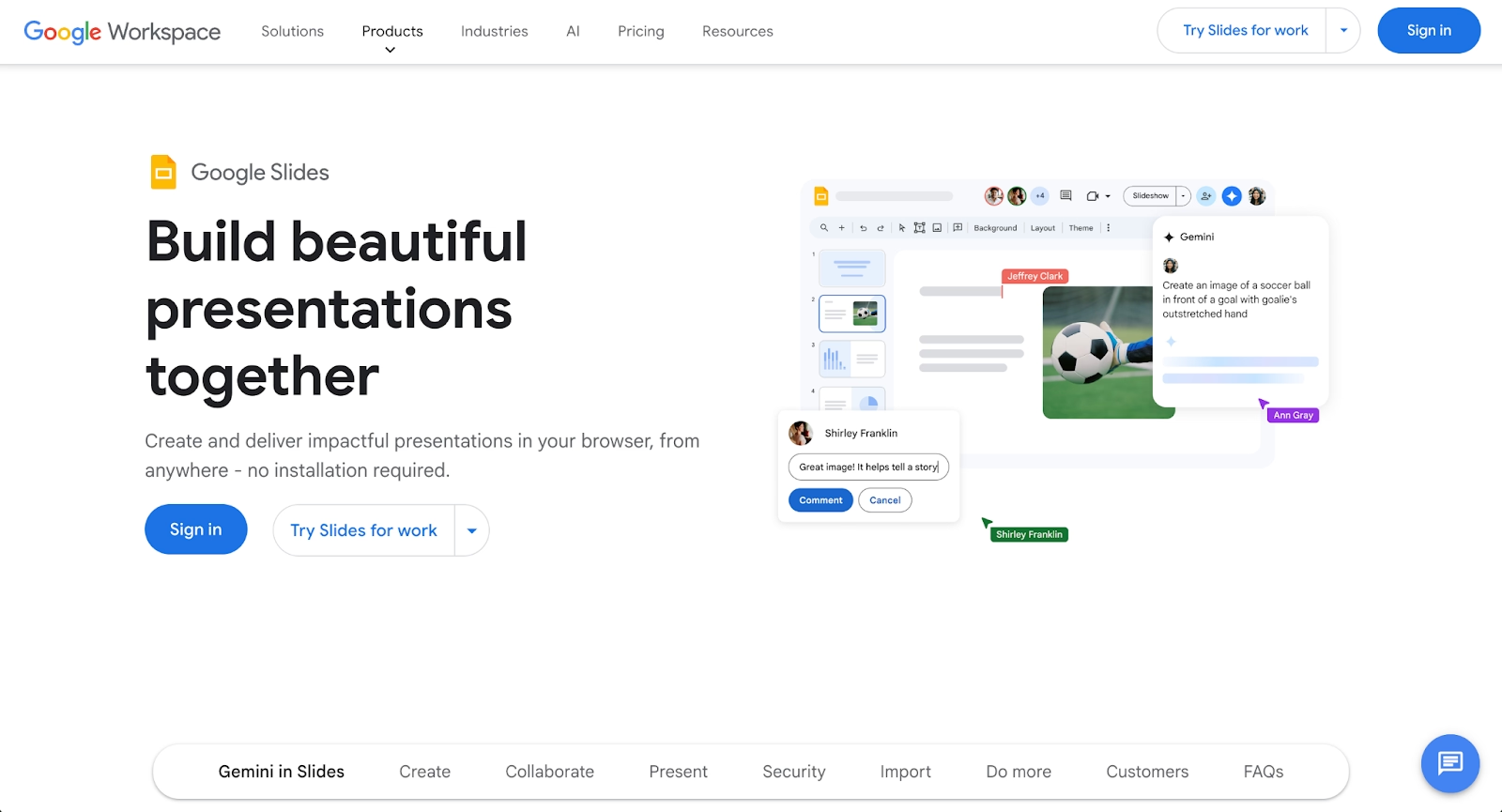
Google Slides is a cloud-based presentation tool known for accessibility, seamless collaboration, and integration with Google Workspace. Its real-time editing capabilities and automatic cloud saving make it popular for distributed teams working on docs, sheets, and presentations together.
Google Gemini adds AI capabilities, including content generation, layout suggestions, and intelligent text assistance. This integration brings AI-powered features similar to Presentations.ai while maintaining Google Slides' collaborative strengths and familiar interface. The platform is particularly strong for beginners and teams that need simple, reliable presentation creation.
Google Slides with Gemini works well for teams prioritizing collaboration, cost-effectiveness, and integration with Google's ecosystem. Its free plan provides substantial functionality, and paid plans offer additional features at competitive pricing. Compared to Presentations.ai, Google Slides offers better collaborative infrastructure and broader integration options, though its design intelligence is less specialized. Export options include PPT, PPTX, and PDF formats.
7. Prezi
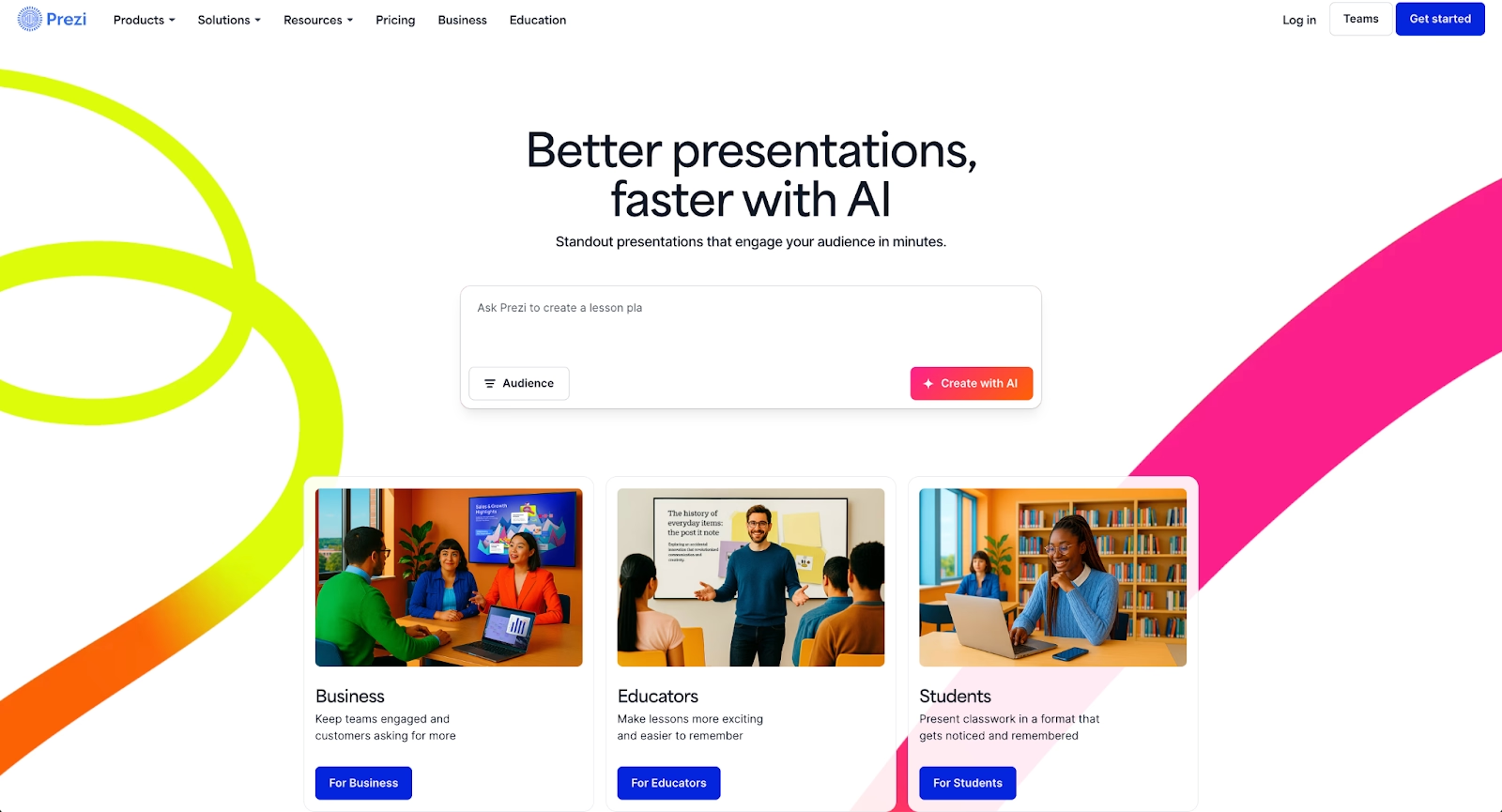
Prezi takes a distinctive approach with its zoomable canvas interface, moving away from traditional linear slide progression. Content is arranged spatially, allowing presenters to zoom between topics and create dynamic visual narratives.
This non-linear structure supports storytelling and conceptual presentations where showing relationships between ideas matters. Prezi includes templates and design tools, though it focuses less on AI generation than on unique presentation delivery. The platform offers transitions and animations that create engaging visual experiences distinct from traditional slides.
Prezi suits users who want to differentiate their presentations through spatial design and movement. While Presentations.ai generates traditional slides quickly, Prezi offers a different presentation paradigm that can make complex topics more engaging. Teams creating educational content, strategic overviews, or narrative-driven presentations often find Prezi's approach valuable. Pricing includes a basic free plan and paid plans for additional features and privacy controls.
8. Visme
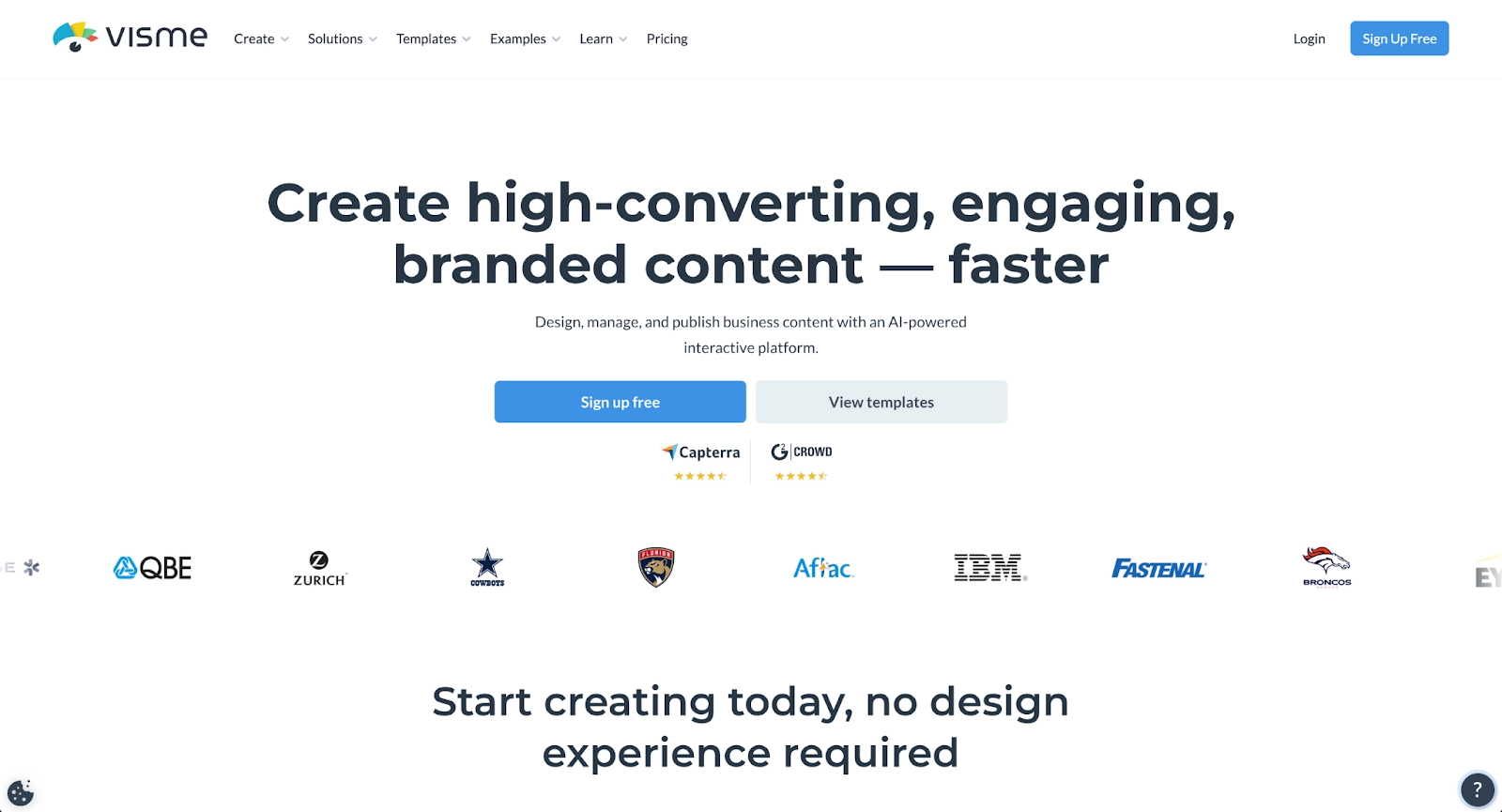
Visme is a versatile visual content platform supporting presentations, infographics, documents, videos, and data visualizations. It provides extensive template libraries, design elements, and tools for creating polished visual content across formats.
The platform's drag-and-drop interface balances ease of use with design flexibility. Visme includes data visualization capabilities that go beyond typical presentation tools, making it suitable for content that requires charts, graphs, and interactive elements. Users can create everything from simple slide decks to complex infographics within a single platform.
Visme offers broader content creation capabilities than Presentations.ai, though its AI features are less central to the process. Teams that need to create diverse visual content types alongside presentations benefit from Visme's comprehensive toolkit. Its strength lies in versatility and visual sophistication rather than pure generation. Pricing includes a free plan with basic features and paid plans that unlock premium templates and advanced functionality.
9. Slidebean
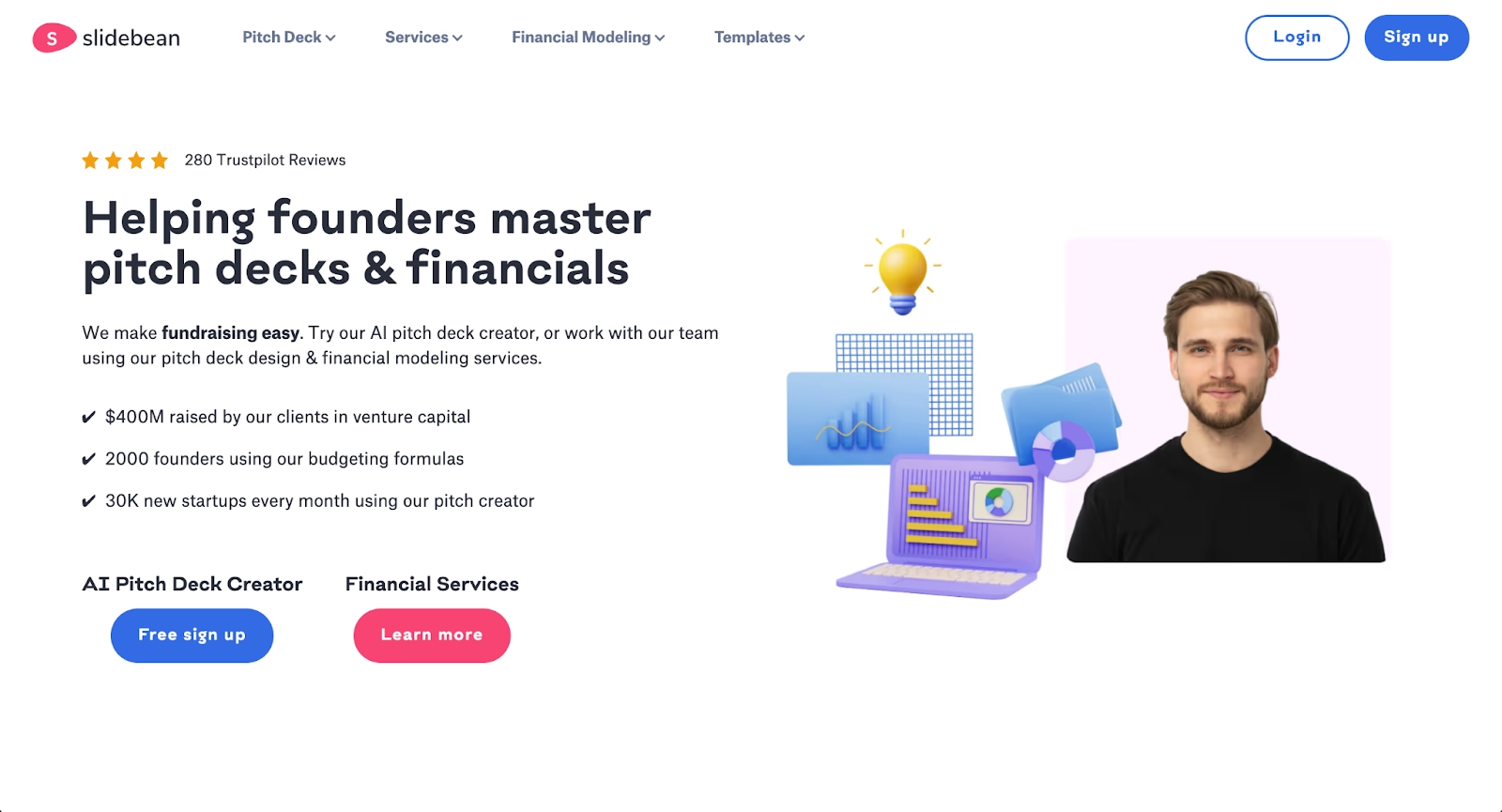
Slidebean focuses on AI-powered generation specifically for startup pitch decks and business presentations. Users input their content, and Slidebean's AI structures slides and applies a consistent design automatically, similar to how ChatGPT processes text prompts.
The platform targets entrepreneurs and small teams who need professional presentations quickly without extensive design expertise. Slidebean's approach resembles Presentations.ai, but with a stronger emphasis on pitch deck structure and startup-specific templates. The platform handles formatting and layout decisions, allowing founders to focus on their message.
Slidebean includes features like pitch deck analysis and investor-focused templates that aren't present in general-purpose tools. For teams building fundraising presentations or startup communications, Slidebean offers specialized functionality. Compared to Presentations.ai, it provides more focused tools for the startup use case while maintaining similar AI-driven efficiency. Pricing varies based on plan tier and feature access.
Key comparison criteria
Evaluating presentation tools requires examining several dimensions that affect daily use and long-term value. Organizations prioritizing the right collaboration tools see significant productivity gains.
AI features
AI capabilities vary significantly across platforms. Some tools offer comprehensive content generation, including text creation, outline structuring, and design suggestions. Others provide more limited AI assistance focused on specific tasks like layout optimization or image generation.
Beautiful.ai uses AI for content generation and combines it with Smart Slide design automation. Gamma and Presentations.ai apply AI broadly to content generation and structure. Microsoft Copilot and Google Gemini integrate conversational AI for content assistance within traditional platforms. The depth and flexibility of these AI features determine how much manual work remains and how well the tool adapts to different content types. The best AI presentation tools combine generation capabilities with user control.
Ease of use
User experience encompasses interface clarity, learning curve, and the path from initial idea to finished presentation. Tools with intuitive interfaces reduce onboarding time and allow users to focus on content rather than navigating software.
Presentations.ai and Slidebean prioritize simplicity with prompt-based generation, making them accessible for beginners. Google Slides offers familiarity for users already comfortable with Google Workspace. Beautiful.ai balances intelligence with accessible controls. PowerPoint provides comprehensive features but requires more learning for advanced capabilities. The right choice depends on team's technical proficiency and how much time users can invest in mastering the platform.
Design quality and templates
Template quality, variety, and customization options directly impact presentation aesthetics. Professionally designed templates with flexible customization ensure presentations look polished while maintaining brand consistency.
Beautiful.ai and Pitch offer curated, high-quality templates with strong design principles. Visme includes templates optimized for data visualization. PowerPoint and Google Slides offer breadth over curation. Teams should evaluate whether they prefer smaller collections of refined templates or larger libraries with more variation. Understanding what makes a good presentation and how to design better slides helps inform these choices, along with considerations like choosing effective color schemes.
Collaboration
Real-time collaboration features matter for distributed teams and projects involving multiple contributors. Studies show that improved collaboration tools can boost productivity by 20-25%. This includes simultaneous editing, commenting systems, version control, and clear permissions management.
Google Slides, Pitch, and Beautiful.ai excel at collaboration with built-in real-time editing and robust sharing controls. PowerPoint offers collaboration through Microsoft 365 and Teams integration. Presentations.ai and some other platforms provide more basic sharing functionality. Teams that regularly collaborate on presentations should prioritize platforms with mature collaborative infrastructure and clear permissions for different team members.
Export and integrations
Export flexibility and integration support affect how presentations fit into broader processes. Standard export options like PDF and PowerPoint ensure compatibility across contexts. Integrations with project management tools, cloud storage, and communication platforms streamline work.
Most platforms support PDF export, but PPT and PPTX compatibility varies. Google Slides integrates naturally with Google Workspace Docs and Sheets. PowerPoint connects with Microsoft ecosystem tools. Beautiful.ai, Pitch, and others offer integrations with popular business tools. Teams should verify that export formats and integrations match their existing technology stack and that files remain editable across systems.
Pricing
Pricing structures range from free plans with limitations to premium tiers with full feature access. Value assessment requires comparing costs against features, user limits, and generation capabilities.
Google Slides offers a robust free plan with core functionality. Most specialized presentation platforms use subscription models with tiered pricing based on features and team size. Presentations.ai, Beautiful.ai, Pitch, and similar tools typically require paid plans for full functionality. Organizations should evaluate the total cost, including seats, features needed, and potential AI usage limits. Free AI options may suffice for simple needs, while pro plans unlock advanced capabilities for professional use.
Quick comparison snapshots
Direct comparisons between Presentations.ai and select alternatives clarify practical differences in approach, features, and ideal use cases. These snapshots help users quickly understand where each platform excels and which scenarios favor one tool over another.
Beautiful.ai vs Presentations.ai
Both platforms use AI to generate presentations, but they differ in philosophy and execution. Beautiful.ai emphasizes design consistency through Smart Slides that maintain visual rules automatically. This approach ensures every slide deck meets professional design standards without manual formatting.
Presentations.ai focuses on content generation from prompts, prioritizing speed and initial draft creation. Beautiful.ai offers stronger design intelligence, more sophisticated collaboration tools, and better brand consistency controls. Teams that value visual polish and collaborative processes benefit from Beautiful.ai, while those prioritizing rapid content generation from text prompts may prefer Presentations.ai's approach. Both platforms offer paid plans with different pricing tiers.
Gamma vs Presentations.ai
Gamma and Presentations.ai both leverage AI for content creation, but Gamma's card-based interface and multi-format support differentiate it. Gamma handles presentations, documents, and webpages within a single platform, offering flexibility for teams creating varied content types. It's also accessible for beginners who want professional results.
Presentations.ai focuses specifically on slide-based presentations with traditional structures. Gamma provides more layout flexibility and supports non-linear storytelling better. For teams needing versatile content creation across formats, Gamma offers broader capabilities. For straightforward business presentations, Presentations.ai's focused approach may suffice. Both offer free plans with limited credits and paid upgrades.
Microsoft PowerPoint with Copilot vs Presentations.ai
This comparison contrasts comprehensive features with specialized generation. PowerPoint with Copilot combines decades of feature development with modern AI assistance, offering deep customization, advanced animations, and enterprise-grade functionality. The platform is part of the broader Microsoft ecosystem and integrates with Teams, Outlook, and other productivity tools.
Presentations.ai provides streamlined AI-powered generation without PowerPoint's complexity. PowerPoint suits organizations requiring advanced features, Microsoft ecosystem integration, or precise control over every design element. Presentations.ai works better for teams wanting simple, fast presentation creation without extensive feature sets. The choice depends on whether depth and control or speed and simplicity matter more for specific needs. PowerPoint's Copilot functionality requires additional licensing beyond standard Microsoft 365 subscriptions.
Conclusion
Teams valuing design consistency and collaboration may find Beautiful.ai more suitable. Organizations embedded in Google or Microsoft ecosystems benefit from Slides with Gemini or PowerPoint with Copilot. Creative teams seeking visual versatility might prefer Visme or Prezi, while startups building pitch decks could favor Slidebean's specialized focus.
Success comes from matching platform strengths to actual requirements. Consider your team's collaboration needs, design priorities, budget constraints, and integration requirements. Evaluate whether free plans provide sufficient functionality or if paid plans offer better value. Test export formats to ensure compatibility with existing systems.
The best AI presentation tools combine intelligent generation with user control, allowing teams to work efficiently while maintaining brand consistency. By aligning your priorities with the capabilities outlined above, you can select a tool that supports your communication goals and helps create presentations that resonate with your audience.
Why customers are switching to Beautiful.ai
Beautiful.ai is an AI-powered presentation platform that helps teams create polished, on-brand slides in a fraction of the time, without design skills or manual formatting.
- Design automation built in. Whether you're building pitch decks, reports, or internal presentations, Beautiful.ai’s Smart Slides automatically format content so you never worry about spacing, alignment, or layout again. Add your content, and the design adjusts instantly.
- ️No design experience required. Create professional decks without touching text boxes or manually arranging elements. Choose from Smart Templates and let the AI handle layout decisions, visual hierarchy, and consistency across the entire deck.
- Branding? Already handled. Keep every slide on-brand with your fonts, colors, and logos applied automatically. Beautiful.ai ensures every team member creates presentations that look like they came from a dedicated design team—without extra work.
- Real-time collaboration & team controls. Collaborate directly on the same deck, leave comments, manage permissions, and maintain consistency across team presentations. Perfect for growing teams and cross-functional workflows.
- Faster workflows, fewer revisions. Jump from rough outline to polished presentation in minutes, not hours. Beautiful.ai reduces back-and-forth edits by enforcing on-brand design rules and helping you iterate faster with AI-assisted slide creation.
