


Best Prezi alternatives: top 9 in 2026
![Prezi alternatives: the top 9 [updated for 2026]](https://cdn.prod.website-files.com/59e16042ec229e00016d3a66/6961995b79aa7109199c6634_6961775b999e5e15f9458b53_beautiful%2520ai%2520vs%2520Prezi.avif)

Best Prezi alternatives: top 9 in 2026
Teams exploring Prezi alternatives usually want stronger control over slide decks, smoother collaboration, and faster presentation creation without a steep learning curve. Prezi popularized non-linear, zoom-based visual storytelling, yet many modern presentation software platforms now deliver comparable interactive presentations with better ease of use, broader formats, and stronger AI-powered workflows.
This guide reviews the best Prezi alternatives for 2026, comparing design features, AI capabilities, collaboration tools, pricing, and ideal use cases across today’s leading presentation maker options.
What is Prezi?
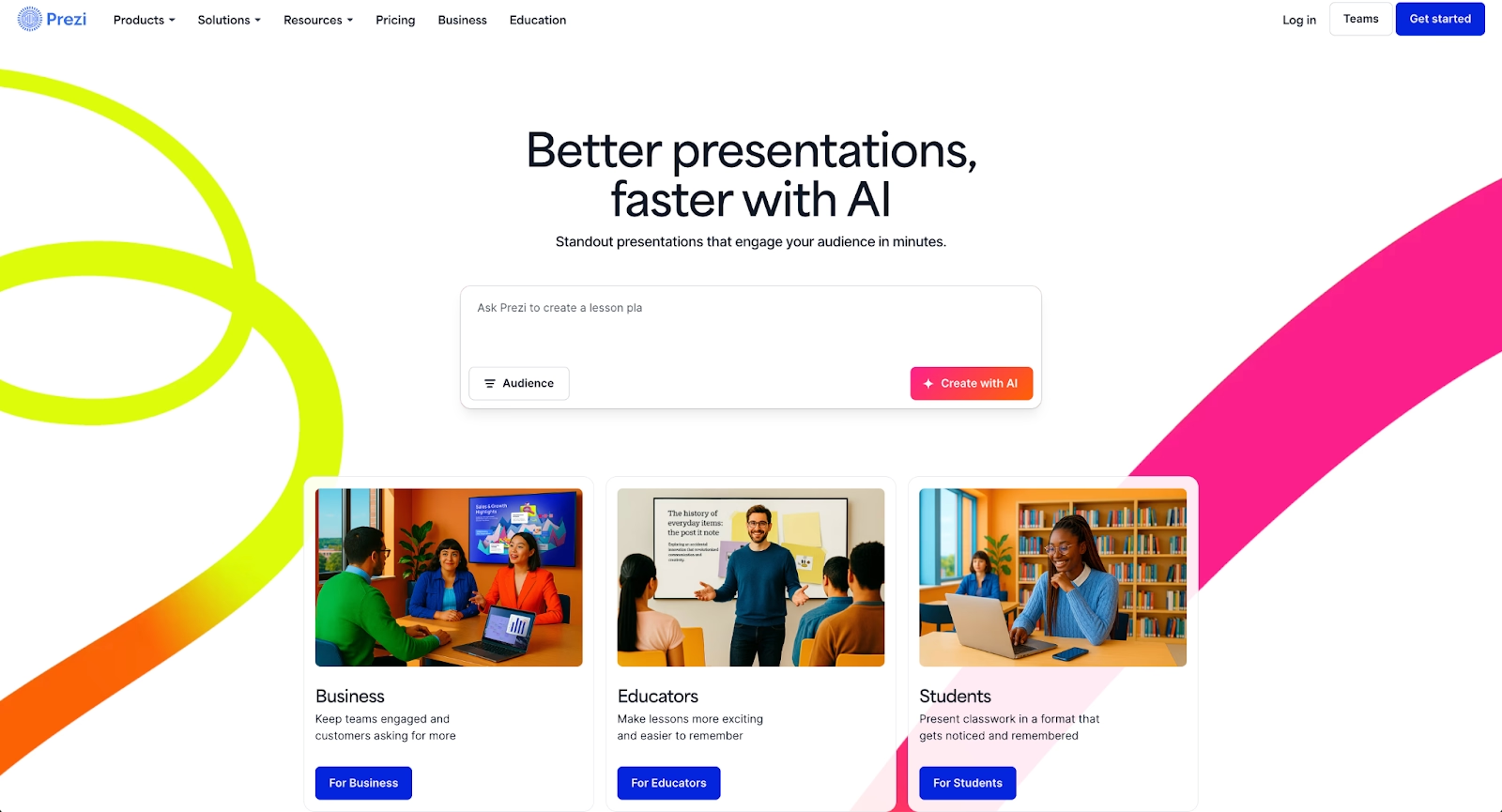
Prezi is a cloud-based presentation tool known for non-linear presentations, zooming transitions, and animated visual storytelling. Instead of slide-based layouts, a Prezi presentation moves across a canvas using motion and spatial relationships to connect ideas.
Prezi appeals to educators, marketers, and presenters who want dynamic animations and interactive elements that feel different from Microsoft PowerPoint or Google Slides. It supports multimedia, templates, and basic real-time collaboration, with apps available on Mac, iPad, and the web.
Even with these strengths, teams often compare Prezi vs other presentation software when they need simpler workflows, traditional slide decks, better AI features, or stronger compatibility with PowerPoint formats and Google Workspace.
Why look for Prezi alternatives?
Prezi's non-linear format is its greatest strength, but it also presents challenges that drive users to explore other options:
- Learning curve: Non-linear navigation can slow beginners and complicate updates.
- Slide-based needs: Many teams prefer familiar PPT-style slide decks for compatibility and clarity.
- Collaboration limits: Larger teams often need deeper real-time collaboration and shared workspace controls.
- Design control: Some users want more customizable templates, fonts, and on-brand design tools.
- AI-powered workflows: Modern AI presentation tools offer automation, content drafting, and layout intelligence that Prezi lacks.
- Pricing and plans: Free version limitations and scaling costs can push small businesses and startups to explore other options.
Top 9 Prezi alternatives
The presentation software market includes tools built for different priorities: automation, customization, collaboration, and design flexibility. The alternatives below represent the best Prezi alternatives for teams evaluating their options in 2026. Each platform offers distinct strengths depending on your workflow requirements, team size, and presentation goals.
1. Beautiful.ai

Beautiful.ai takes an automation-first approach to presentation creation. The platform uses Smart Slides that automatically apply design best practices as you add and edit content. Fonts, spacing, alignment, and layouts adjust in real time through built-in design logic, so users never need to manually drag-and-drop elements into position.
Users select from over 300 Smart Slide layouts, and the system maintains visual consistency throughout the presentation. This design automation helps teams produce polished, on-brand slide decks without requiring design expertise. For teams that struggle with Prezi's learning curve, Beautiful.ai offers a faster path from idea to finished deck.
Beautiful.ai also includes AI features that kickstart presentation creation. Enter a prompt with extra context, and the AI generates a complete deck in seconds—built with Smart Slides so you can move directly to refining and editing. The AI can generate entire presentations, individual slides, images, and text, helping you skip the blank page entirely.
Collaboration tools include real-time editing, shared slide libraries, and viewer analytics that track engagement after sharing. Brand controls let organizations lock themes, colors, and fonts across all presentations, making it ideal for teams that need consistent business presentations and pitch decks.
Beautiful.ai integrates with tools like Slack, Salesforce, and PowerPoint, supporting workflows that span multiple platforms. Export options include PDF and fully editable PPT formats for stakeholders who require Microsoft PowerPoint compatibility.
2. Slidebean
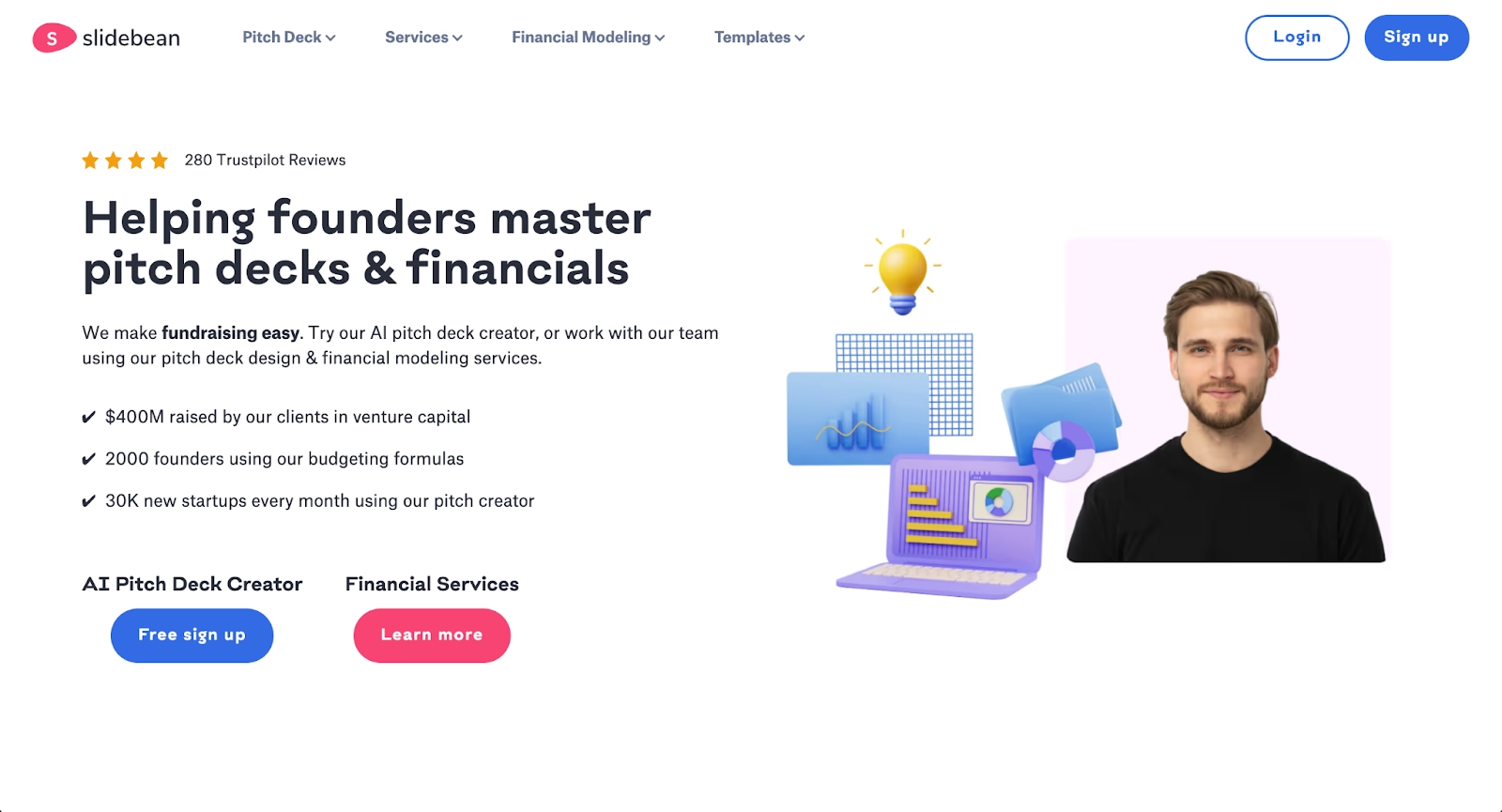
Slidebean is an AI-powered presentation tool built specifically for startups and entrepreneurs who need pitch decks quickly. The platform automates slide design by separating content from layout, allowing users to focus on their message while Slidebean handles formatting.
Users input their content, and Slidebean's AI automatically structures slides using clean layouts and consistent branding. The platform is designed for speed, making it ideal for founders who need professional pitch decks without spending hours on design work.
Slidebean offers specialized templates for pitch decks, investor presentations, and startup storytelling. The platform also provides financial modeling services and pitch deck design support through its agency team, combining AI automation with professional expertise.
Real-time collaboration features allow teams to work together on presentations. Slidebean tracks presentation analytics, showing who viewed slides and for how long, which is valuable for investor outreach and sales follow-up.
The platform supports standard export formats including PDF and PowerPoint. While it offers less granular design control than tools like Microsoft PowerPoint, Slidebean excels in speed, AI-powered presentation setup, and helping startups produce polished pitch decks with minimal editing.
3. Microsoft PowerPoint
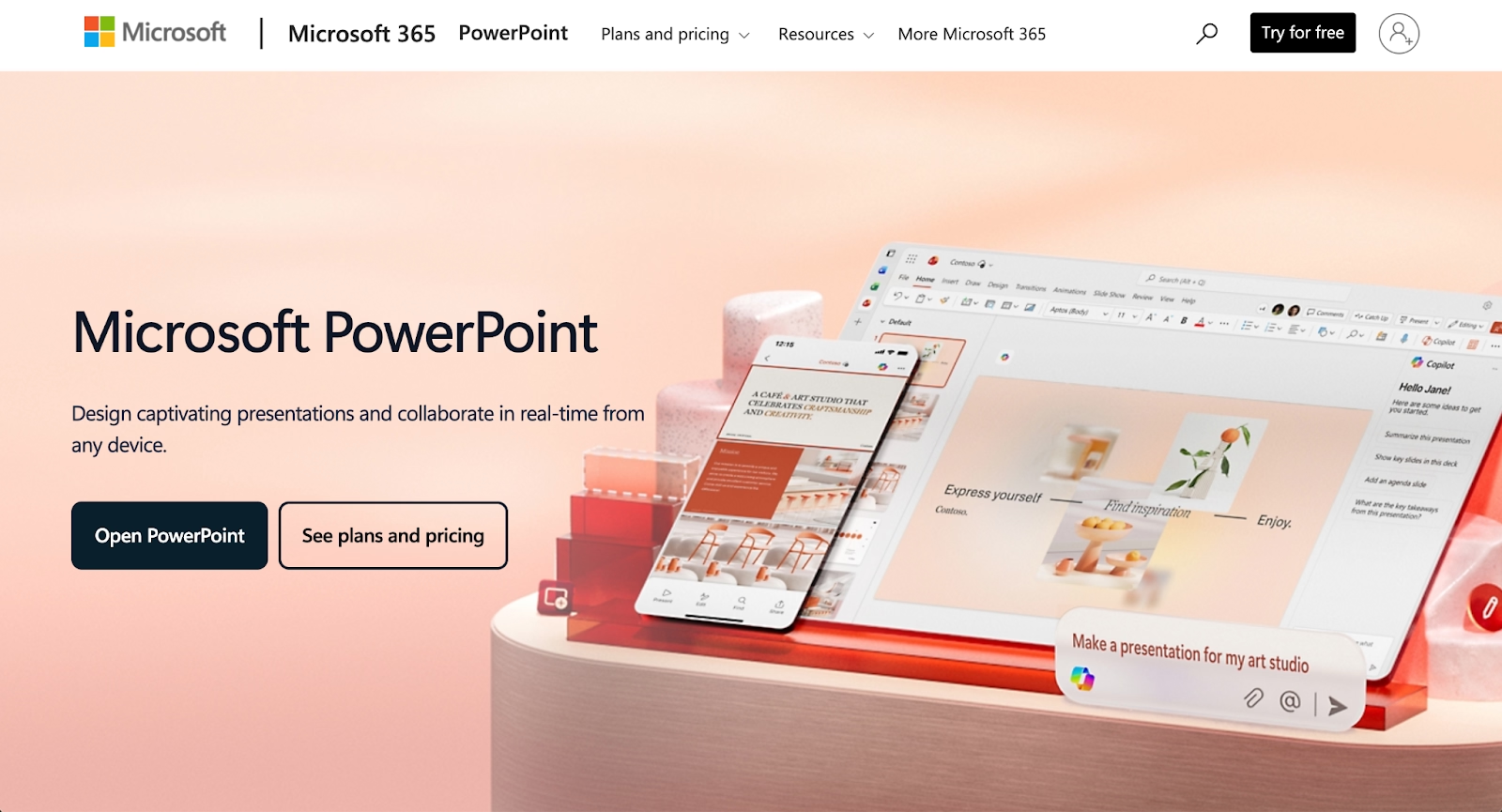
Microsoft PowerPoint remains the most widely used presentation software globally. Its deep feature set supports complex animations, transitions, custom charts, and detailed design control. For users accustomed to traditional slide-based workflows, PowerPoint offers familiarity and compatibility that no other tool matches.
The addition of Microsoft Copilot brings AI features to PowerPoint. Copilot can generate slides from prompts, create outlines, summarize content, and automate formatting tasks. This combination of legacy functionality and modern AI assistance makes PowerPoint a powerful option for enterprise teams.
PowerPoint integrates seamlessly with the Microsoft 365 ecosystem, including Word, Excel, and Teams. It supports offline editing, extensive export formats, and compatibility with virtually any workflow that involves PPT files.
4. Google Slides
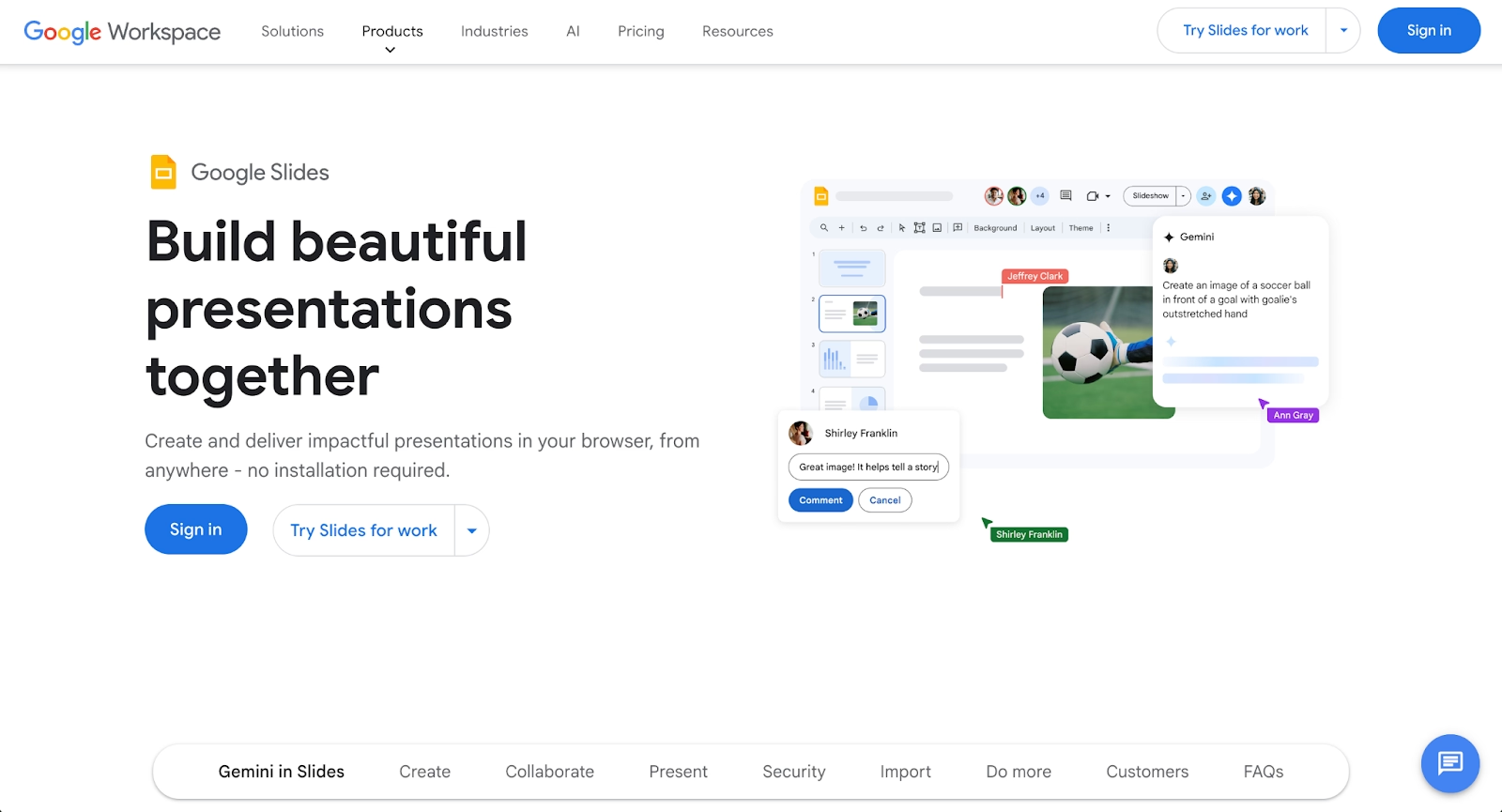
Google Slides offers a cloud-based, accessible approach to presentation creation. As part of Google Workspace, it integrates with Google Drive, Docs, and Sheets, making it easy for teams to collaborate and share files across their workspace.
Real-time collaboration is a core strength. Multiple users can edit simultaneously, leave comments, and track version history. For distributed teams that prioritize ease of use and cost-effectiveness, Google Slides delivers.
The addition of Gemini AI expands Google Slides with content generation, layout suggestions, and writing assistance. While its AI capabilities are less robust than dedicated AI presentation tools, the integration works well for teams already using Google Workspace.
Google Slides supports basic animations and transitions, though its design features are more limited than PowerPoint or dedicated presentation makers. It exports to PDF, PPT, and web formats.
5. Visme
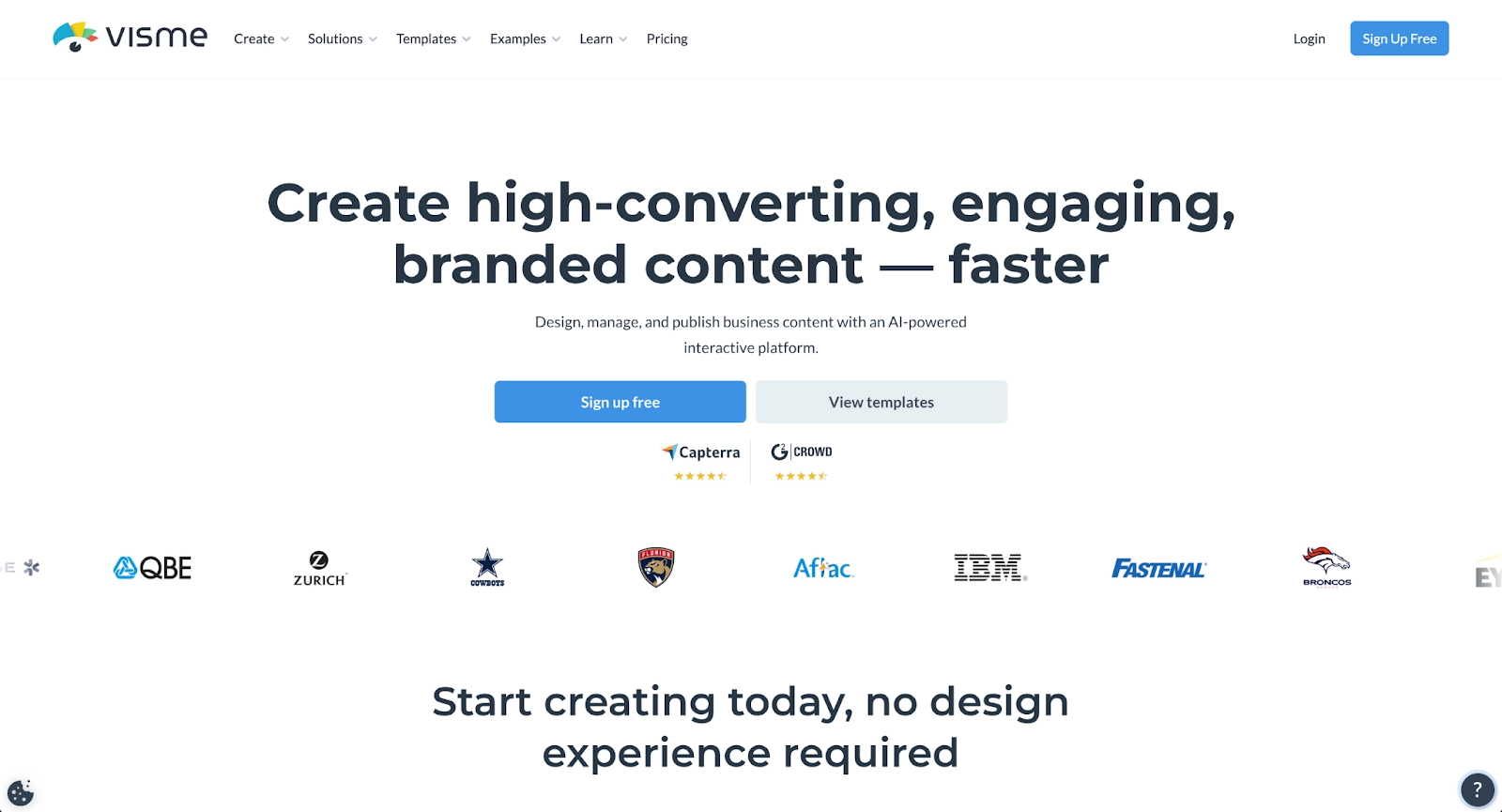
Visme positions itself as a visual content platform supporting presentations, infographics, documents, videos, and interactive content. Its strength lies in data visualization, offering advanced charting options and the ability to create engaging visual reports.
The platform includes a large library of templates and design tools with drag-and-drop editing. Visme supports interactive elements like clickable buttons, hover effects, and embedded multimedia, making it useful for presentations that need to go beyond static slides.
Visme's AI features support basic content generation and design suggestions, though it focuses more on manual customization than automation. Teams use it for pitch decks, professional presentations, and visual reports with significant data content.
6. Pitch
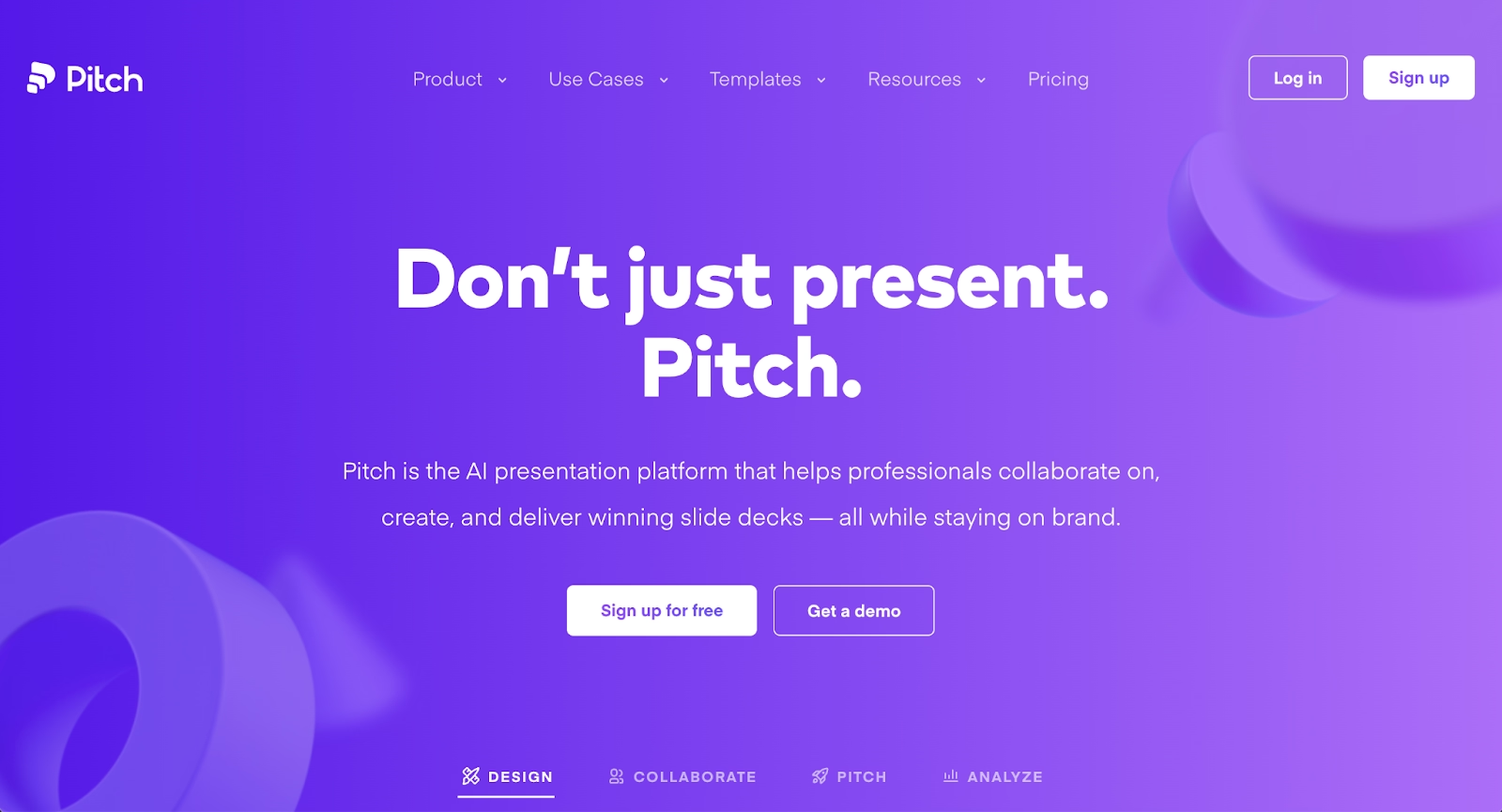
Pitch is a modern presentation software platform built for team collaboration. It offers beautiful, customizable templates and places strong emphasis on structured workflows for distributed teams.
Real-time collaboration features include simultaneous editing, commenting, and integrated video meetings. Pitch also provides viewer analytics and integrations with tools like Slack, Notion, and various analytics platforms.
While Pitch does not emphasize AI-driven content generation, it excels in presentation design and brand consistency. Teams can lock templates and maintain visual standards across all presentations. Support for animations and clean aesthetics make it popular among startups and design-conscious teams.
7. Gamma
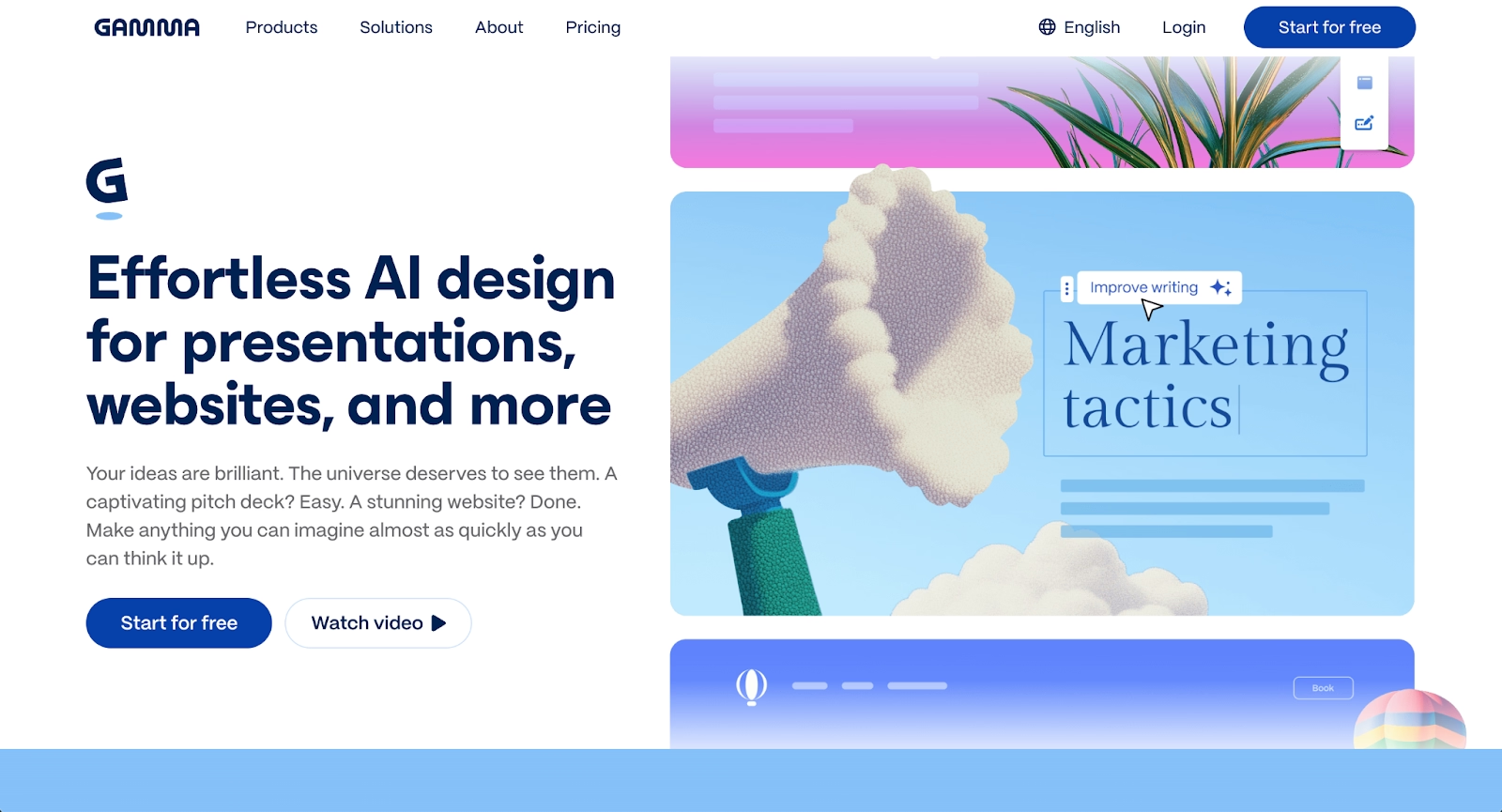
Gamma represents a newer approach to presentations with its card-based, web-native format. Instead of traditional slides, content appears as scrollable cards that feel more like modern webpages than conventional slide decks.
The platform is AI-powered from the ground up. Users can generate complete presentations from a single prompt, and Gamma's AI handles formatting, layout suggestions, and narrative organization automatically. This makes it extremely fast for creating first drafts.
Gamma supports embedded content, including videos, GIFs, charts, and even live websites. Its modern aesthetic appeals to startups, consultants, and professionals who prefer contemporary formats over traditional slide-based presentations.
Export options include PDF and limited PPT compatibility, though formatting may not translate perfectly to PowerPoint.
8. Keynote
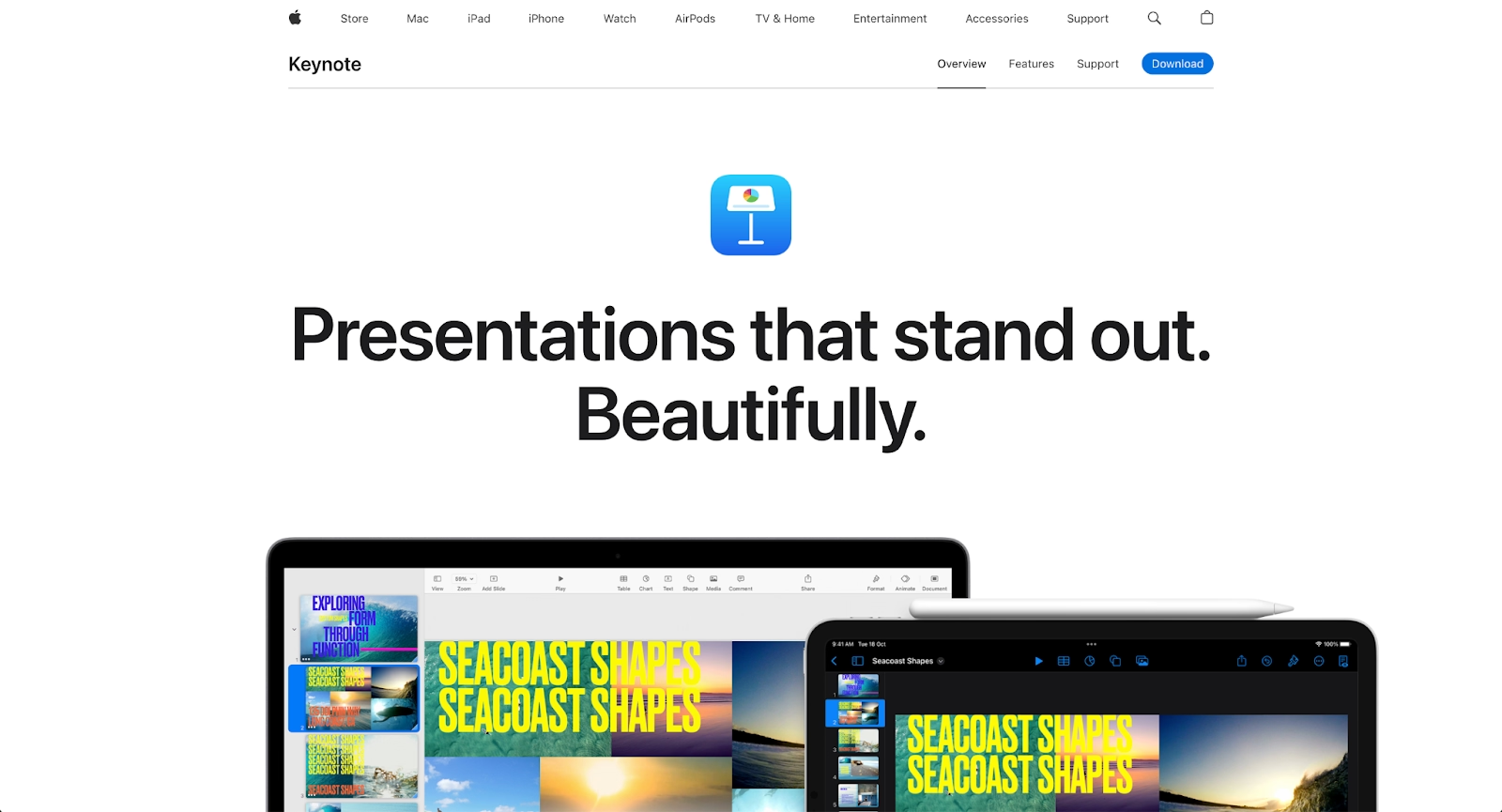
Keynote is Apple's presentation software, known for elegant design and smooth animations. It offers a clean interface with polished templates and strong support for visual storytelling through cinematic transitions and effects.
The platform integrates tightly with the Apple ecosystem, working across Mac, iPad, and iPhone. Collaboration features include real-time editing through iCloud, though they are less robust than dedicated collaboration platforms.
Keynote exports to PDF, PowerPoint, and video formats. Its design tools offer more control than Google Slides but less flexibility than Microsoft PowerPoint for complex enterprise presentations.
9. Presentations.ai
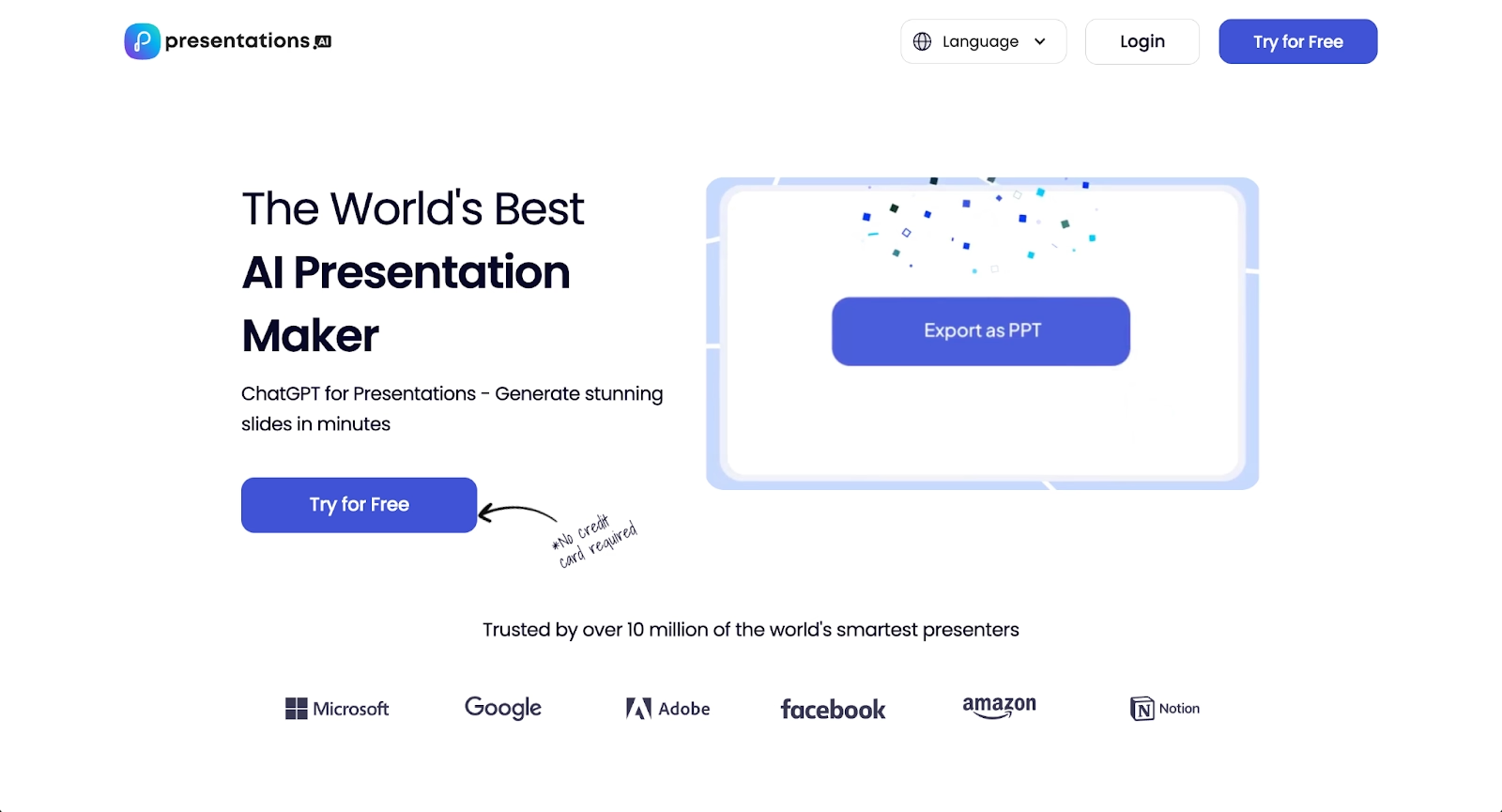
Presentations.ai takes a conversational approach to presentation creation. The platform functions like a ChatGPT for slides, where users describe what they need and the AI builds it through natural dialogue.
The standout feature is Clip-E, an AI design assistant that helps create and refine presentations while automatically applying brand colors, logos, and styles. Users can generate presentations by typing prompts, importing documents, redesigning existing PowerPoint files, or even converting website URLs and YouTube videos into slides.
Presentations.ai offers "anti-fragile templates" that adapt as content changes, maintaining consistency across slides. The platform provides design recommendations tailored to content and includes a "remix" option to explore alternative layouts quickly.
Brand Sync ensures visual consistency by applying organizational branding automatically across all slides. The platform supports real-time collaboration with commenting and comprehensive access controls for team workflows.
Analytics and tracking features help users understand audience engagement and presentation performance. While the free plan provides 200 credits to explore features, advanced capabilities like PowerPoint export, brand sync, and full collaboration tools require paid plans.
Presentations.ai works best for individuals or small teams who want polished presentations quickly without advanced design skills. The conversational interface and rapid generation appeal to users who need first drafts fast, though professional designers may find customization options more limited than traditional tools.
Key comparison criteria
Choosing among Prezi alternatives requires evaluating several factors that affect daily workflows and presentation quality. The criteria below help teams identify which platform best supports their specific needs.
AI features
AI capabilities have become a defining factor in presentation software. Strong AI features include content generation from prompts, automatic layout suggestions, intelligent design assistance, and tools for summarizing or expanding text.
Platforms like Beautiful.ai, Gamma, and Microsoft PowerPoint with Copilot offer robust AI-powered automation that accelerates presentation creation. Prezi's AI capabilities remain limited compared to these dedicated AI presentation tools.
For teams that want to streamline repetitive design tasks and focus on messaging rather than formatting, AI features matter significantly.
Ease of use
User experience affects how quickly teams can adopt a new platform and produce quality work. This includes the learning curve, interface clarity, and how fast users can move from an initial idea to a finished presentation.
Prezi's non-linear canvas requires significant onboarding time for beginners. Traditional slide-based tools like PowerPoint, Google Slides, and Keynote feel more familiar. Beautiful.ai's automated approach reduces friction by handling design decisions automatically in this way.
Teams should consider how much time they can invest in learning a new tool versus producing presentations immediately.
Design quality and templates
The aesthetic quality of presentations shapes how audiences perceive content. This criterion covers template diversity, customizable templates, font and color options, and overall visual polish.
Beautiful.ai and Pitch emphasize automated design consistency through intelligent templates. Visme offers extensive libraries for broad customization. PowerPoint and Keynote provide deep design control for users willing to invest time in manual formatting.
For organizations focused on pitch decks, business presentations, or client-facing materials, high-quality design tools help maintain credibility and brand consistency.
Collaboration
Real-time collaboration supports modern team workflows. This includes simultaneous editing, commenting, version history, and sharing capabilities.
Google Slides, Pitch, and Beautiful.ai excel in collaboration with seamless workspace integration and team-friendly features. PowerPoint's collaboration tools have improved through Microsoft 365.
Teams that involve multiple stakeholders in presentation creation should prioritize strong collaboration tools.
Export and integrations
Export flexibility and integration support determine how well a presentation tool fits into existing workflows. Important factors include export formats (PDF, PPT, web), compatibility with tools like Google Workspace and Microsoft 365, and integrations with CRM systems, analytics platforms, and communication tools.
Beautiful.ai offers full PowerPoint export compatibility and integrations with Slack, Salesforce, and other business tools. Google Slides and PowerPoint integrate deeply with their respective ecosystems. Gamma's web-native format has more limited export options.
Organizations with specific compatibility requirements should verify export functionality before committing to a platform.
Pricing
Pricing structures vary significantly across presentation platforms. Evaluating free plan options, paid plan features, and overall value helps teams choose within budget constraints.
Google Slides offers strong functionality in its free version. Beautiful.ai starts at $12/month for individuals with team plans at $40/user/month. Prezi's free plan includes watermarks and limited features, with premium tiers unlocking full functionality.
Small businesses and startups should compare what each free plan includes versus the functionality available in paid tiers.
Quick comparison snapshots
These head-to-head comparisons highlight practical differences between Prezi and leading alternatives, making it easier to identify the right fit for specific use cases.
Beautiful.ai vs Prezi
Beautiful.ai and Prezi take fundamentally different approaches to presentation design. Prezi's non-linear canvas enables spatial storytelling and zooming transitions, creating interactive presentations that guide audiences through conceptual journeys. Beautiful.ai uses a slide-based format with Smart Slides that automatically apply professional design rules.
For teams that want consistent, on-brand presentations without manual formatting, Beautiful.ai offers faster workflows and stronger brand controls. For presenters who want dynamic, zoomable storytelling and are willing to invest time in mastering the interface, Prezi delivers a unique format.
Beautiful.ai prioritizes automation and design consistency. Prezi prioritizes spatial flexibility and visual engagement.
Slidebean vs Prezi
Slidebean offers a traditional slide-based approach with AI automation focused specifically on startup pitch decks and investor presentations. Its strength lies in rapid pitch deck creation with automated formatting and analytics tracking.
Prezi focuses on non-linear, spatial storytelling with zooming transitions. While Slidebean's presentations follow familiar slide structures optimized for investor meetings, Prezi's zooming canvas creates a different viewer experience suited for conceptual presentations.
Slidebean is ideal for startups that need professional pitch decks quickly with investor analytics. Prezi is better for presenters who specifically want spatial, interactive presentations and are less concerned with traditional pitch deck workflows.
Google Slides vs Prezi
Google Slides provides a straightforward, cloud-based presentation tool with strong real-time collaboration and Google Workspace integration. Its slide-based format is familiar to anyone who has used PowerPoint or similar tools.
Prezi's non-linear approach offers more dynamic presentation delivery but requires a steeper learning curve. Google Slides is more accessible for beginners and teams that need simple, fast presentation creation with minimal onboarding.
For cost-conscious teams prioritizing ease of use and collaboration, Google Slides delivers. For presenters who want unique visual storytelling and are willing to learn a new format, Prezi offers differentiation.
Conclusion
Prezi introduced a distinctive approach to presentations, yet modern teams now have stronger options that streamline workflows, improve collaboration, and leverage AI-powered automation. The best Prezi alternatives depend on whether you value motion, design control, collaboration, or speed.
Teams focused on professional slide decks, real-time collaboration, and scalable presentation creation often choose Beautiful.ai as a modern, efficient alternative. Others may prefer Google Slides, or PowerPoint based on familiarity and use cases. Align your choice with how your team presents, collaborates, and scales.
Why customers are switching to Beautiful.ai
Beautiful.ai is an AI-powered presentation platform that helps teams create polished, on-brand slides in a fraction of the time, without design skills or manual formatting.
- Design automation built in. Whether you're building pitch decks, reports, or internal presentations, Beautiful.ai’s Smart Slides automatically format content so you never worry about spacing, alignment, or layout again. Add your content, and the design adjusts instantly.
- ️No design experience required. Create professional decks without touching text boxes or manually arranging elements. Choose from Smart Templates and let the AI handle layout decisions, visual hierarchy, and consistency across the entire deck.
- Branding? Already handled. Keep every slide on-brand with your fonts, colors, and logos applied automatically. Beautiful.ai ensures every team member creates presentations that look like they came from a dedicated design team—without extra work.
- Real-time collaboration & team controls. Collaborate directly on the same deck, leave comments, manage permissions, and maintain consistency across team presentations. Perfect for growing teams and cross-functional workflows.
- Faster workflows, fewer revisions. Jump from rough outline to polished presentation in minutes, not hours. Beautiful.ai reduces back-and-forth edits by enforcing on-brand design rules and helping you iterate faster with AI-assisted slide creation.
