

Keynote vs Prezi: which is better?

Keynote vs Prezi: which is better?
Choosing between Keynote and Prezi depends on where you work and how you want presentations to flow. Both are established tools, but they target different users and delivery styles.
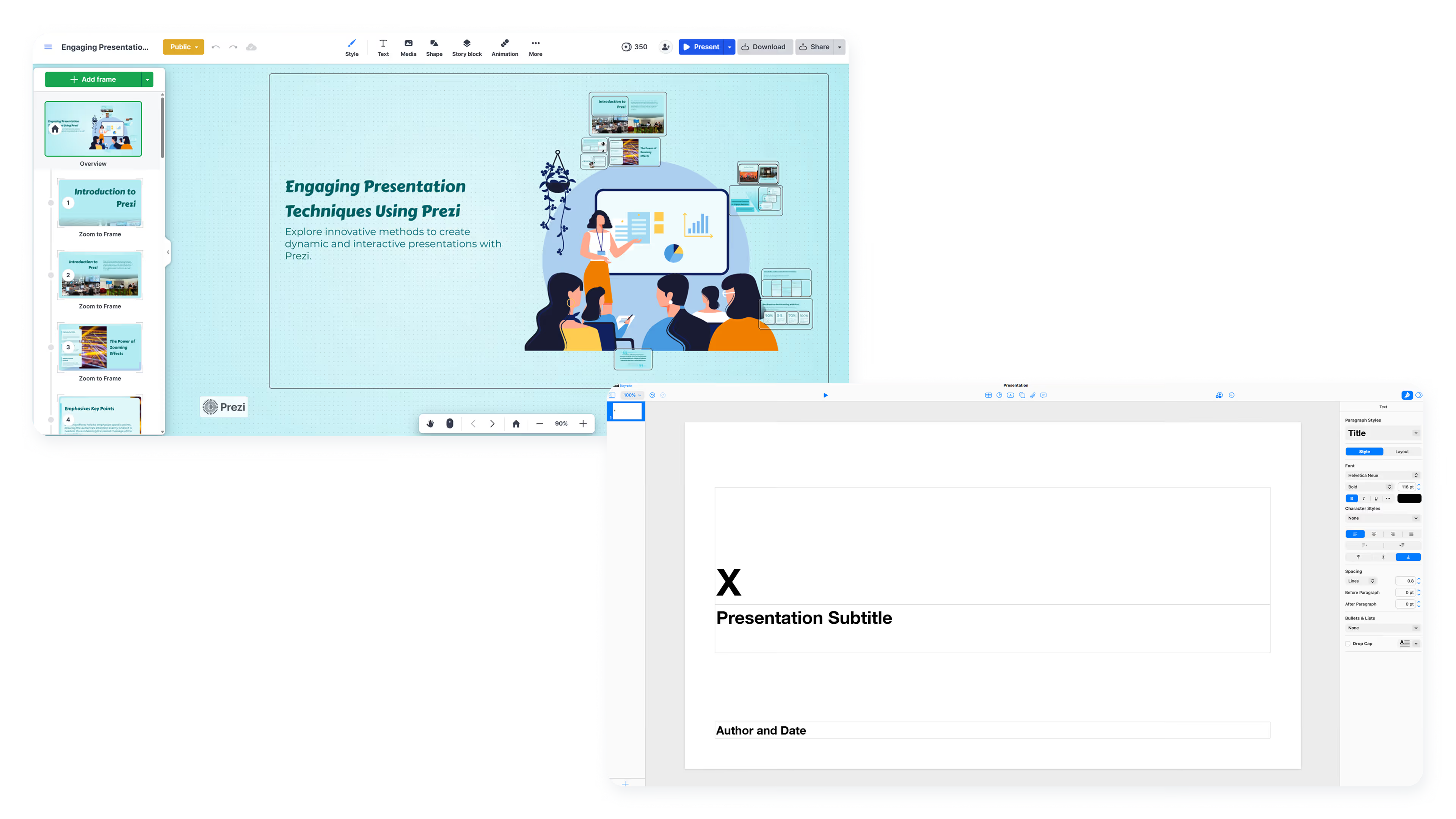
When comparing Prezi vs Keynote, the core tradeoff is clear: Keynote is Apple's native tool for polished, linear slideshows with cinematic animations across Mac, iPad, and iPhone. Prezi is a web-based platform for spatial, zoom-based storytelling across Windows, Mac, Linux, iOS, and Android.
Both platforms offer distinct approaches to presentation creation, but understanding their core differences helps clarify which aligns with your workflow. The following comparison highlights key features, strengths, and limitations across usability, design control, collaboration, and pricing. This guide compares both to help you choose the right presentation software for your workflow.
Tool overviews
This comparison table provides a side-by-side view of how Keynote and Prezi approach core presentation needs. Use it to quickly assess where each tool excels and which trade-offs matter most for your specific use case.
What is Keynote?
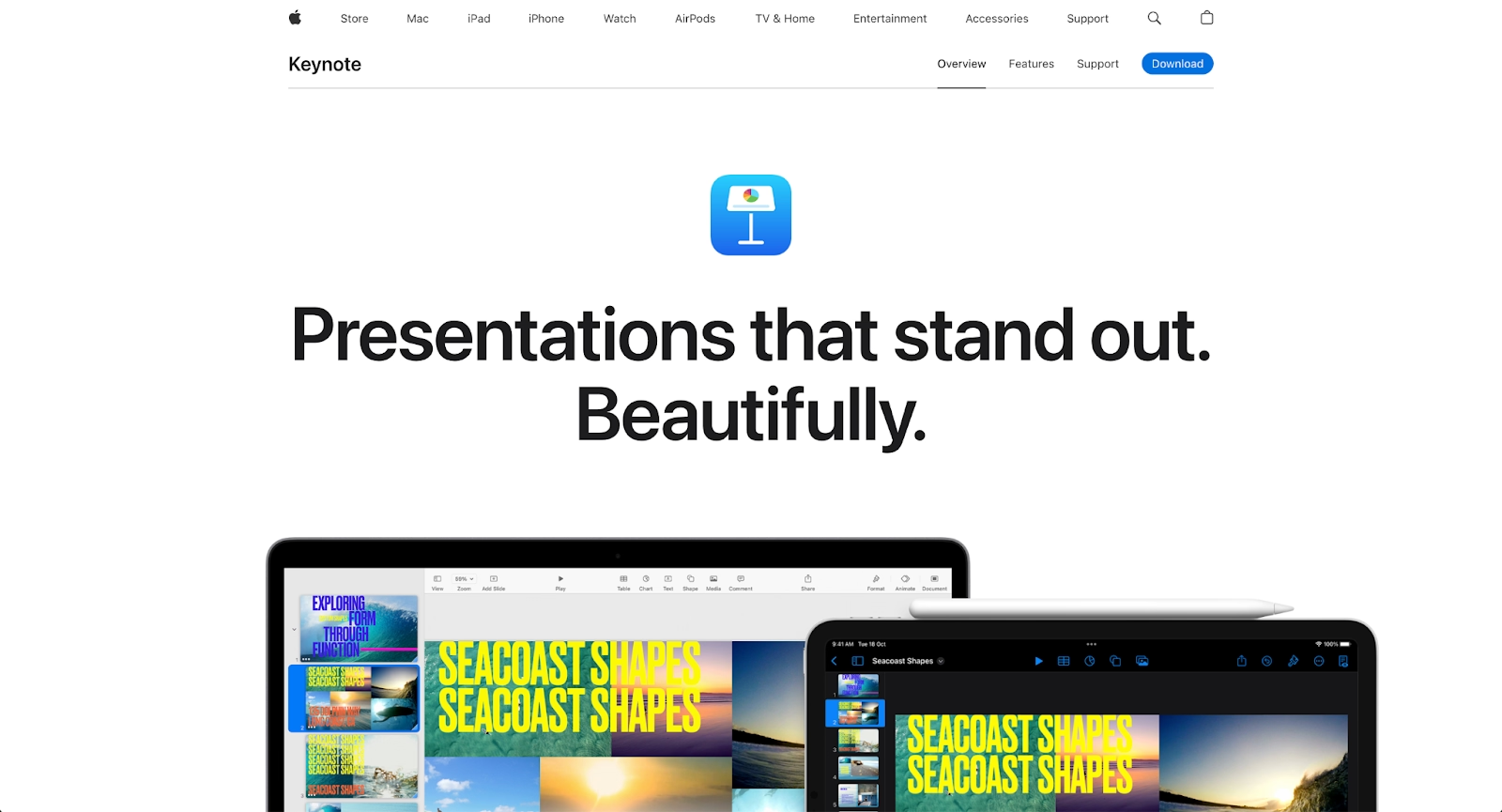
Keynote is Apple's free presentation software for Mac, iPad, and iPhone. It delivers polished slideshows with cinematic animations. Teams that use Keynote benefit from iCloud collaboration, though cross-platform sharing requires PowerPoint or PDF exports.
Keynote shines with animation presets, video exports, and screenshots for quick sharing. For Apple teams, it offers professional presentation design at zero cost.
What is Prezi?
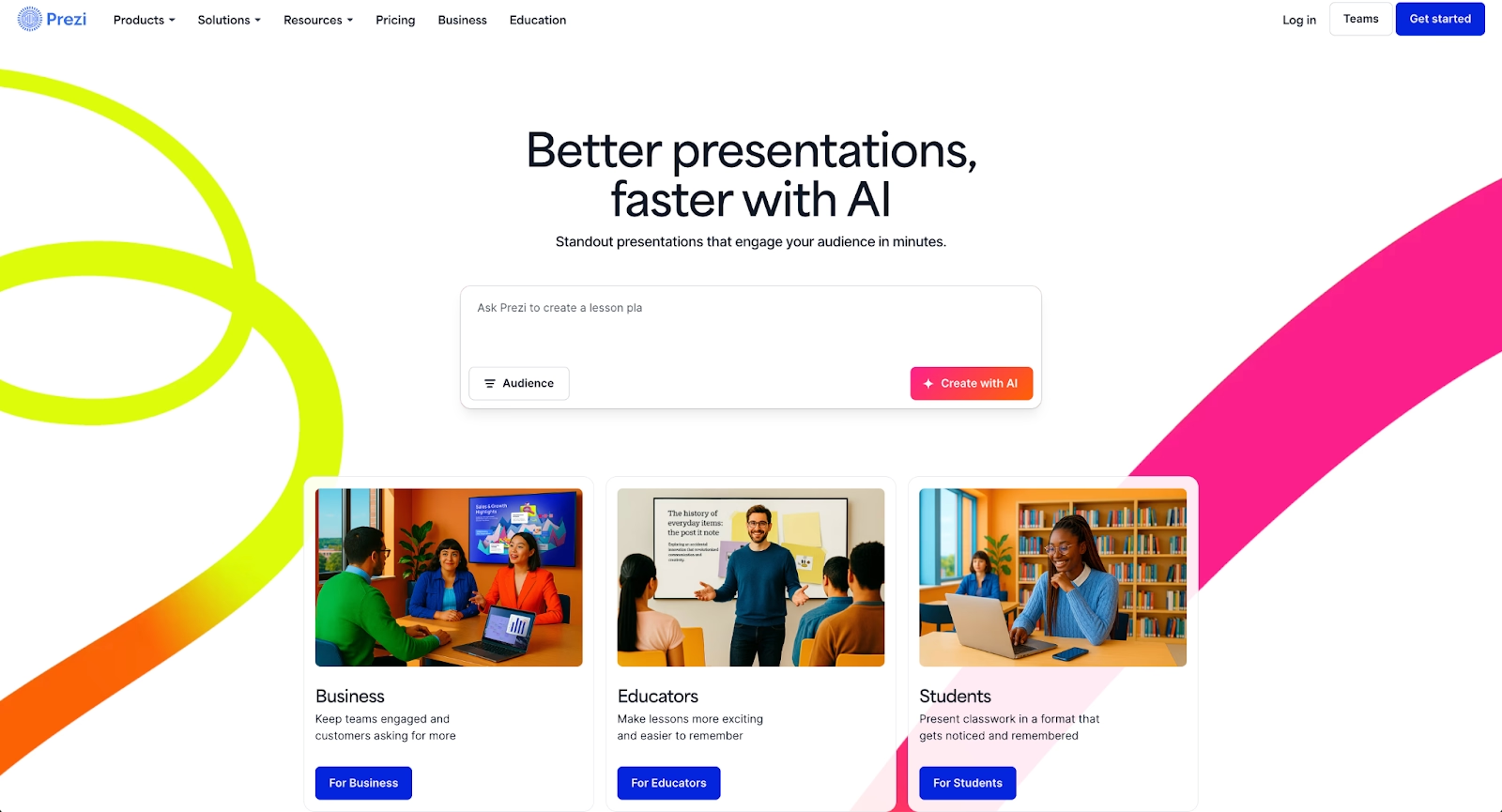
Prezi is a web-based platform for spatial, zoom-based storytelling. Instead of linear slides, presenters navigate a canvas with zoom-in effects. It works across Windows, Mac, Linux, iOS, and Android browsers.
Prezi AI generates outlines faster. Educators and speakers value its dynamic delivery and community templates for creating engaging presentations beyond traditional slideshows.
Key comparison criteria
The Prezi vs Keynote decision comes down to platform and presentation style. Keynote offers linear polish within Apple's ecosystem. Prezi enables spatial storytelling across platforms.
Ease of use & learning curve
Keynote is user-friendly for beginners familiar with Apple's design language. Ease of use in presentation software directly impacts productivity and adoption rates across teams.
Prezi has a steeper learning curve for users accustomed to Microsoft PowerPoint or Google Slides. Spatial presentations require planning. New users need time to adapt.
Summary: Keynote favors familiarity for Apple users; Prezi favors dynamic delivery with higher upfront learning.
Templates & format control
Keynote offers curated templates optimized for linear slideshows with clean animations.
Prezi uses thematic canvases for spatial storytelling rather than traditional templates. Content is placed visually and connected through zoom transitions.
Summary: Keynote delivers polished templates; Prezi prioritizes spatial design over fixed formats.
AI features & automation
Keynote lacks native AI content generation and relies on manual design with strong animation presets.
Prezi AI generates outlines and structures from prompts, helping skip the blank page. For more advanced AI features, explore AI presentation makers and marketing tools.
Summary: Keynote relies on manual design; Prezi offers AI-assisted outlines.
Design tools, visuals & data visualization
Keynote performs well with multimedia, charts, and cinematic animations. Studies show that 65% of people are visual learners, making strong design tools essential for effective communication.
Prezi prioritizes movement and spatial storytelling over precise data visualization. User reviews note that Prezi works better for narrative presentations than data-heavy reports or quarterly business reviews.
Summary: Keynote handles polished animations and charts; Prezi handles dynamic motion.
Interactive elements & audience engagement
Keynote supports video, audio, and transitions but lacks live polls. Engagement comes from visual delivery rather than interactive widgets. Studies show that multimedia integration significantly increases audience retention and engagement.
Prezi's zoom-based navigation creates engagement through spatial reveals. Presenters control pacing by zooming into topics, which helps maintain audience attention during presentations.
Summary: Keynote supports multimedia; Prezi delivers motion-based engagement.
Collaboration features & real-time workflow
Keynote's iCloud collaboration works within Apple's ecosystem for real-time editing.
Prezi enables cross-platform workflows through web-based editing on Windows, Linux, and Android. Permissions help manage access across distributed teams.
Summary: Keynote emphasizes Apple ecosystem collaboration; Prezi focuses on cross-platform workflows.
Compatibility & integrations
Keynote integrates with Apple products, offering handoff between Mac, iPad, and iPhone. It exports to PDF, PowerPoint, and video.
Prezi is cloud-based with cross-platform support. It enables embedding and PowerPoint exports.
Summary: Keynote fits Apple ecosystems; Prezi fits cross-platform environments.
Pricing & free plan
Keynote is free for Apple users with full functionality included. No subscriptions required. For Apple organizations, this delivers strong value without ongoing costs.
Prezi's free version includes branding. Paid plans unlock privacy, collaboration, and Prezi AI.
Summary: Keynote is free for Apple users; Prezi uses freemium with paid upgrades.
Ideal use cases
Keynote and Prezi serve distinct styles. Some teams need structure without Apple lock-in. For those teams, Beautiful.ai becomes a stronger fit with scalable workflows, Smart Slides, and consistent branding.

When Beautiful.ai is the better fit
- Teams need professional presentations without manual formatting.
- Organizations with recurring pitch decks and sales presentations.
- Cross-platform teams need PowerPoint exports and brand consistency.
- Users want AI-generated ideas with Smart Slide layouts.
- Teams seeking streamlined collaboration and efficient workflows.
When Keynote is the better fit
- Apple-centric teams who use Keynote on Mac, iPad, or iPhone.
- Users want polished animations and cinematic effects.
- Presenters creating video presentations and slideshows.
- Those preferring free tools with no subscription.
- Teams that use Keynote for elegant linear presentations.
When Prezi is the better fit
- Educators are using spatial, zoom-based delivery for engaging presentations.
- Presenters want dynamic storytelling.
- Cross-platform teams on Windows, Mac, or Linux.
- Users prioritizing audience engagement through motion.
- Teams valuing community templates and creative presentation design.
Limitations and trade-offs
Every presentation tool is built around certain priorities, which means some features are emphasized while others are less central. Here are the main limitations and trade-offs to keep in mind as you compare your options.
Beautiful.ai trade-offs
- Focuses on a linear presentation flow rather than spatial or zoom-based storytelling.
- Uses a subscription model instead of a permanent free plan.
- Offers fewer built-in audience interaction features, such as live polls.
- Being cloud-based, it works best with a stable internet connection.
Keynote trade-offs
- No Windows, Linux, or Android native support.
- Collaboration is limited outside the Apple ecosystem.
- No AI content generation capabilities.
- Customer support is limited to community forums and FAQs.
Prezi trade-offs
- Steeper learning curve than traditional slide editors.
- Limited precision for data-heavy layouts.
- Best features require paid plans.
- Offline editing requires a premium subscription.
Future roadmap & feature development
Beyond current capabilities, it helps to look at where each product is headed. Here’s how their development focus and roadmap direction can shape long-term fit for different teams.
Beautiful.ai focus
Beautiful.ai continues advancing AI-powered content generation and Smart Slides with collaboration, permissions, and brand governance for teams. The roadmap emphasizes automated design consistency and faster presentation creation.
Keynote focus
Apple continues refining Keynote with incremental improvements to animations, transitions, and ecosystem integration across iOS and Mac devices.
Prezi focus
Prezi focuses on advancing visual storytelling, AI-assisted creation, and video integration for live communication and hybrid meeting environments.
Final recommendation
Keynote and Prezi serve distinct audiences. Keynote suits Apple users seeking polished presentations at no cost, while Prezi suits presenters prioritizing dynamic storytelling with cross-platform access.
For teams between those extremes, Beautiful.ai emerges as the practical choice. It removes design overhead without Apple lock-in and offers AI automation without spatial complexity.
To streamline your workflow and maintain brand consistency, Beautiful.ai offers a balanced approach. Explore Beautiful.ai today.
Why customers are switching to Beautiful.ai
Beautiful.ai is an AI-powered presentation platform that helps teams create polished, on-brand slides in a fraction of the time, without design skills or manual formatting.
- Design automation built in. Whether you're building pitch decks, reports, or internal presentations, Beautiful.ai’s Smart Slides automatically format content so you never worry about spacing, alignment, or layout again. Add your content, and the design adjusts instantly.
- ️No design experience required. Create professional decks without touching text boxes or manually arranging elements. Choose from Smart Templates and let the AI handle layout decisions, visual hierarchy, and consistency across the entire deck.
- Branding? Already handled. Keep every slide on-brand with your fonts, colors, and logos applied automatically. Beautiful.ai ensures every team member creates presentations that look like they came from a dedicated design team—without extra work.
- Real-time collaboration & team controls. Collaborate directly on the same deck, leave comments, manage permissions, and maintain consistency across team presentations. Perfect for growing teams and cross-functional workflows.
- Faster workflows, fewer revisions. Jump from rough outline to polished presentation in minutes, not hours. Beautiful.ai reduces back-and-forth edits by enforcing on-brand design rules and helping you iterate faster with AI-assisted slide creation.
