


Best PresentationGO alternatives: top 9 in 2026
![PresentationGO alternatives: the top 9 [updated for 2026]](https://cdn.prod.website-files.com/59e16042ec229e00016d3a66/697d78f20c7d2b25c0c186fa_presentationgo%20Product%20shot.avif)

Best PresentationGO alternatives: top 9 in 2026
Finding the right presentation templates can make or break your workflow. PresentationGO has long been a go-to resource for free PowerPoint templates, but professionals increasingly need more than static slide designs. They want AI-powered automation, real-time collaboration, and tools that adapt to modern business demands. This guide examines PresentationGO and its best alternatives, comparing template libraries, design tools, functionality, and pricing to help you choose the right presentation software for your needs.
What is PresentationGO?
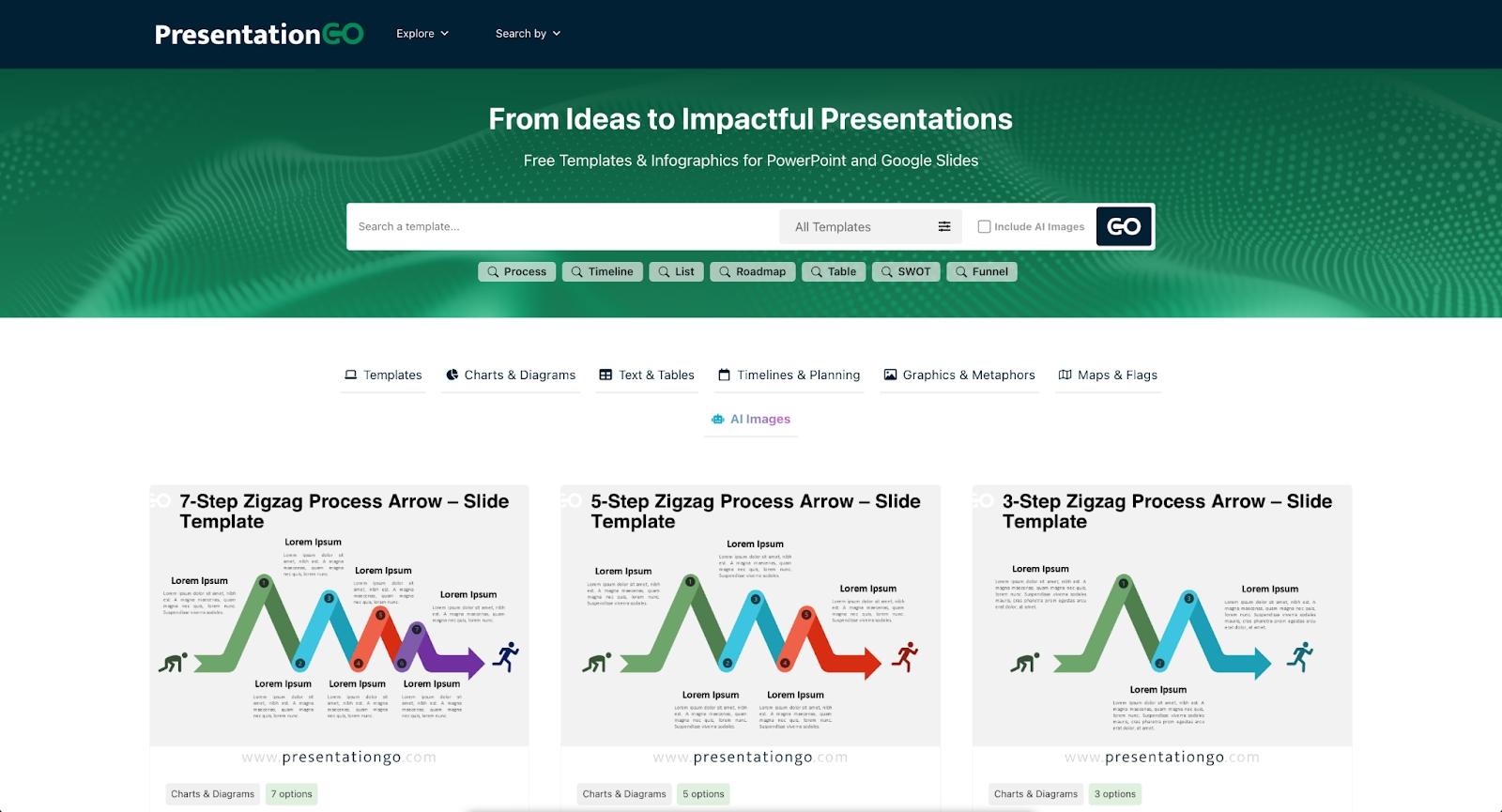
PresentationGO is a free resource offering downloadable PowerPoint templates and Google Slides themes for business, education, and personal use. The platform provides a library of designed templates covering common presentation needs: timelines, infographics, org charts, pitch deck structures, and data-driven layouts.
Users browse categories, download PPT or Google Slides files, and customize them within Microsoft PowerPoint, Google Slides, or Keynote. PresentationGO appeals to professionals who want high-quality slide designs without hiring a designer or building presentations from scratch.
The platform's core value is accessibility. Templates are free, require no account creation, and work with tools most professionals already use. For straightforward PowerPoint presentations or quick Google Slides projects, PresentationGO delivers ready-made layouts that save time on initial design.
Why look for PresentationGO alternatives?
PresentationGO serves a specific purpose well, but several factors lead users to explore other options.
Template libraries have limits. While PresentationGO offers a solid range of free presentation templates, users building frequent slide decks may exhaust the available designs or need more specialized layouts for data visualization, investor updates, or social media content.
Static templates require manual work. Downloading a template is just the starting point. You still need to adjust fonts, resize elements, align content, and maintain visual consistency across every slide. For teams producing professional presentations at scale, this manual workflow becomes a bottleneck.
Research shows that professionals spend an average of 4-5 hours per week building presentations for meetings, time that could be redirected to strategic work.
Modern presentation needs have evolved. Startups building pitch decks, marketing teams running campaigns, and sales professionals closing deals need more than templates. They need AI presentation tools that generate content, collaboration features for distributed teams, and automation that handles design decisions.
Integration and export requirements also matter. Some workflows demand seamless connections to docs, workspace platforms, or CRM systems. Others require animations, vectors, and interactive elements that static template libraries cannot provide.
Finally, premium templates and advanced features often sit behind paywalls on template sites. Teams comparing free plan options against pro plan functionality may find that AI-powered presentation makers offer better value for ongoing use.
Top 9 PresentationGO alternatives
The market includes template repositories, presentation software platforms, and AI-powered tools. Each serves different needs: some focus on template variety, others on design automation, and several combine both with collaboration and analytics. Here are the best alternatives to PresentationGO for 2026.
1. Beautiful.ai

Beautiful.ai takes a different approach than template libraries. Instead of downloading static files and manually adjusting layouts, you work with Smart Slides that automatically apply design rules as you add content. Spacing, alignment, fonts, and animations adapt in real time through built-in design logic.
This design automation eliminates the formatting friction that slows down template-based workflows. Add a bullet point, and the slide rebalances. Insert a chart, and the layout adjusts. Smart Slides handle the design decisions so you can focus on your message rather than manual formatting.
The platform also includes AI features that help you skip the blank page. Enter a prompt with extra context, and the AI generates a complete presentation draft in seconds. Every AI-generated deck is built using Smart Slides, allowing you to move immediately from generation to refinement at high speed.
For teams, Beautiful.ai offers real-time collaboration, shared slide libraries, and brand controls that lock colors, fonts, and logos across every deck. Viewer analytics track engagement after sharing, providing data-driven insights into what resonates.
Beautiful.ai is ideal for business professionals, startups, and marketing teams who need professional presentations quickly and consistently. It exports to PPT, PDF, and Google Slides, maintaining compatibility with existing workflows.
2. Slidesgo
Slidesgo offers one of the largest collections of free Google Slides templates and PowerPoint themes available. The platform features thousands of designed templates spanning categories like business, education, marketing, and creative projects.
Template quality is a standout feature. Slidesgo templates include infographics, timelines, vectors, and minimalist designs with consistent visual styles. Users download files directly and edit them in Google Slides or Microsoft PowerPoint.
Slidesgo also provides tutorials for customizing templates and creating better presentations. For users who want extensive template variety without subscription costs, Slidesgo templates represent a strong PresentationGO alternative. The platform sits between free and premium offerings, with a Slidesgo alternatives search often leading users to similar repositories like SlidesCarnival and SlidesMania.
3. Decktopus
Decktopus is an AI-powered presentation platform that emphasizes design flexibility, organizational structure, and collaboration features. The platform uses a guided, step-by-step wizard approach that helps users create professional presentations quickly while maintaining creative control.
Users can customize slides with extensive theme options, adjustable layouts, and comprehensive design freedom. Decktopus allows full control over backgrounds, fonts, colors, and slide formats, making it suitable for users who want more flexibility than rigid template systems provide.
For teams and organizations, Decktopus offers organizational folders, permission controls, and sharing features that streamline collaboration. The platform supports real-time editing and commenting, making it practical for distributed teams working on presentations together.
Decktopus appeals to business professionals, students, and creative teams who need a balance between AI assistance and manual design control. It exports to PowerPoint and PDF formats, maintaining compatibility with standard presentation workflows.
4. Slidebean
Slidebean targets startups and entrepreneurs building pitch decks. The platform combines AI-powered automation with startup-specific templates designed for investor presentations, business plans, and sales decks.
Users input content, and Slidebean's AI automatically structures slides using clean layouts and consistent branding. This approach reduces time spent on design decisions while maintaining professional presentation quality.
Slidebean also offers fundraising resources, pitch deck examples, and consulting services for startups seeking investment. Its focused positioning makes it less suitable for general business presentations but highly effective for its target audience.
5. Visme
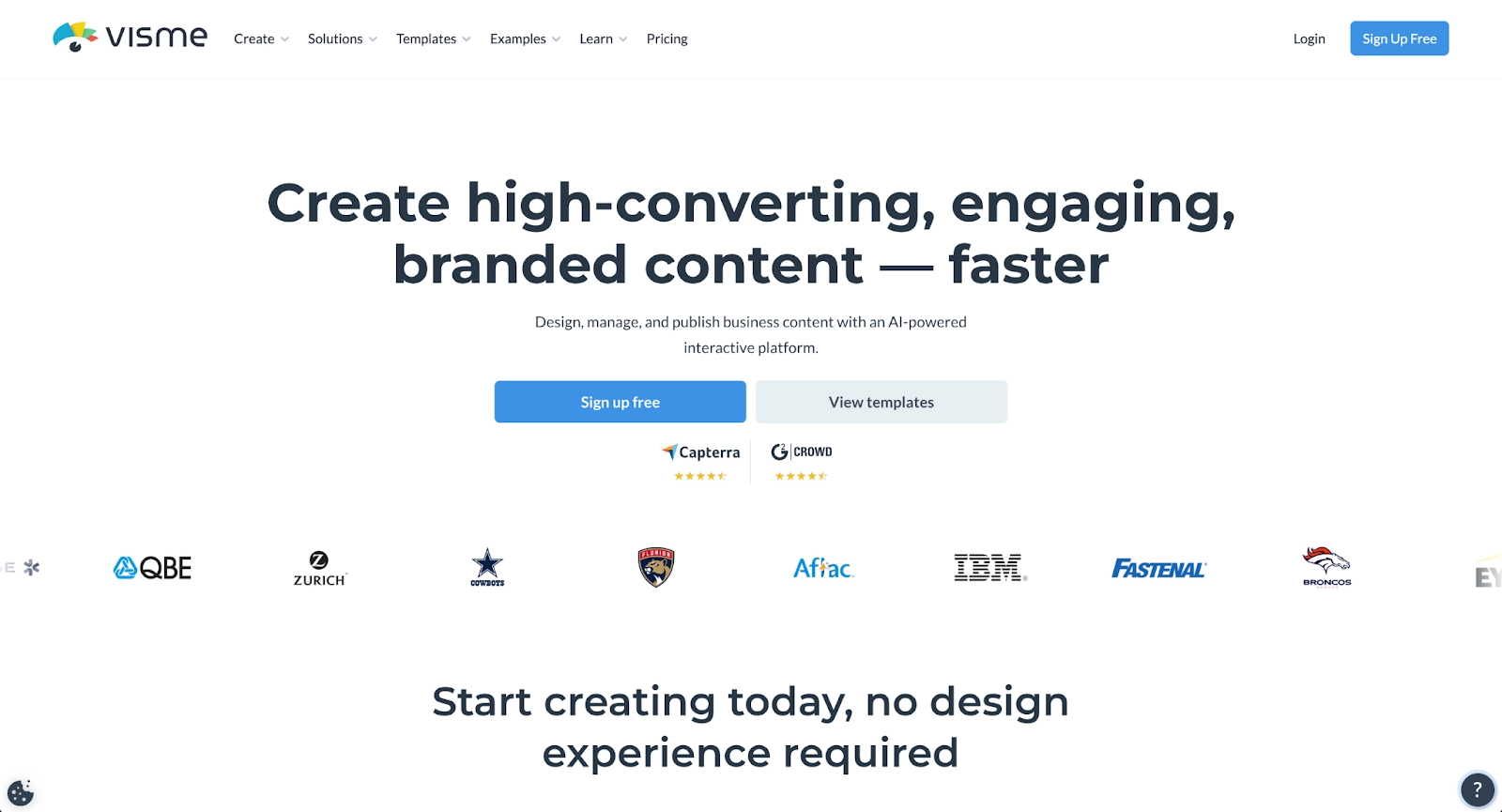
Visme positions itself as a visual content platform supporting presentations, infographics, documents, videos, and interactive content. The template library covers business presentations, data visualization, and marketing materials with strong design quality.
Advanced data visualization sets Visme apart. Users create animated charts, graphs, and infographics with drag-and-drop tools. The platform also supports interactive elements, embedded content, and multiple export formats, including PDF, PPT, HTML5, and video.
Visme appeals to data-driven teams needing sophisticated visualization capabilities alongside standard presentation functionality. Its breadth of content types makes it useful for organizations producing diverse marketing materials.
6. Prezi
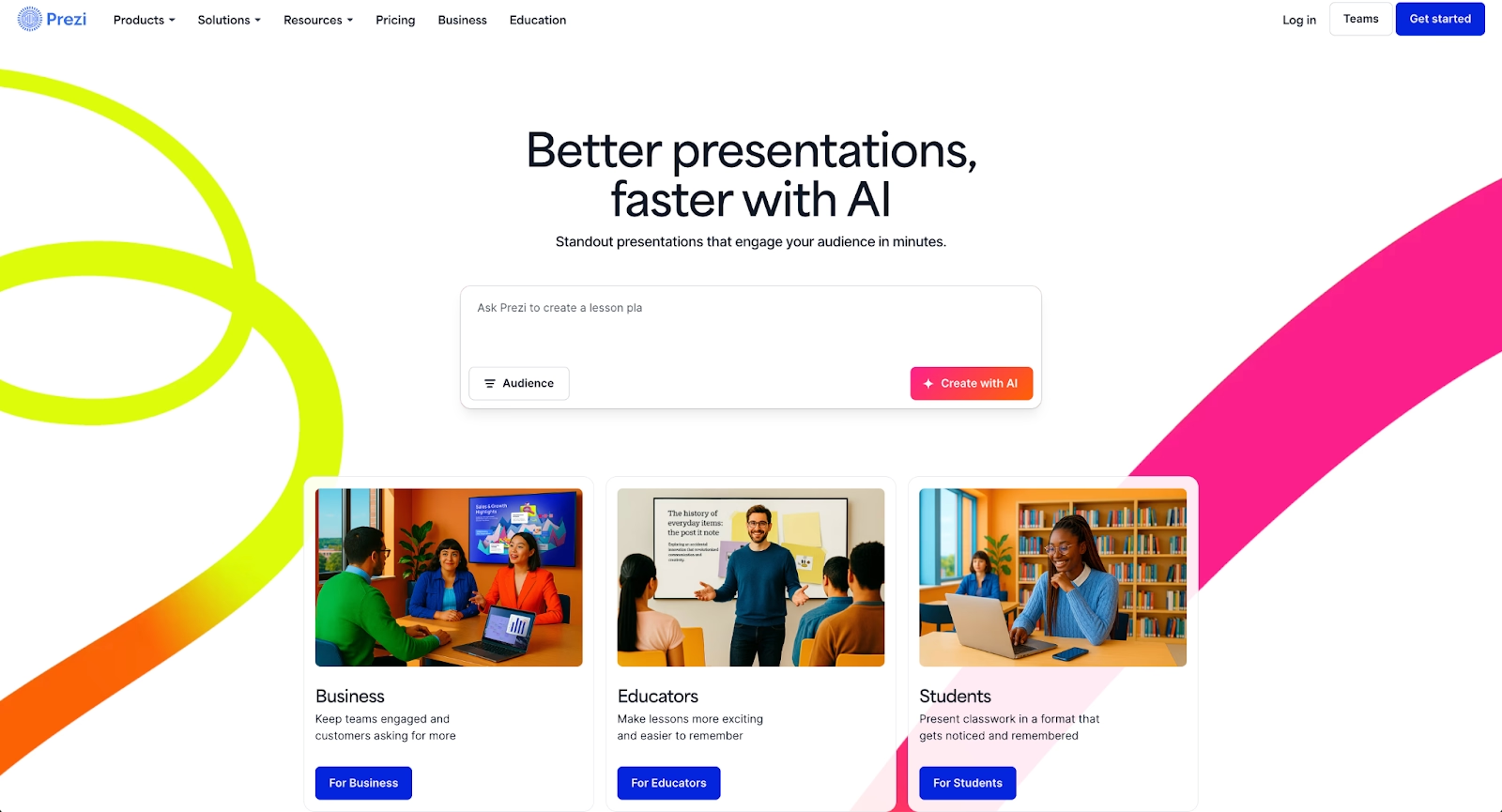
Prezi offers a distinctive approach to presentations through its non-linear, zoomable canvas. Instead of traditional slides, content is arranged spatially, allowing presenters to zoom into topics and create a dynamic storytelling flow.
This format works well for presentations that benefit from conceptual movement and visual relationships between ideas. Prezi supports animations, embedded media, and online delivery with analytics tracking.
While Prezi lacks the AI presentation features of newer tools, its unique format creates engaging presentations for scenarios where traditional slide decks feel limiting. The learning curve is steeper than template-based approaches, but the visual impact can be significant.
7. Google Slides with Gemini
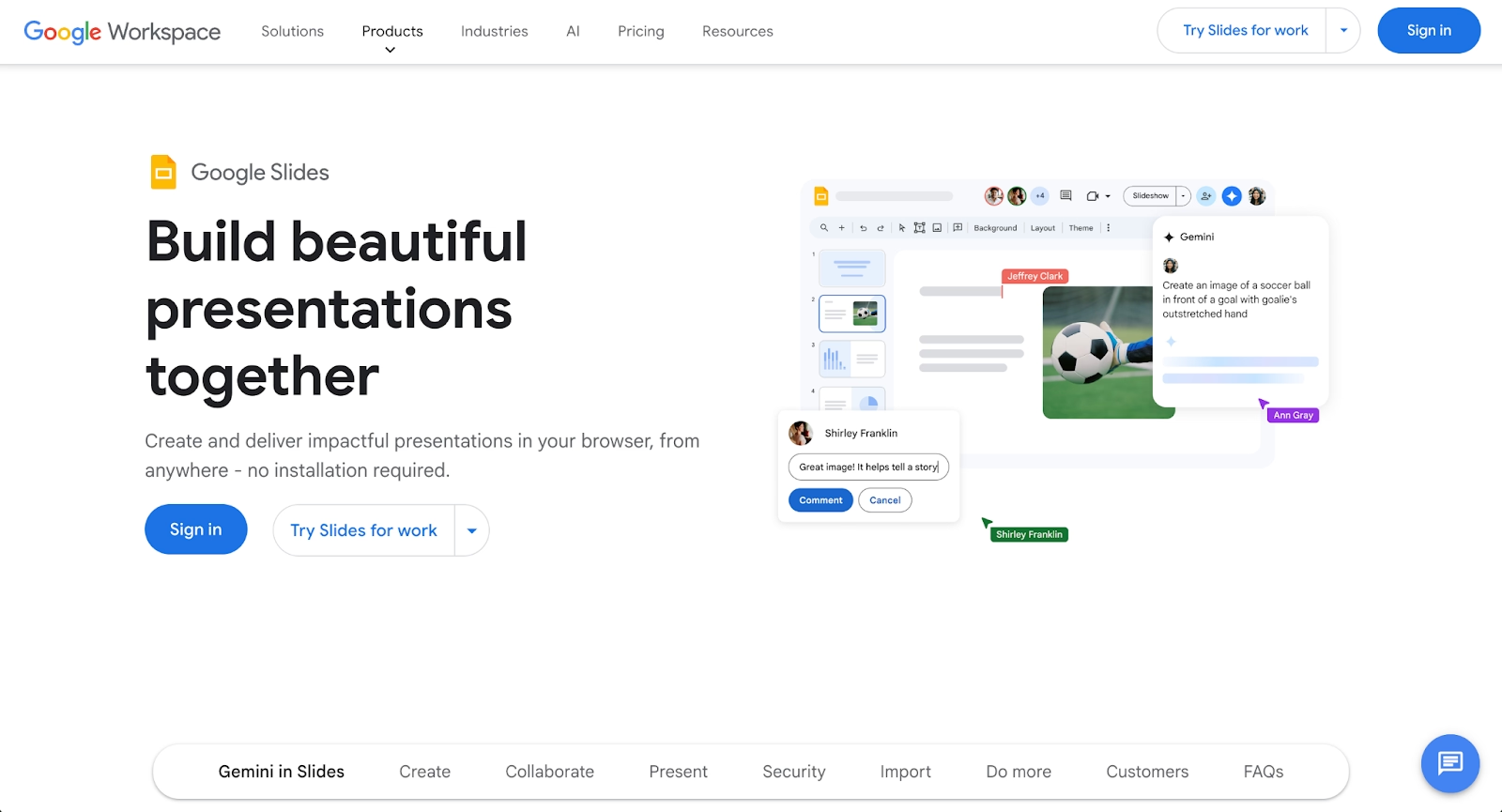
Google Slides remains a default choice for teams embedded in Google Workspace. It offers cloud-based accessibility, real-time collaboration, and seamless integration with Google Drive and Docs.
The addition of Gemini brings AI capabilities to Google Slides, including AI-generated text, layout suggestions, and content assistance. Users can generate presentations from prompts and refine them with intelligent suggestions.
Google Slides templates are available through the built-in theme gallery and third-party sites offering Google Slides themes. The platform's free tier and collaboration features make it practical for cost-conscious teams, though design automation is less sophisticated than dedicated AI presentation tools.
8. Microsoft PowerPoint with Copilot
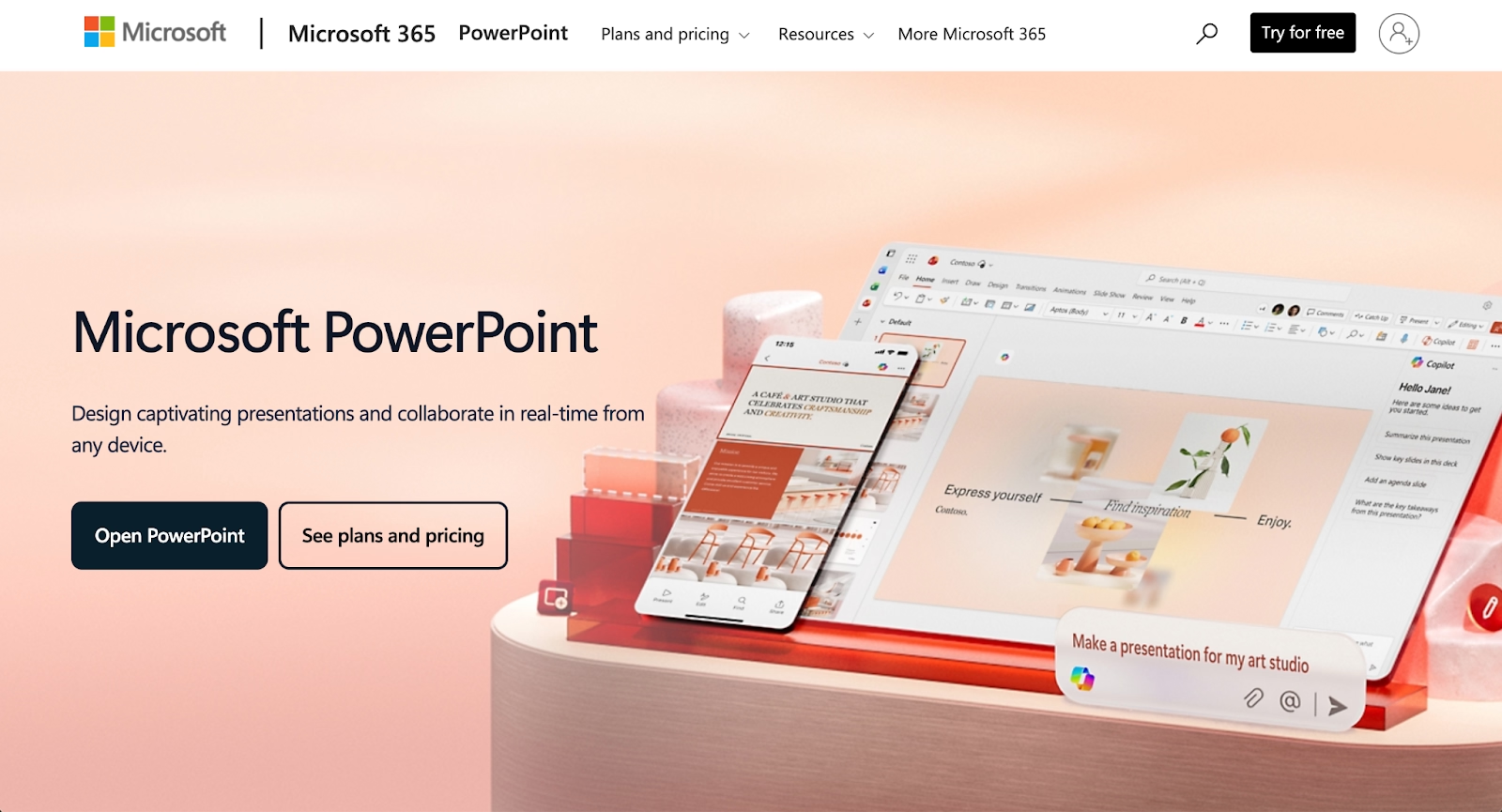
Microsoft PowerPoint remains the industry standard for PowerPoint presentations, with deep functionality for animations, custom charts, and complex slide designs. The addition of Microsoft Copilot adds AI assistance for content generation, layout suggestions, and formatting automation.
Copilot can generate slides from prompts, summarize content, and improve clarity across business presentations. This combination pairs PowerPoint's established capabilities with modern AI tools, supporting enterprise workflows that require PPT compatibility.
For organizations already invested in Microsoft's workspace, PowerPoint with Copilot represents an evolution rather than a replacement. Premium templates and advanced AI features require paid plans, but integration with existing systems provides value for large teams.
9. Pitch
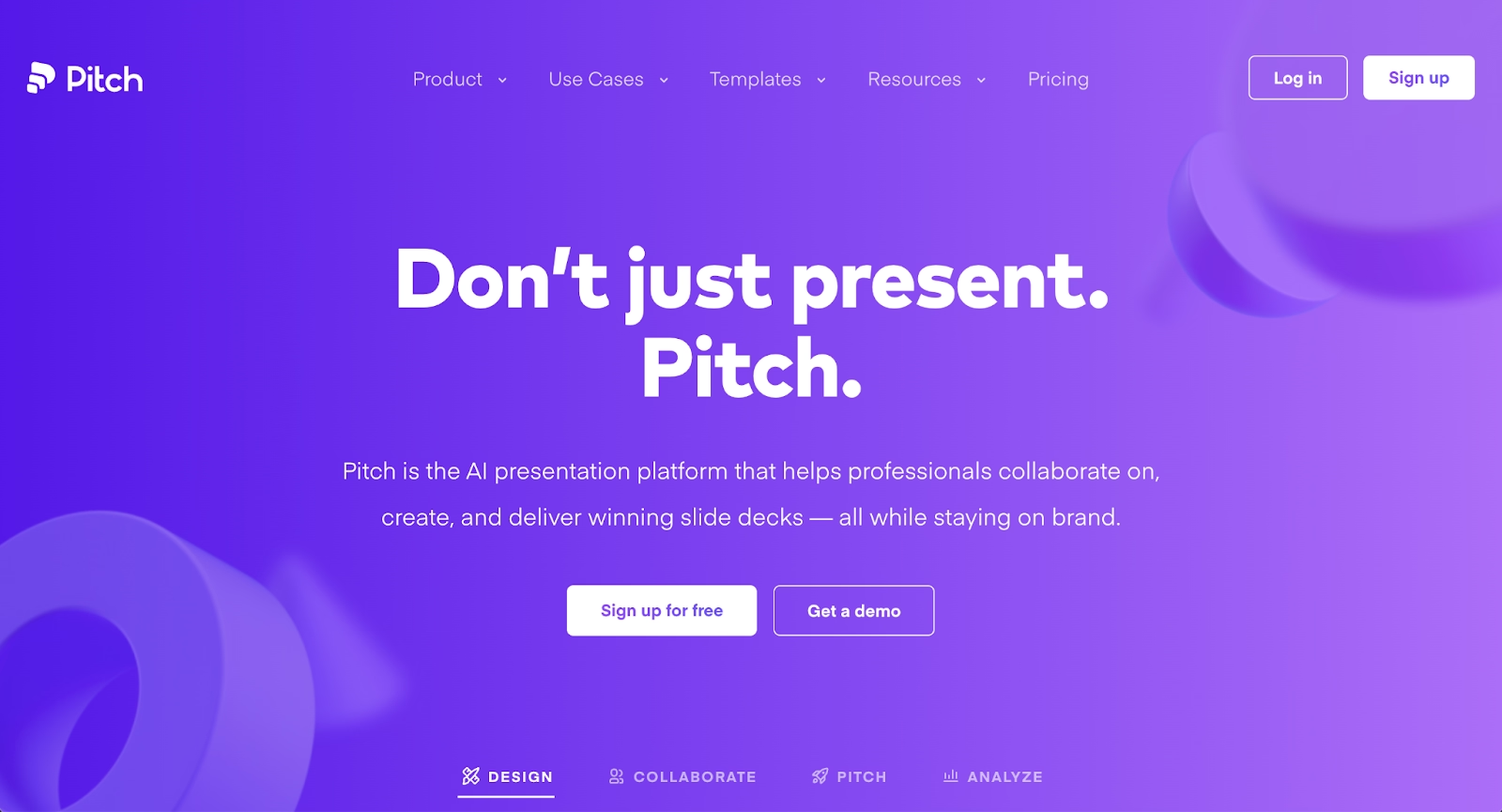
Pitch is modern presentation software built for collaborative team workflows. The platform offers beautifully designed templates, real-time collaboration features, and integrated video meetings for distributed teams.
Pitch emphasizes brand consistency through shared themes and asset libraries. Teams can maintain visual standards across all presentations while allowing individual contributors to customize content. Analytics features track viewer engagement and slide performance.
While Pitch does not offer the same AI-generated content capabilities as some alternatives, its collaboration tools and design quality make it strong for teams prioritizing workflow efficiency and brand control. Startups and marketing teams frequently choose Pitch for its modern interface and template quality.
Key comparison criteria
Evaluating PresentationGO alternatives requires examining several factors that affect daily workflow and presentation quality.
AI features
AI capabilities increasingly separate modern presentation tools from static template libraries. AI-powered platforms like Beautiful.ai, Decktopus, and Slidebean generate content from prompts, suggest layouts, and automate design decisions.
AI tools reduce the manual effort of customizing templates and maintaining visual consistency. Platforms with strong AI presentation features enable faster creation while maintaining professional quality. Teams comparing options should assess whether AI-generated drafts, layout automation, and intelligent design assistance align with their workflow needs.
Ease of use
User experience varies significantly across presentation tools. Template libraries like PresentationGO and Slidesgo require familiarity with PowerPoint or Google Slides. Dedicated platforms like Beautiful.ai offer purpose-built interfaces with drag-and-drop editing.
Consider the learning curve for your team, especially when switching from template-based workflows to automation-focused tools. Smart Slides and AI assistance can simplify creation, but unfamiliar interfaces require adjustment. The best tools minimize friction between ideas and finished presentations.
Design quality and templates
Template quality directly affects presentation impact. Evaluate the diversity of slide designs, the availability of layouts for specific needs like pitch decks or infographics, and the visual consistency across template collections.
High-quality design tools maintain professional aesthetics without requiring design expertise. Platforms like Beautiful.ai automate design principles, while template libraries like Slidesgo and SlidesCarnival offer curated collections. Consider whether you need premium templates or whether free PowerPoint templates meet your quality standards.
Collaboration
Real-time collaboration matters for teams building presentations together. Features like simultaneous editing, commenting, version history, and shared workspace access affect how efficiently distributed teams can work.
Beautiful.ai, Google Slides, and Pitch excel in collaboration through their cloud-based architectures. Template libraries that rely on downloaded files make collaboration more challenging, requiring manual file sharing and version management.
Export and integrations
Workflow compatibility depends on export formats and integrations with existing tools. Most professionals need PPT exports for stakeholders who use PowerPoint, PDF exports for static sharing, and occasionally Google Slides compatibility.
Integrations with workspace platforms, CRM systems, and design tools like Figma extend functionality. Evaluate whether each platform connects with your existing tech stack or requires workarounds.
Pricing
Pricing structures range from free template downloads to subscription-based platforms with tiered features. Free presentation templates from PresentationGO and Slidesgo appeal to budget-conscious users, while premium templates and advanced functionality often require paid plans.
AI-powered platforms typically charge subscriptions but may deliver better value through time savings and design automation. Compare free plan limitations against pro plan features to determine true cost-effectiveness for your presentation volume.
Quick comparison snapshots
These head-to-head comparisons highlight practical differences between PresentationGO and leading alternatives.
Beautiful.ai vs PresentationGO
PresentationGO provides free PowerPoint templates that you download and customize manually. Beautiful.ai provides an AI-powered platform where Smart Slides handle design automatically as you add content.
The workflow difference is significant. PresentationGO saves time on initial design concepts but requires manual formatting throughout the creation process. Beautiful.ai eliminates formatting friction entirely, maintaining visual consistency without manual adjustment.
For one-off presentations with simple needs, PresentationGO works well. For teams building frequent slide decks and needing brand consistency, Beautiful.ai's automation delivers greater efficiency.
Slidesgo vs PresentationGO
Both platforms offer free presentation templates, but Slidesgo provides a larger library with more diverse designs. Slidesgo templates cover broader categories and include more infographics, vectors, and minimalist options.
PresentationGO focuses on functional business templates with clean layouts. Slidesgo offers more creative and thematic variety. For users seeking extensive template options without leaving the free template model, Slidesgo represents an upgrade in selection and design diversity.
Decktopus vs PresentationGO
PresentationGO offers static templates requiring manual customization in PowerPoint or Google Slides. Decktopus provides an AI-powered platform with guided workflows that help structure presentations while offering extensive design flexibility.
The key difference lies in workflow approach. PresentationGO requires design decisions after download, while Decktopus guides users through creation with AI assistance and organizational features. For teams needing collaboration tools and organizational structure alongside design flexibility, Decktopus offers more comprehensive functionality than template downloads alone.
Conclusion
PresentationGO serves its purpose as a free resource for PowerPoint templates and Google Slides themes, but modern presentation needs often exceed what static template libraries provide. The best alternatives depend on your specific priorities.
For AI-powered automation and consistent design quality, Beautiful.ai eliminates manual formatting while maintaining professional standards. For extensive free template variety, Slidesgo and SlidesCarnival expand your design options. For startup-focused pitch decks, Slidebean delivers targeted templates and AI assistance.
Evaluate your workflow requirements, collaboration needs, and budget constraints against the strengths of each platform. The right presentation tool should reduce time spent on design while improving the quality of your professional presentations.
Why customers are switching to Beautiful.ai
Beautiful.ai is an AI-powered presentation platform that helps teams create polished, on-brand slides in a fraction of the time, without design skills or manual formatting.
- Design automation built in. Whether you're building pitch decks, reports, or internal presentations, Beautiful.ai’s Smart Slides automatically format content so you never worry about spacing, alignment, or layout again. Add your content, and the design adjusts instantly.
- ️No design experience required. Create professional decks without touching text boxes or manually arranging elements. Choose from Smart Templates and let the AI handle layout decisions, visual hierarchy, and consistency across the entire deck.
- Branding? Already handled. Keep every slide on-brand with your fonts, colors, and logos applied automatically. Beautiful.ai ensures every team member creates presentations that look like they came from a dedicated design team—without extra work.
- Real-time collaboration & team controls. Collaborate directly on the same deck, leave comments, manage permissions, and maintain consistency across team presentations. Perfect for growing teams and cross-functional workflows.
- Faster workflows, fewer revisions. Jump from rough outline to polished presentation in minutes, not hours. Beautiful.ai reduces back-and-forth edits by enforcing on-brand design rules and helping you iterate faster with AI-assisted slide creation.
