


Best Slidebean alternatives: top 9 in 2026
![Slidebean alternatives: the top 9 [updated for 2026]](https://cdn.prod.website-files.com/59e16042ec229e00016d3a66/696ae6caf5702f12421e2b26_696ae446cdbc0c353fe0fa74_beautiful%2520ai%2520vs%2520Slidebean%2520(1).avif)

Best Slidebean alternatives: top 9 in 2026
Startup founders and business professionals seeking efficient presentation creation tools often evaluate multiple platforms before committing to one. The presentation software market includes both established solutions and specialized tools built for specific workflows like pitch deck creation. Slidebean has carved out a niche in the startup ecosystem, but finding the right platform requires understanding how it compares to other options.
This article provides a detailed look at Slidebean and examines nine prominent alternatives, outlining their features, strengths, and suitability for different team needs. It's particularly valuable for users comparing Slidebean to other AI-powered presentation tools and pitch deck platforms.
What is Slidebean?
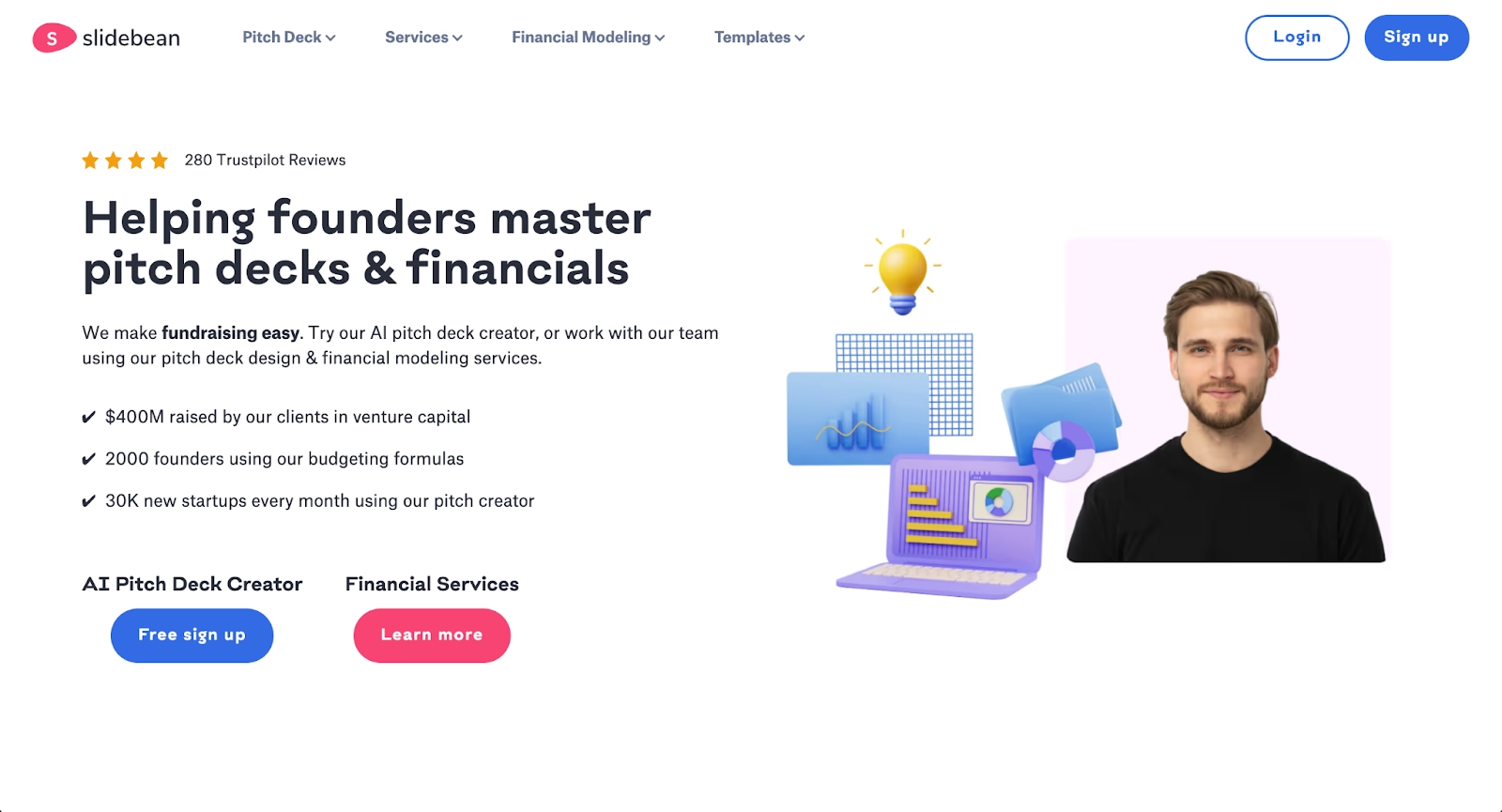
Slidebean is a cloud-based presentation platform built primarily for startup founders and entrepreneurs seeking to create pitch decks quickly. The tool combines customizable templates with AI-driven layout suggestions, allowing users to focus on content while the software handles slide design automatically.
The platform gained traction in the startup ecosystem for its pitch deck-specific templates and fundraising-focused features. Beyond basic presentation creation, Slidebean offers financial modeling tools and consulting services tailored to early-stage companies preparing for investor meetings.
As presentation software has evolved, many users find themselves comparing Slidebean to alternatives that offer broader functionality, different pricing structures, or more advanced artificial intelligence capabilities.
Why look for Slidebean alternatives?
Teams explore Slidebean alternatives for several practical reasons. While Slidebean serves its core audience well, different workflows and business requirements often call for different toolsets. Some organizations outgrow the platform's feature set as their presentation needs diversify. Others find that pricing, collaboration requirements, or integration ecosystems don't align with their operations. Understanding these common friction points helps clarify which alternative might better serve your specific situation.
- Feature scope. Slidebean excels at pitch decks but lacks versatility for other presentation needs like sales enablement, training materials, or company-wide communications. Users who need a multi-purpose presentation tool often outgrow the platform.
- Pricing considerations. Slidebean's pricing structure can feel steep for individuals or small teams, particularly when the free version limits export options and template access.
- Design flexibility. The platform's automation prioritizes speed over granular control. Users wanting precise adjustments to fonts, animations, or layouts may find the editing experience restrictive.
- Export and integration gaps. Some workflows require seamless PPTX exports or integrations with Google Workspace, Microsoft PowerPoint, or other enterprise tools. Slidebean's export formats don't always match these requirements.
- Collaboration features. Real-time collaboration has become standard in modern presentation software. Teams working across time zones or departments may need stronger collaborative features than Slidebean provides.
Top 9 Slidebean alternatives
The tools below span different priorities: some emphasize automation and AI-powered presentation creation, others prioritize design control or team collaboration. Your ideal choice depends on workflow, team size, and the types of presentations you build most often.
1. Beautiful.ai

Beautiful.ai is a presentation platform that combines AI-powered content generation with automated design through Smart Slides. The platform offers two distinct capabilities: AI features that help you kickstart presentations from prompts, and Smart Slide layouts that automatically handle formatting as you edit.
The AI generation creates complete presentation drafts from text prompts or uploaded documents, helping teams skip the blank page and move directly to refinement. Smart Slides then maintain design consistency as you add content, automatically adjusting layouts, spacing, and visual hierarchy without requiring design expertise.
For teams creating professional presentations at scale, Beautiful.ai keeps decks on-brand across use cases from pitch decks to quarterly reviews. Real-time collaboration features support distributed teams working on presentations together.
Where Slidebean focuses narrowly on startup fundraising, Beautiful.ai serves broader enterprise and team presentation needs with consistent design quality across all business contexts.
2. Decktopus
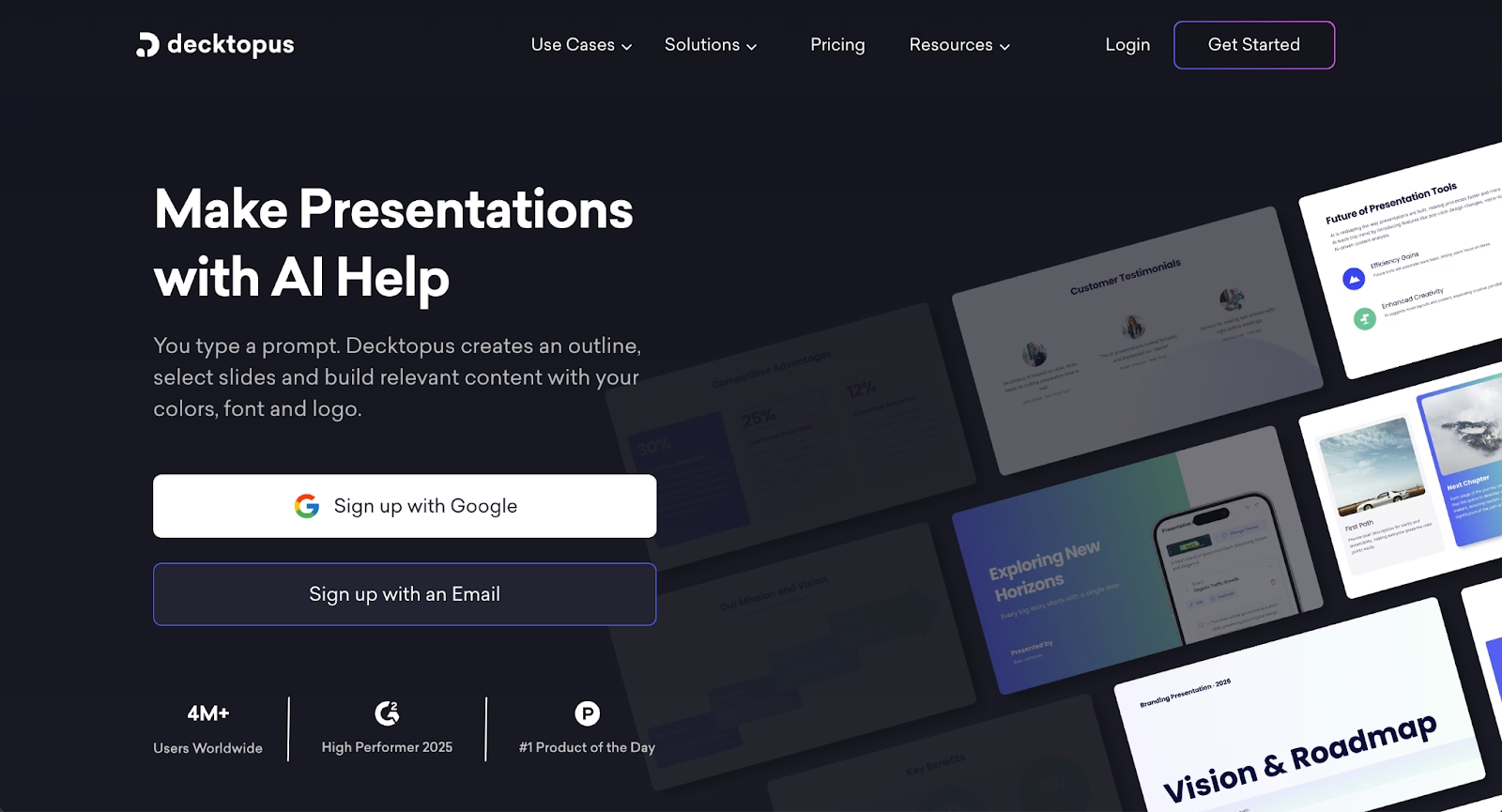
Decktopus is an AI-powered presentation platform designed for rapid deck creation with minimal manual work. The tool generates complete presentations from prompts or documents, automatically applying layouts, design themes, and content structure.
The platform targets startup founders, sales teams, and business professionals who need polished decks quickly. Decktopus offers pitch deck templates, proposal formats, and business presentation structures that compete directly with Slidebean's core offerings.
Where Slidebean emphasizes fundraising-specific workflows, Decktopus takes a broader approach to AI-automated presentation creation across multiple business contexts. The platform includes features like custom domains for sharing, webhook integrations, and voice narration capabilities.
3. Prezi
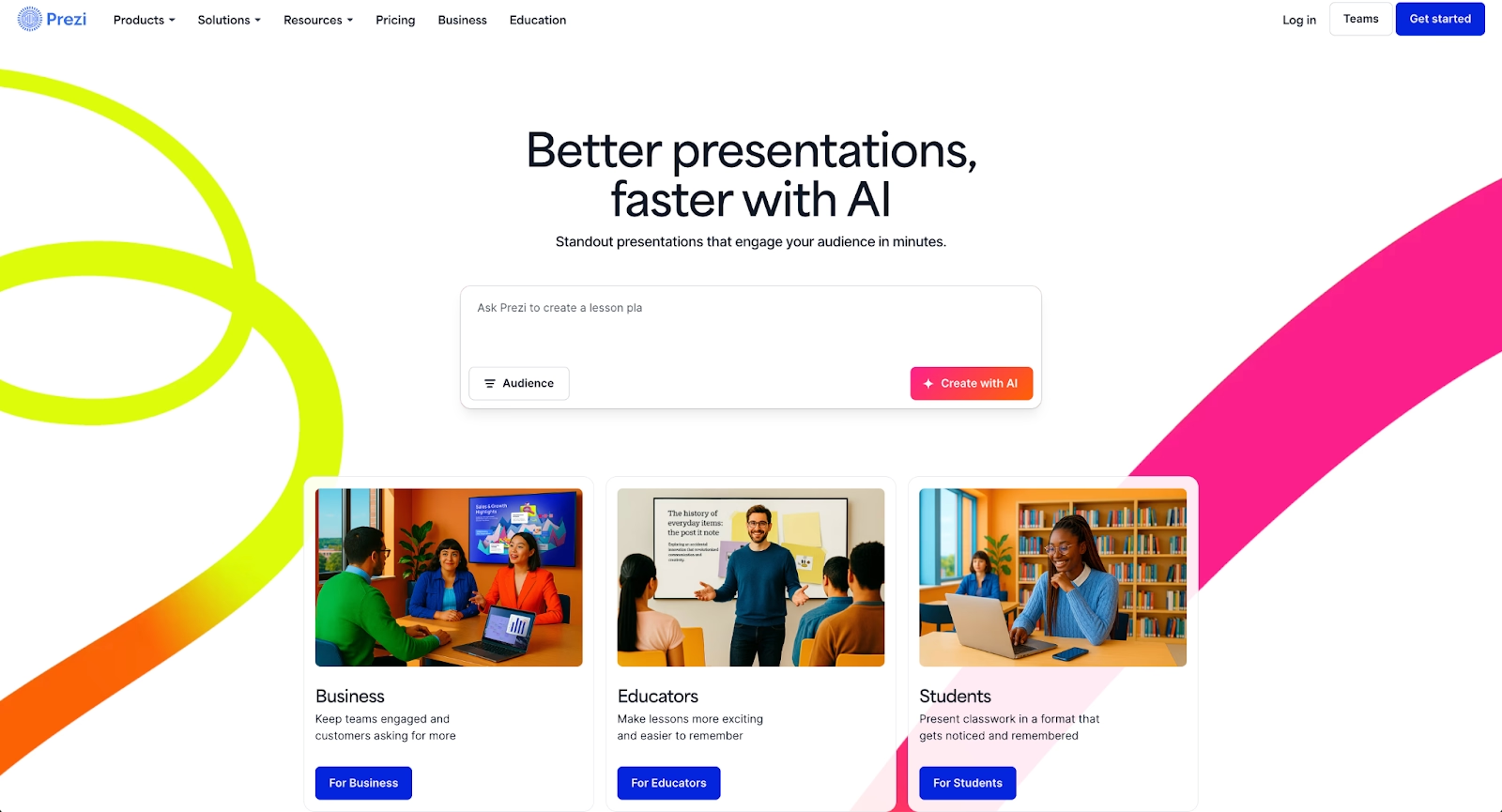
Prezi takes a non-linear approach to presentations, using zooming and spatial relationships instead of traditional slide-by-slide formats. This structure suits storytelling-focused presentations where audience engagement depends on visual flow.
The platform works well for educators, speakers, and marketers who want memorable presentations. It's less suited for data-heavy pitch decks or standardized business formats.
4. Visme
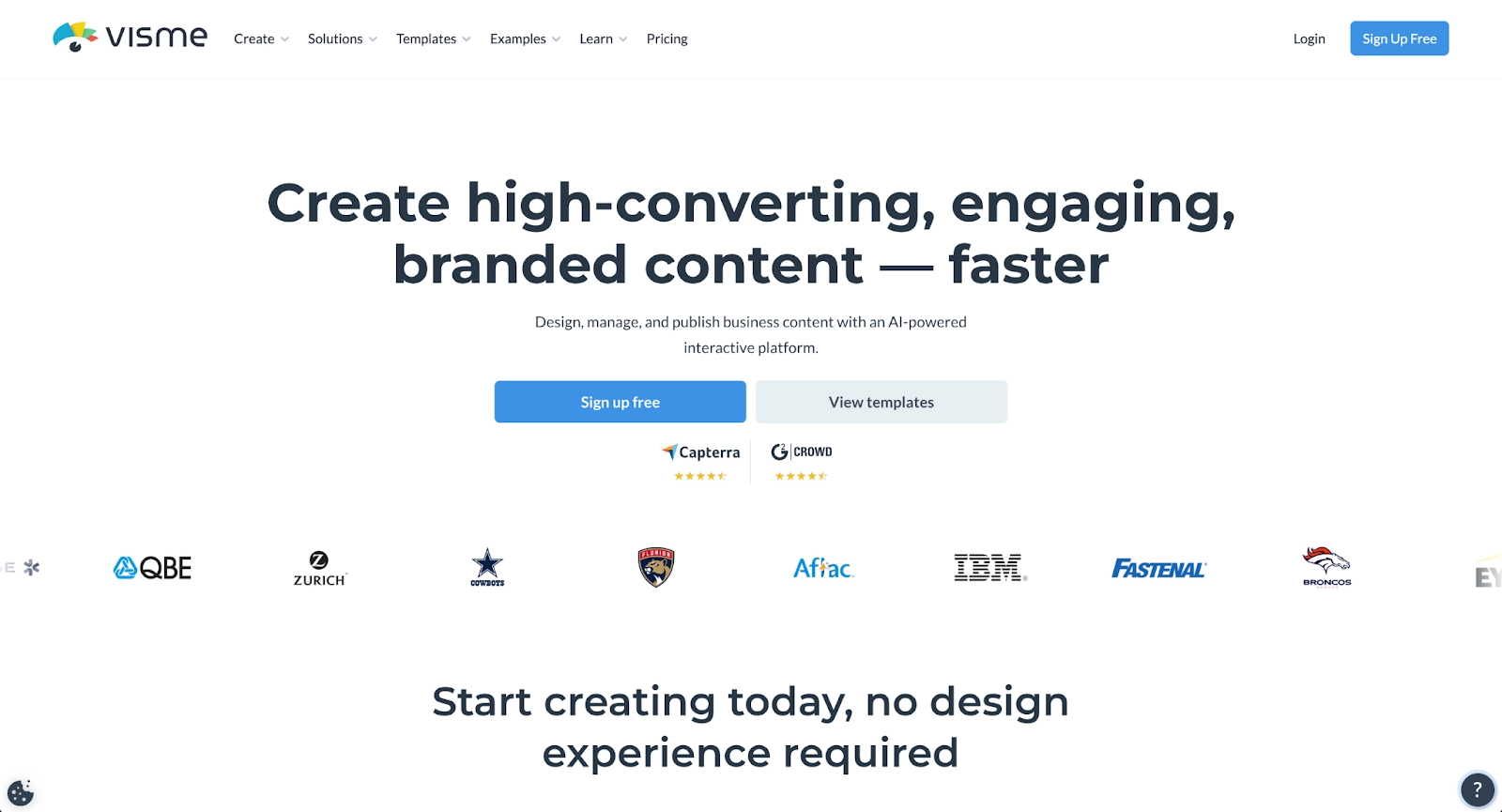
Visme positions itself as a content creation platform spanning presentations, infographics, and data visualization. The tool offers strong customization options for users who need precise control over visual elements.
Teams producing varied content types benefit from Visme's versatility. The learning curve runs steeper than simpler tools, but the depth of functionality rewards users who invest the time.
5. Google Slides
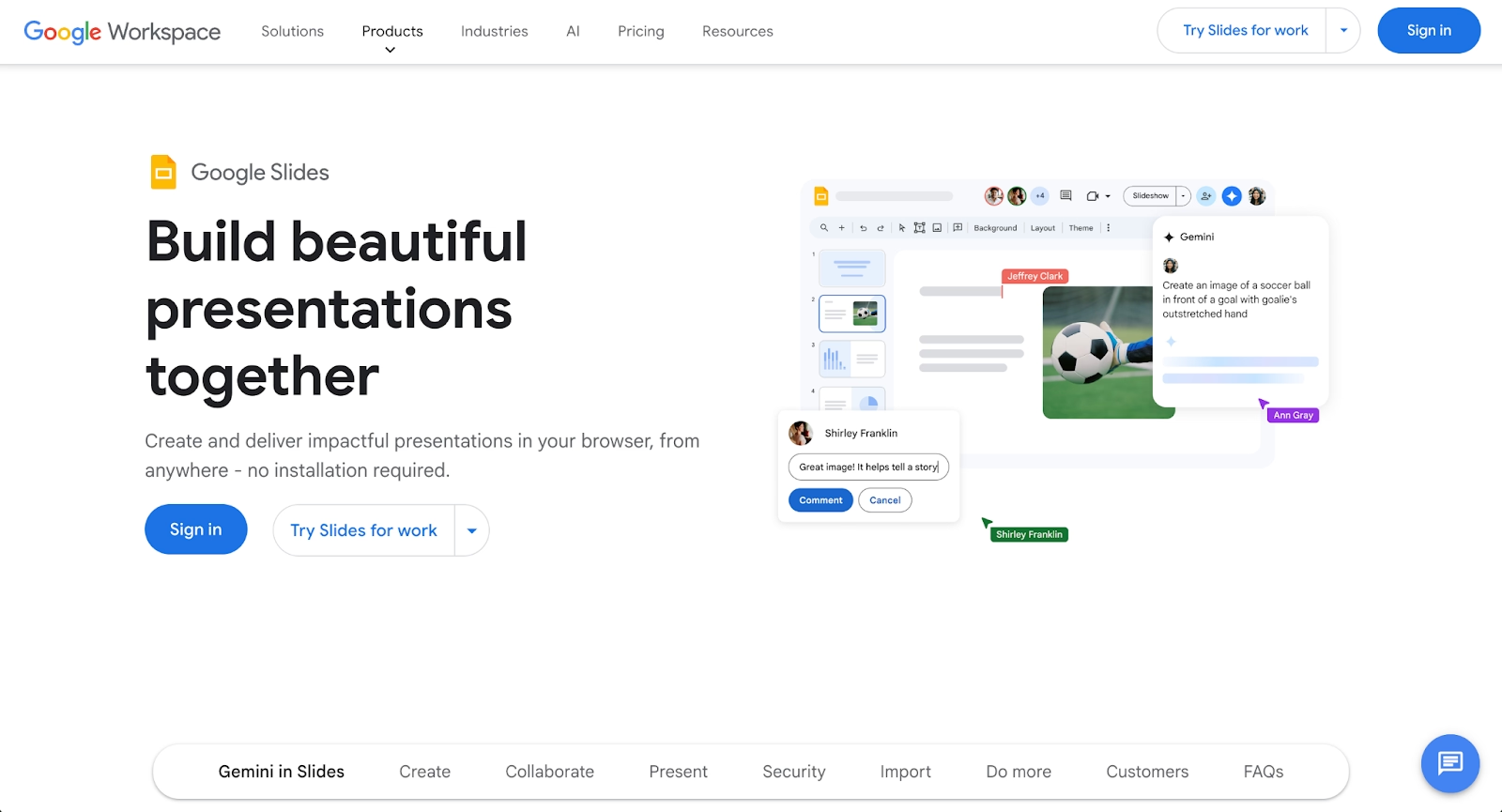
Google Slides delivers free, cloud-based presentation software with seamless Google Workspace integration. Real-time collaboration works flawlessly, and most teams can start using it immediately without training.
The platform lacks AI-driven design assistance and offers fewer templates than specialized tools. But for teams already embedded in Google's ecosystem, it remains a practical default.
6. Microsoft PowerPoint
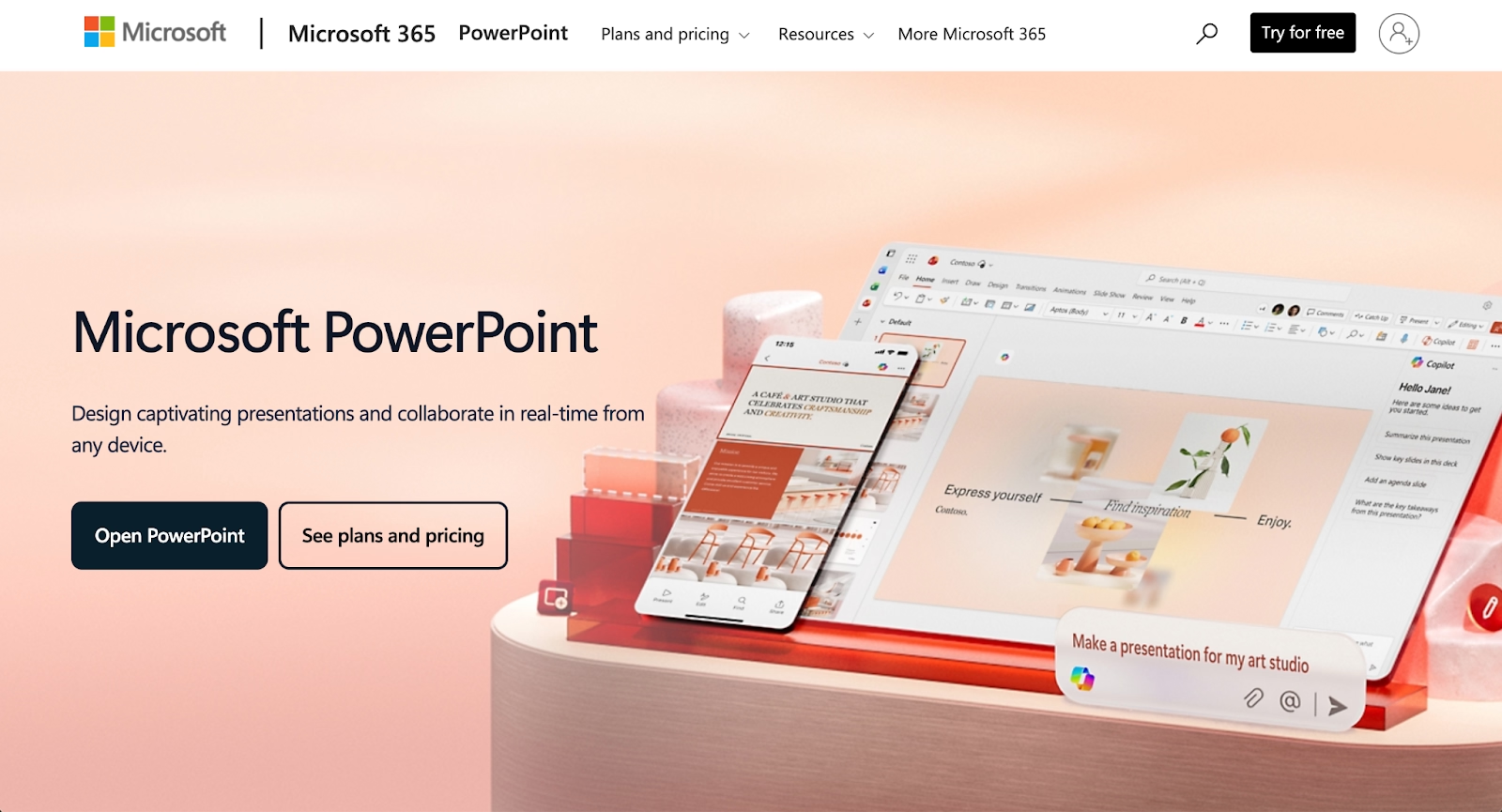
PowerPoint remains the industry standard for presentation software, supported across operating systems with extensive export formats, including pptx and ppt. Recent updates have added AI features and improved real-time collaboration.
The tool's depth comes with complexity. Users comfortable with PowerPoint's interface gain unmatched control over animations, transitions, and multimedia elements.
7. Keynote
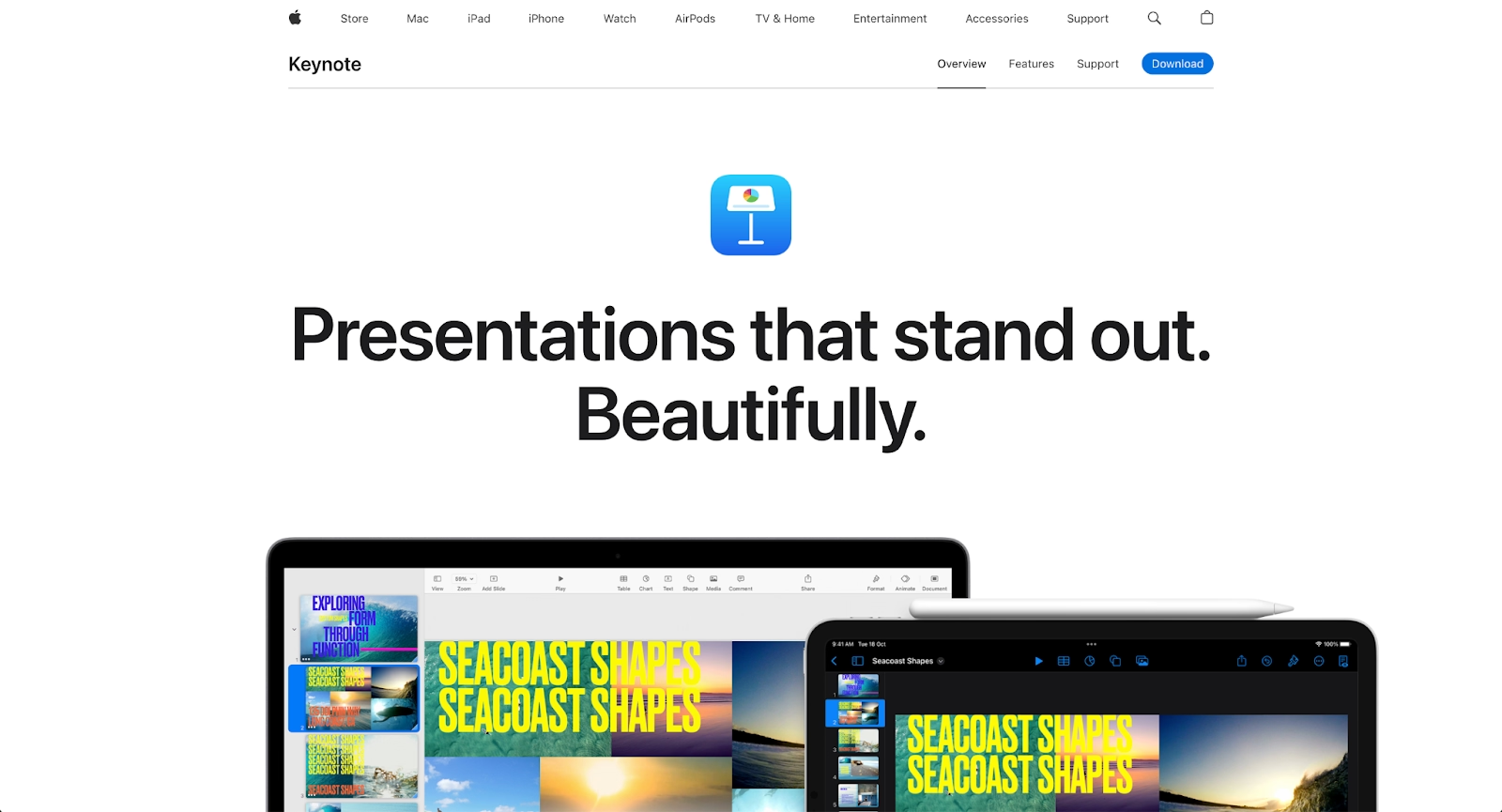
Apple's Keynote offers polished templates and smooth animations for Mac and iOS users. The platform excels at creating visually refined presentations with minimal effort.
Keynote's limitation is ecosystem lock-in. Teams working across operating systems or needing broad format compatibility may find collaboration cumbersome.
8. Pitch
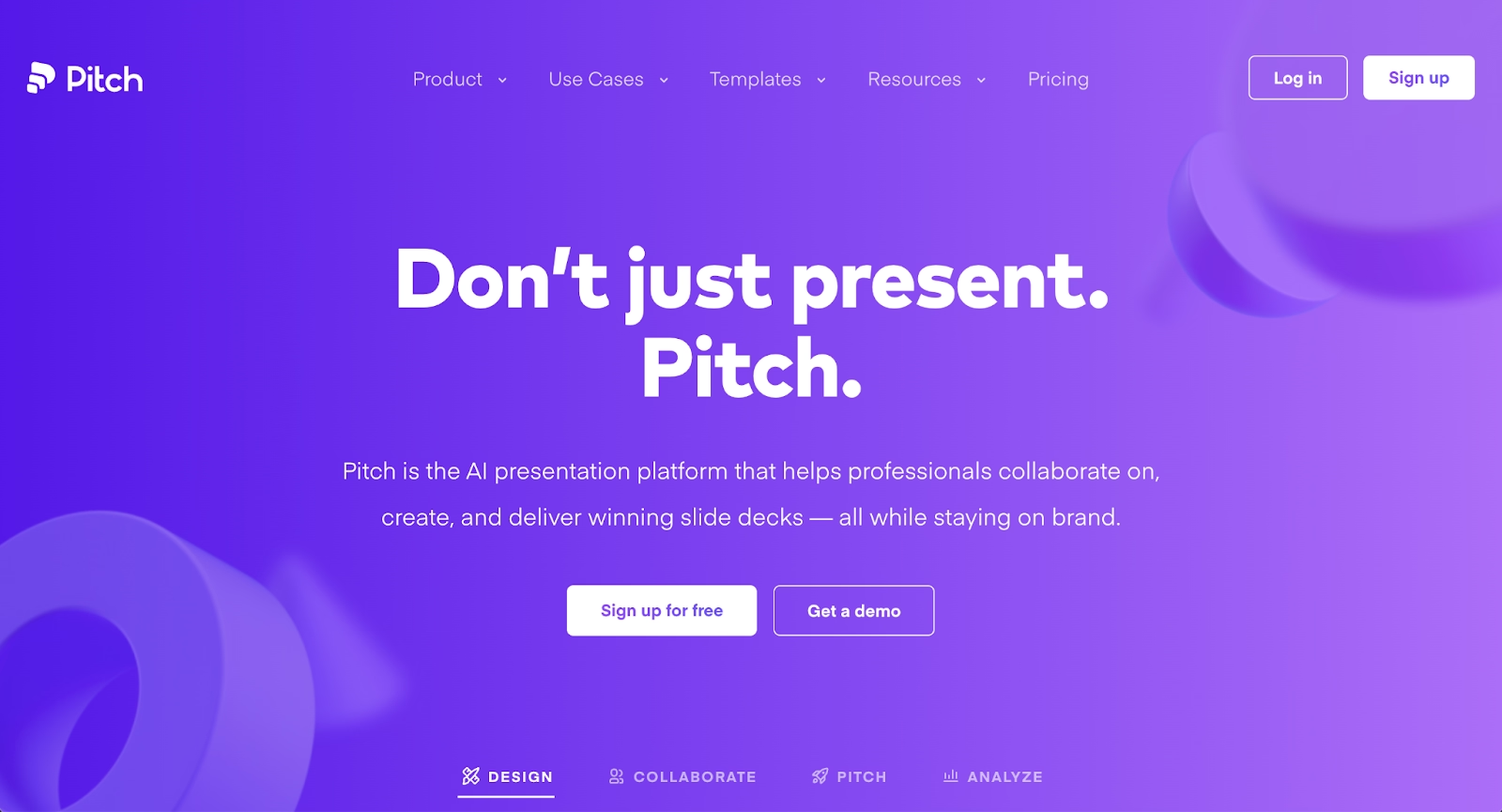
Pitch combines modern presentation design with strong collaboration tools built for teams. The platform supports brand management, template libraries, and workspace organization for growing companies.
Startup founders and creative teams appreciate Pitch's balance of design quality and collaborative features. The pricing tiers scale reasonably for small to mid-sized teams.
9. Gamma
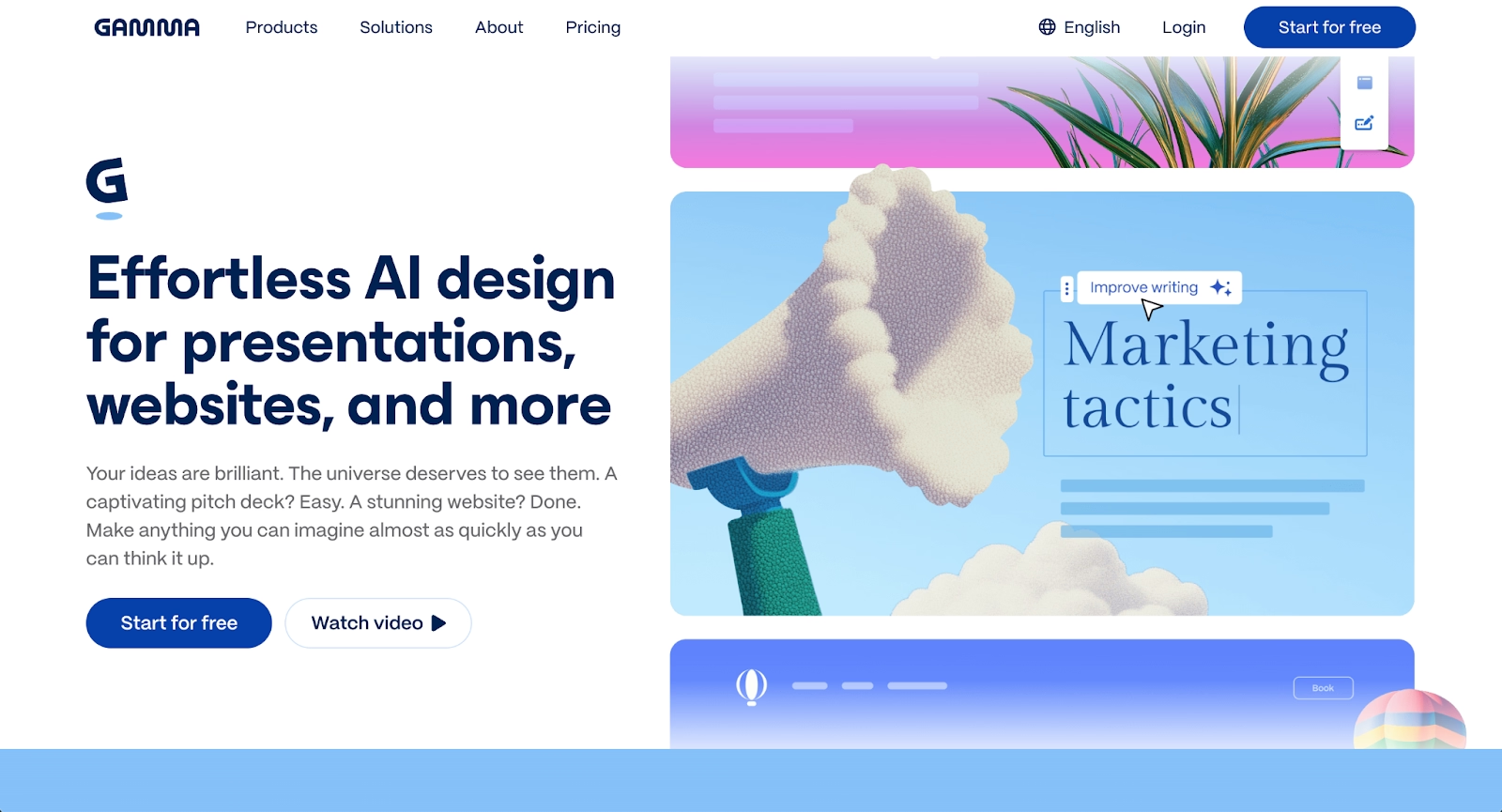
Gamma uses artificial intelligence to generate presentations from text prompts, producing complete slide decks from outlines or docs. The platform emphasizes speed from idea to finished presentation.
For users who prioritize rapid content creation over precise design control, Gamma offers a compelling workflow. The AI handles layout decisions automatically, similar to Beautiful.ai but with a different interface approach.
Key comparison criteria
These criteria help clarify which alternative fits your specific presentation needs. Evaluating presentation software requires looking beyond surface features to understand how tools perform across the workflows that matter most to your team. The factors below represent the key decision points teams consider when choosing between Slidebean and its competitors. Some priorities will matter more than others depending on your use case, team size, and existing tech stack. Use these comparisons to identify where each platform excels and where tradeoffs exist.
AI features
AI capabilities range from basic layout suggestions to full content generation. Beautiful.ai and Gamma lead in automation depth. Slidebean's AI focuses specifically on pitch deck optimization, while tools like Google Slides and PowerPoint offer lighter AI assistance.
Ease of use
Decktopus and Google Slides offer the shortest path from signup to finished presentation. Beautiful.ai and Gamma automate design decisions, reducing complexity. PowerPoint and Visme provide depth at the cost of steeper learning curves.
Design quality and templates
Beautiful.ai and Pitch deliver consistently polished output through design rules and curated templates. Decktopus offers AI-automated polish. Slidebean's templates focus on pitch decks specifically, limiting versatility. High-quality design tools help maintain brand consistency across slide decks and business presentations.
Collaboration
Platforms like Beautiful.ai, Google Slides, Pitch, and Zoho Show excel in collaboration due to their seamless integration, essential for modern teams. Beautiful.ai supports team workflows with commenting and sharing. PowerPoint has improved its collaborative features, but still lags behind cloud-native tools.
Export and integrations
PowerPoint dominates format compatibility with native pptx support. Google Slides integrates tightly with Workspace apps. Beautiful.ai and others offer pdf and various export formats, though compatibility varies.
Pricing
Google Slides and Canva offer robust free versions. Slidebean's free tier restricts exports. Beautiful.ai, Pitch, and Visme follow subscription models with pricing that scales by team size and feature access.
Quick comparison snapshots
These head-to-head summaries highlight the key differences for common comparison searches.
Beautiful.ai vs Slidebean
Beautiful.ai takes an automation-first approach to all business presentations, applying design rules across use cases. Slidebean optimizes specifically for startup pitch decks and fundraising workflows. Teams needing versatility beyond investor presentations will find Beautiful.ai more adaptable. Startup founders preparing a single fundraising deck may prefer Slidebean's focused templates.
Decktopus vs Slidebean
Decktopus and Slidebean both use AI to automate presentation creation for startup and business audiences. Decktopus emphasizes broader business presentation needs with features like custom sharing domains and voice narration. Slidebean maintains tighter focus on pitch deck optimization and fundraising workflows. Choose Decktopus for versatile AI-powered deck creation across business contexts. Choose Slidebean when fundraising-specific templates and consulting services add strategic value.
Google Slides vs Slidebean
Google Slides wins on accessibility, pricing, and real-time collaboration within Google Workspace. Slidebean offers stronger pitch deck templates and AI-assisted layouts. Teams already using Google's ecosystem can start with Slides immediately. Those prioritizing polished fundraising materials may find Slidebean's specialization valuable.
Conclusion
The right Slidebean alternative depends on what you're building and how your team works. Beautiful.ai suits teams wanting consistent, on-brand presentations with minimal design effort. Canva and Visme serve users who need creative control and content variety. Google Slides and PowerPoint remain practical choices for teams prioritizing compatibility and collaboration.
Match your priorities to the platform's strengths. Speed and automation point toward AI-driven tools. Design control suggests Canva or Visme. Seamless team collaboration favors Google Slides or Pitch. Budget constraints make free versions worth serious consideration.
The best presentation tool is the one that fits your workflow without friction.
Why customers are switching to Beautiful.ai
Beautiful.ai is an AI-powered presentation platform that helps teams create polished, on-brand slides in a fraction of the time, without design skills or manual formatting.
- Design automation built in. Whether you're building pitch decks, reports, or internal presentations, Beautiful.ai’s Smart Slides automatically format content so you never worry about spacing, alignment, or layout again. Add your content, and the design adjusts instantly.
- ️No design experience required. Create professional decks without touching text boxes or manually arranging elements. Choose from Smart Templates and let the AI handle layout decisions, visual hierarchy, and consistency across the entire deck.
- Branding? Already handled. Keep every slide on-brand with your fonts, colors, and logos applied automatically. Beautiful.ai ensures every team member creates presentations that look like they came from a dedicated design team—without extra work.
- Real-time collaboration & team controls. Collaborate directly on the same deck, leave comments, manage permissions, and maintain consistency across team presentations. Perfect for growing teams and cross-functional workflows.
- Faster workflows, fewer revisions. Jump from rough outline to polished presentation in minutes, not hours. Beautiful.ai reduces back-and-forth edits by enforcing on-brand design rules and helping you iterate faster with AI-assisted slide creation.
